Check vehicle tax and fines
The tax debt (patente) and the traffic fines of a vehicle from any of the 19 departments are checked on the SUCIVE website, with the plate and the padrón number.
Reviewed on 23 October 2026
What you need
- The plate (matrícula), for example NBB9876.
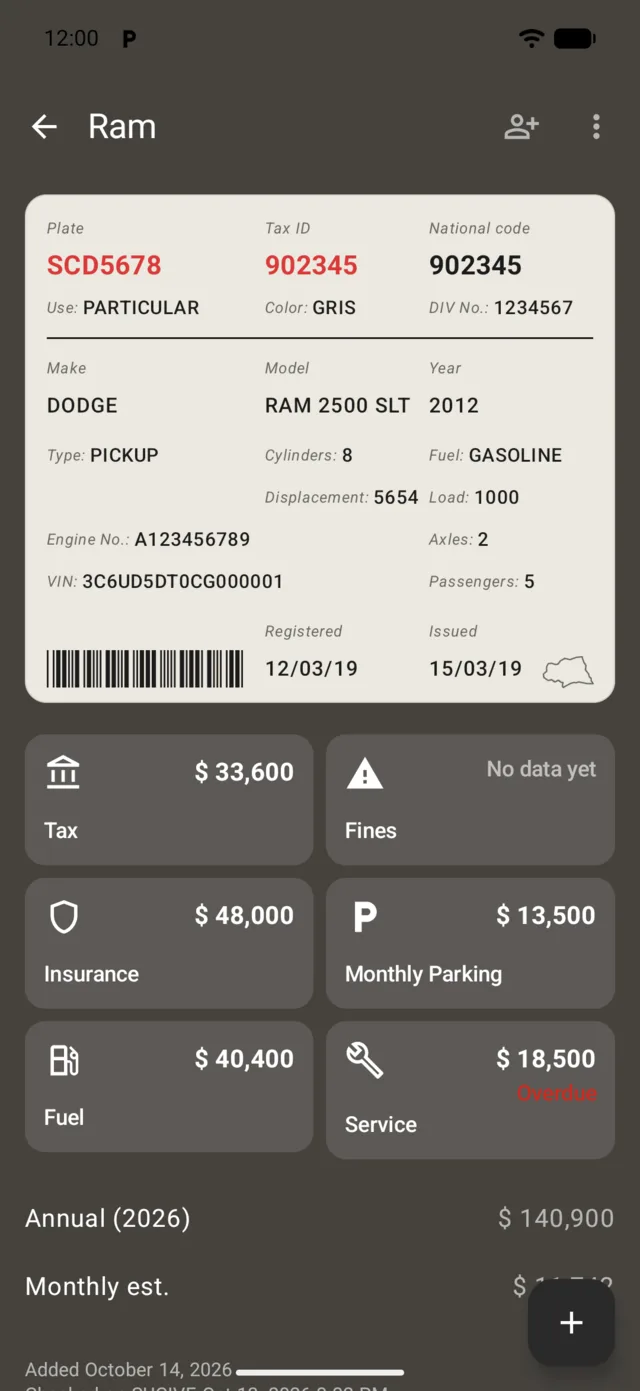
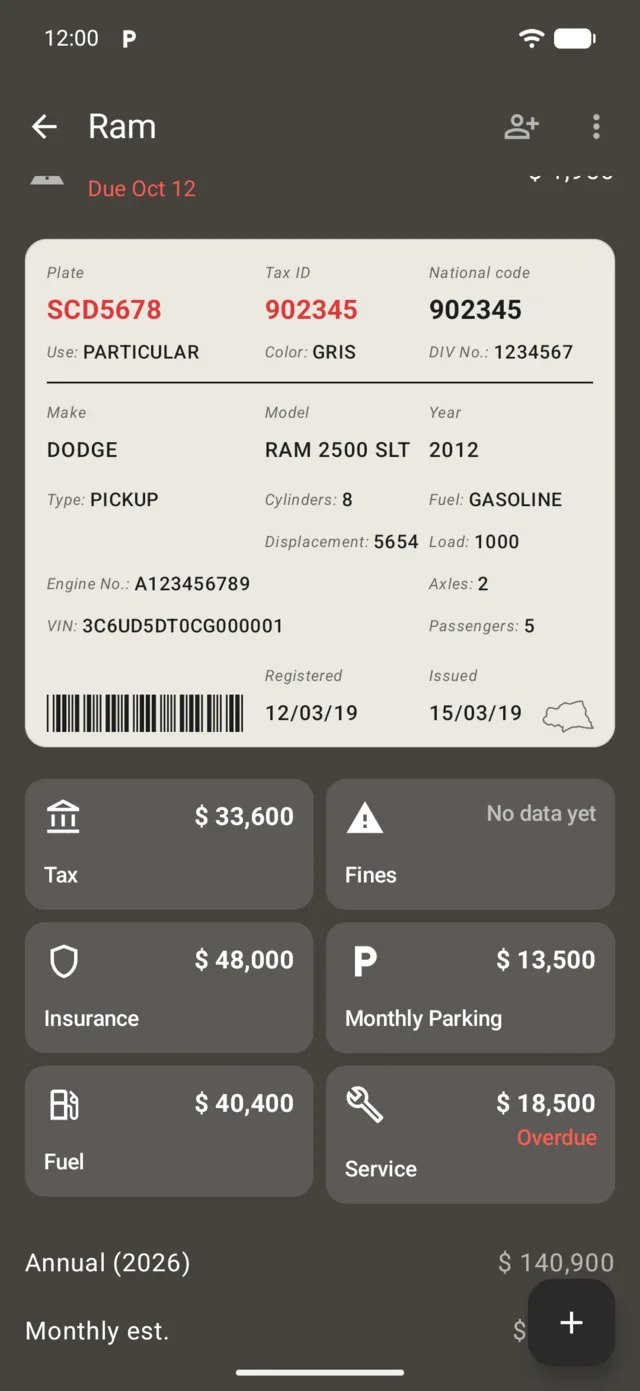
- The padrón number, for example 120987. It’s on the registration card or on a tax bill.
- The department where the vehicle is registered.
The tax debt
- Go to Consultar deuda, on the SUCIVE website.
- Under Origen del vehículo, choose Nacional, or Extranjero if the vehicle is from another country.
- Enter the plate and the padrón, and choose the Gobierno Departamental.
- Complete the verification the page asks for and tap Consulta.
Traffic fines
- Go to Consultar infracción de tránsito.
- Choose the vehicle’s origin and enter the plate, the padrón and the department.
- Complete the verification and tap Consulta.
The yearly tax
On Consultar valor de patente you see what the tax is worth, with the plate, the padrón and the department, and the same verification.
Paying
On Pagar patente, convenio, infracciones y otros, with payment methods issued in Uruguay or abroad.
Email notices
SUCIVE sends email notices of traffic fines, payment due dates and other communications. You subscribe with the plate, the padrón, the department and your email. Fine notices arrive after the offence, not at the moment.
If you sell or buy
For a sale, the SUCIVE certificate shows the vehicle’s situation: the tax, pending fines, unpaid tolls and the SOA insurance. How to request it and what it’s worth, in vehicle transfer.
Official sources
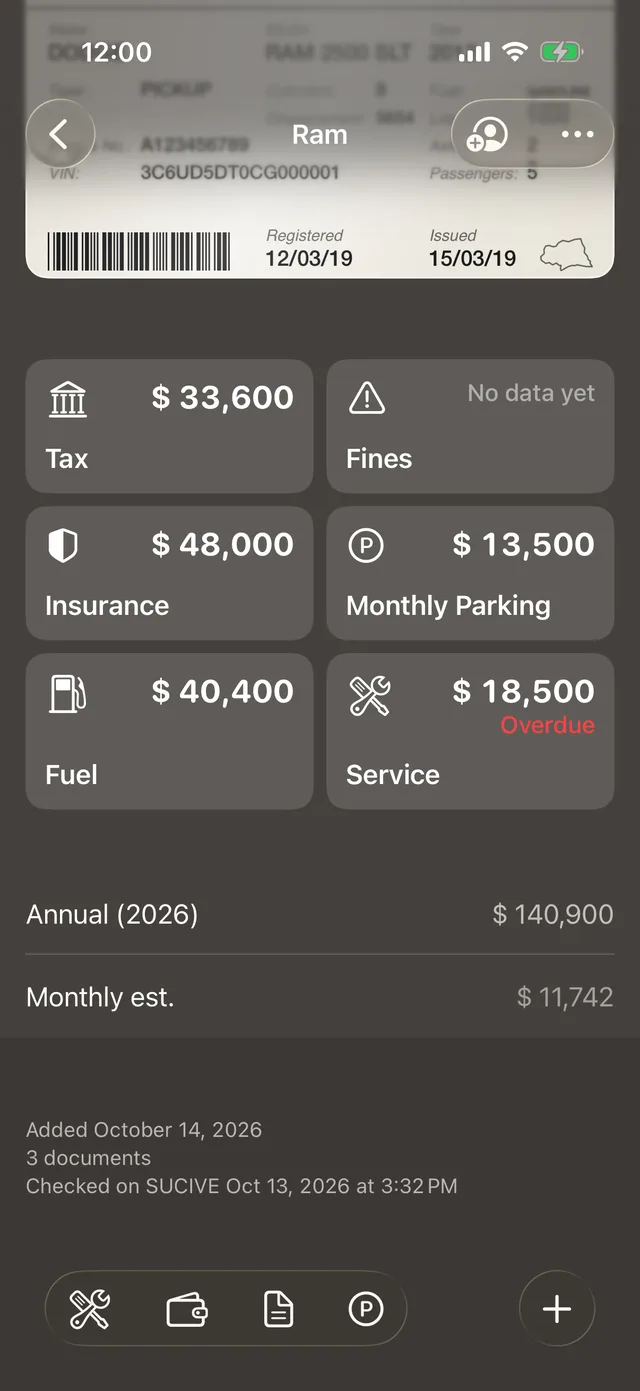
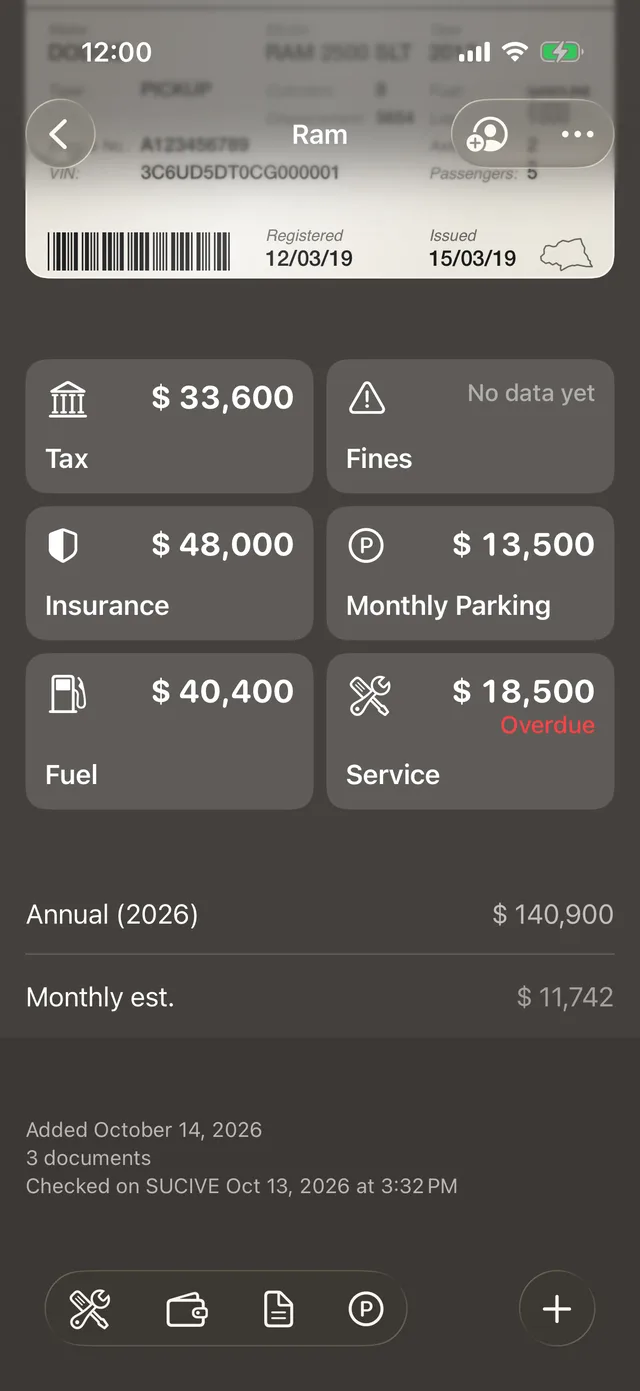
The app checks SUCIVE by itself every week
With each vehicle’s plate and padrón, GarageApp checks SUCIVE on its own every week, on every plan, and tells you when a new fine shows up. The tax installments go to Payments, each with its due date.
Free for up to 2 vehicles.