
GarageApp on the web, with the same data as on your phone.
At app.garageapp.dev you see and add the same things as in the app: vehicles, payments, documents, service and street parking. What you change on one device shows up on the others.
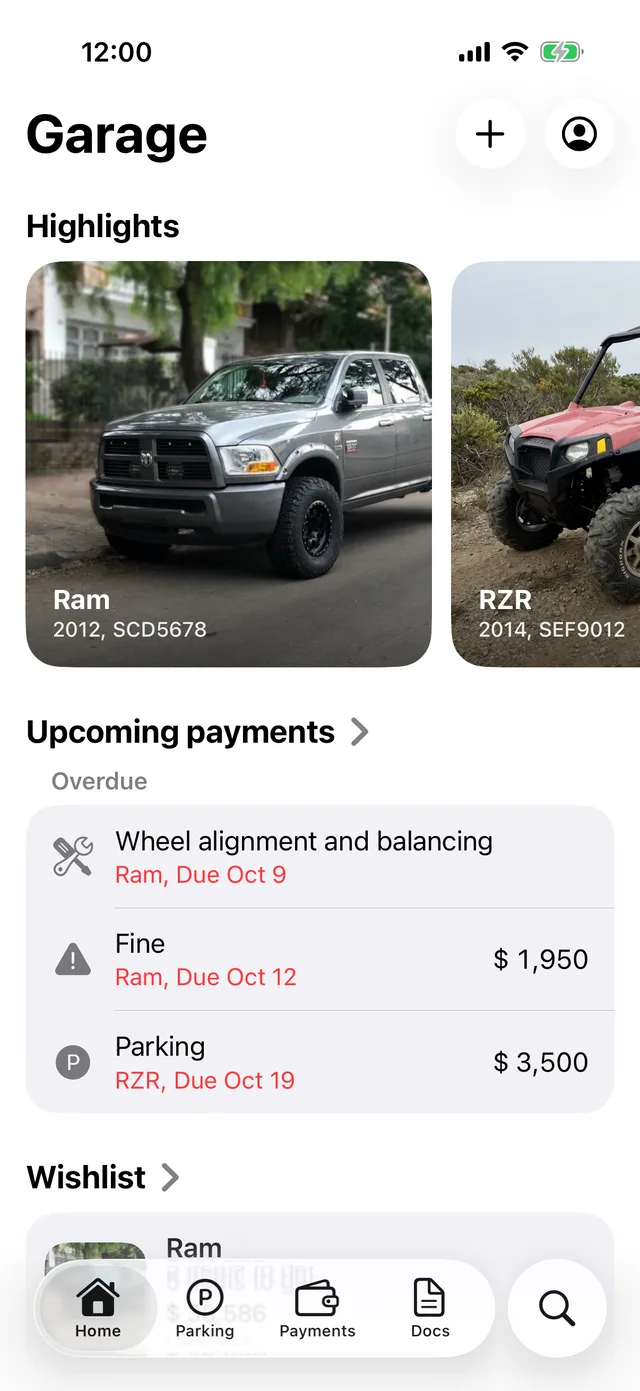
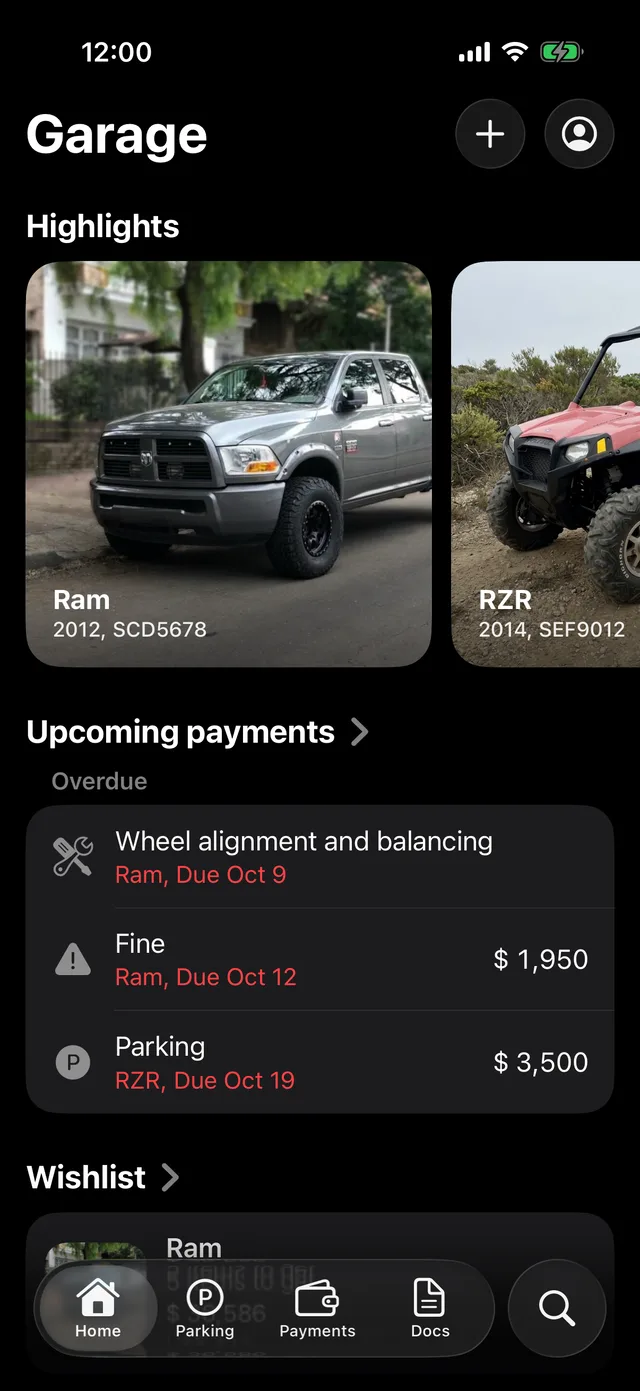
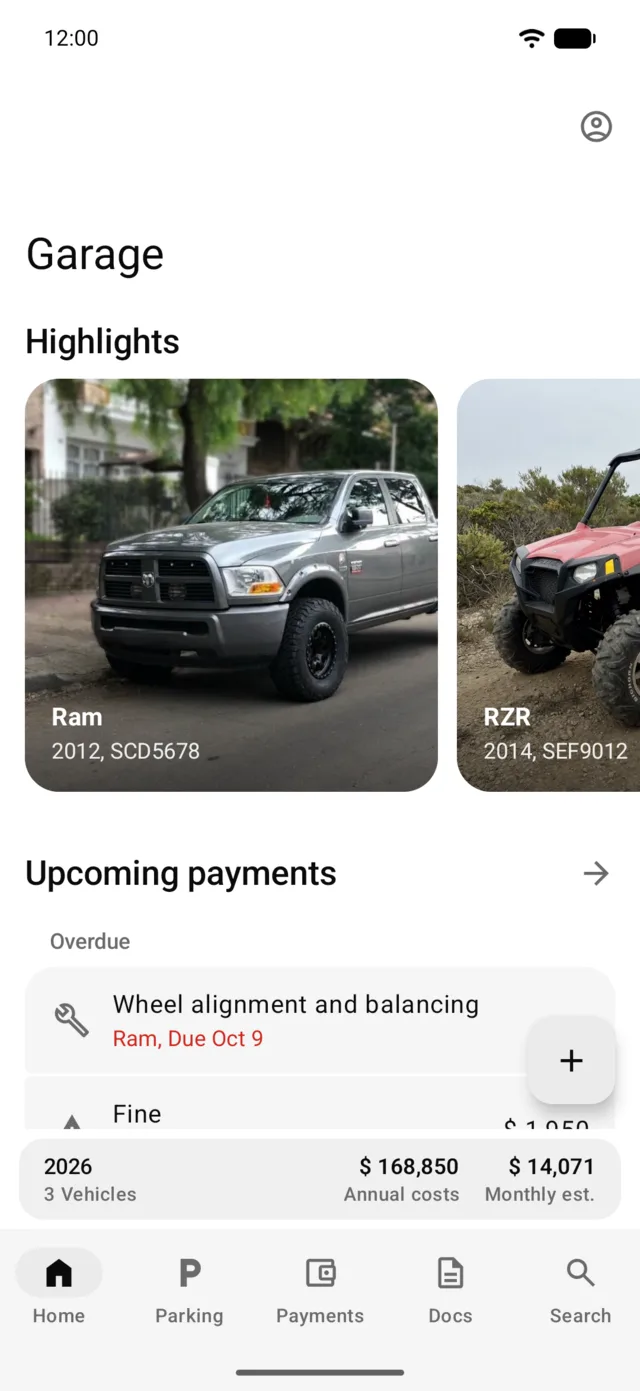
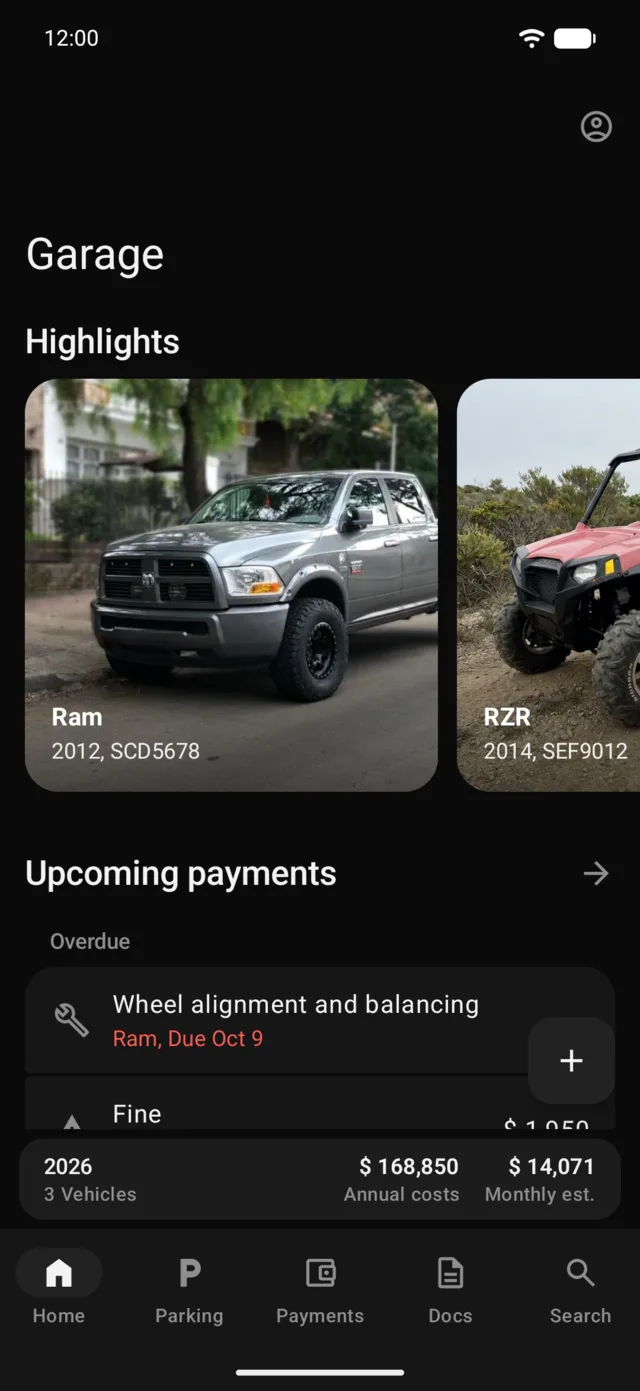
iPhone appAndroid app
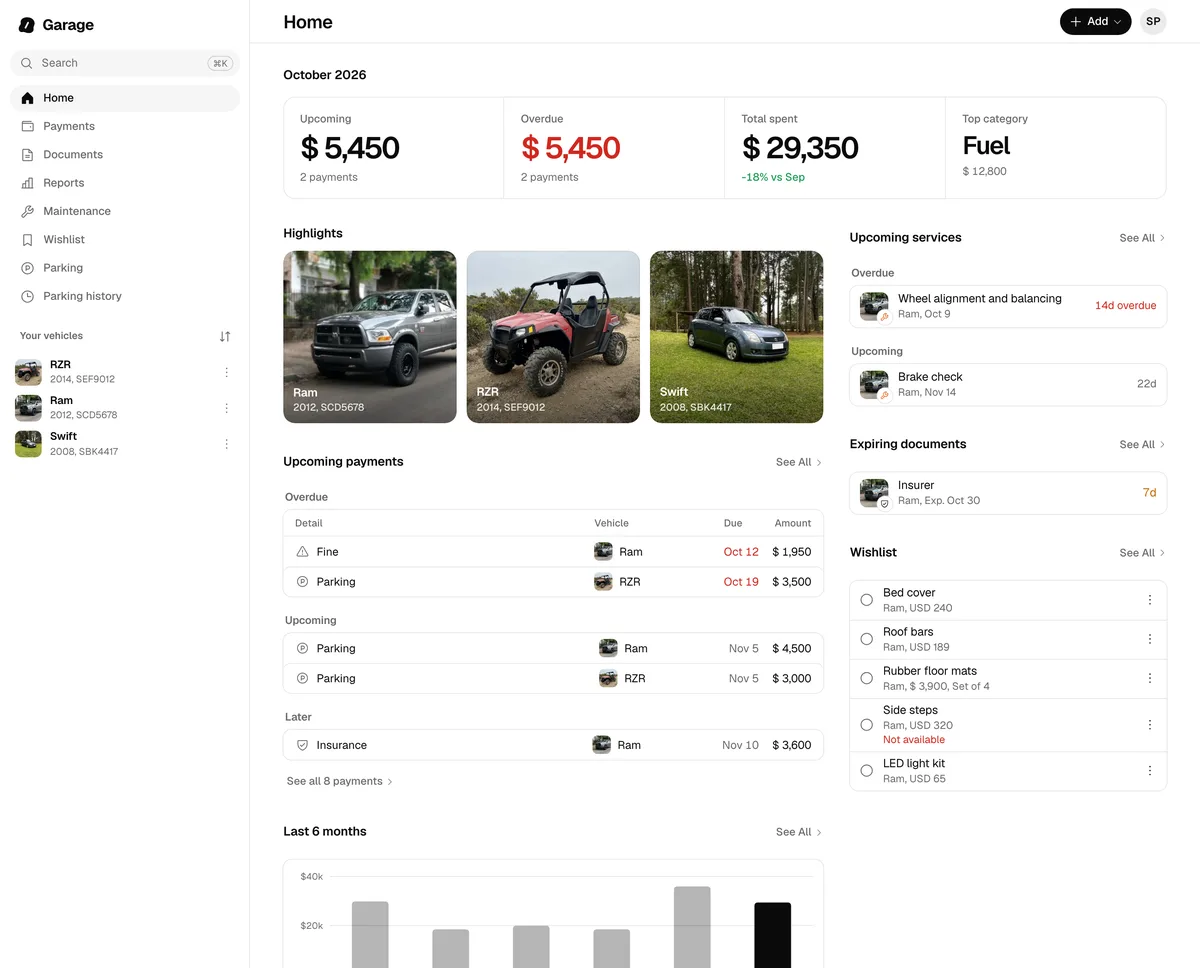
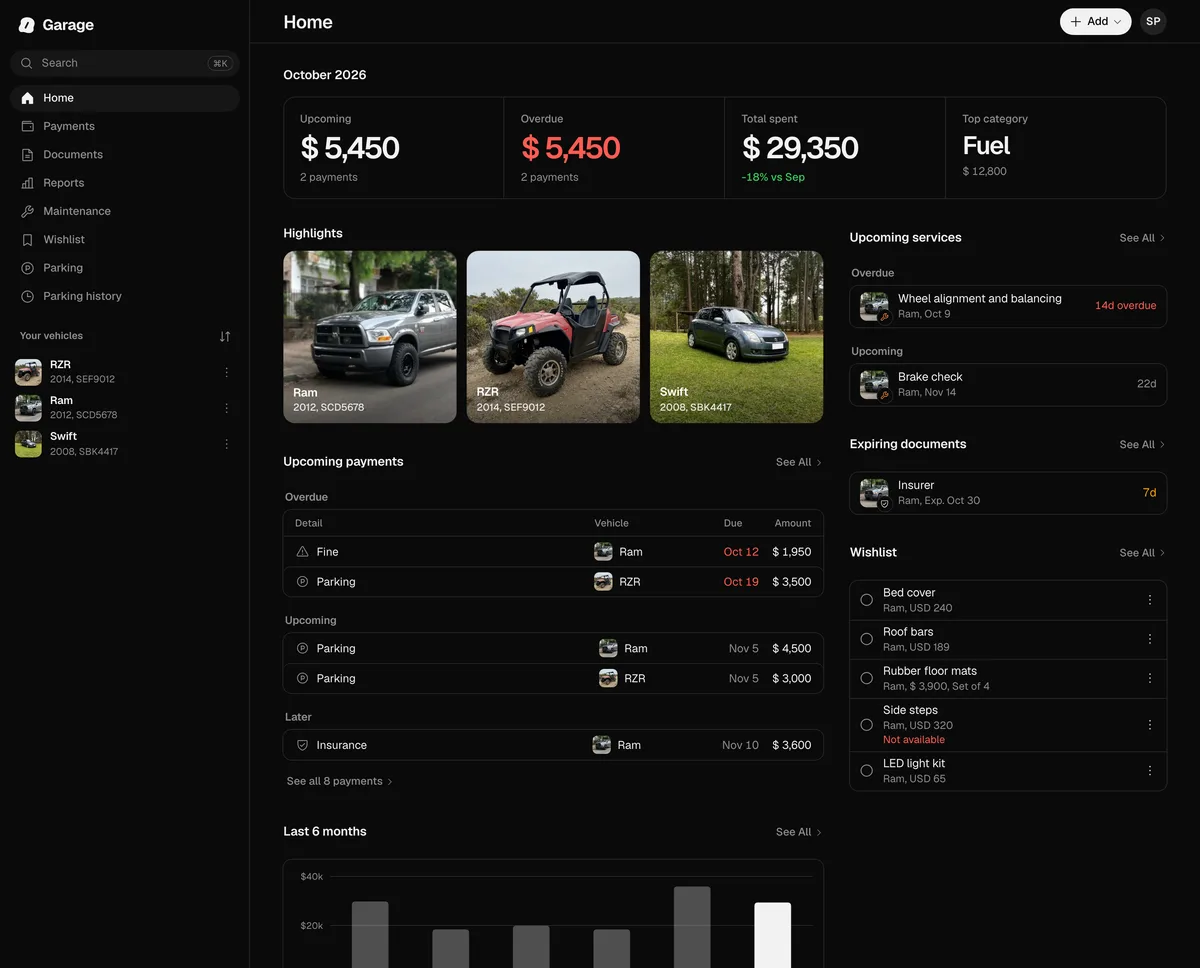
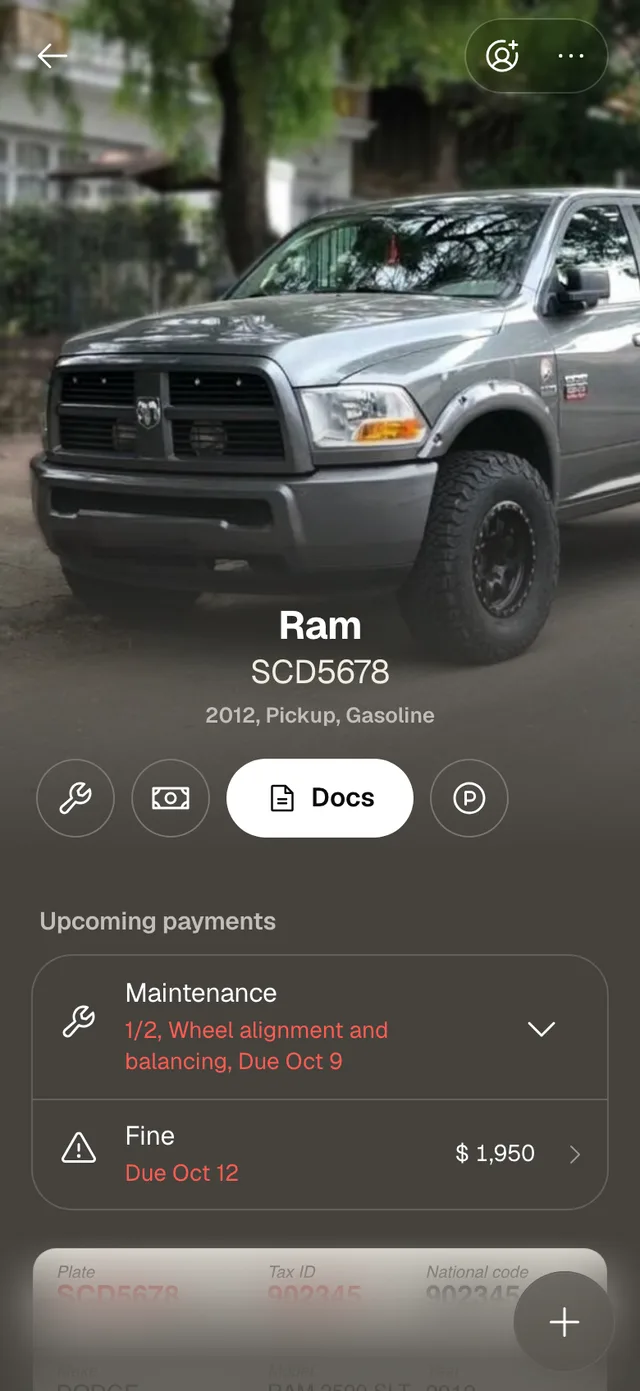
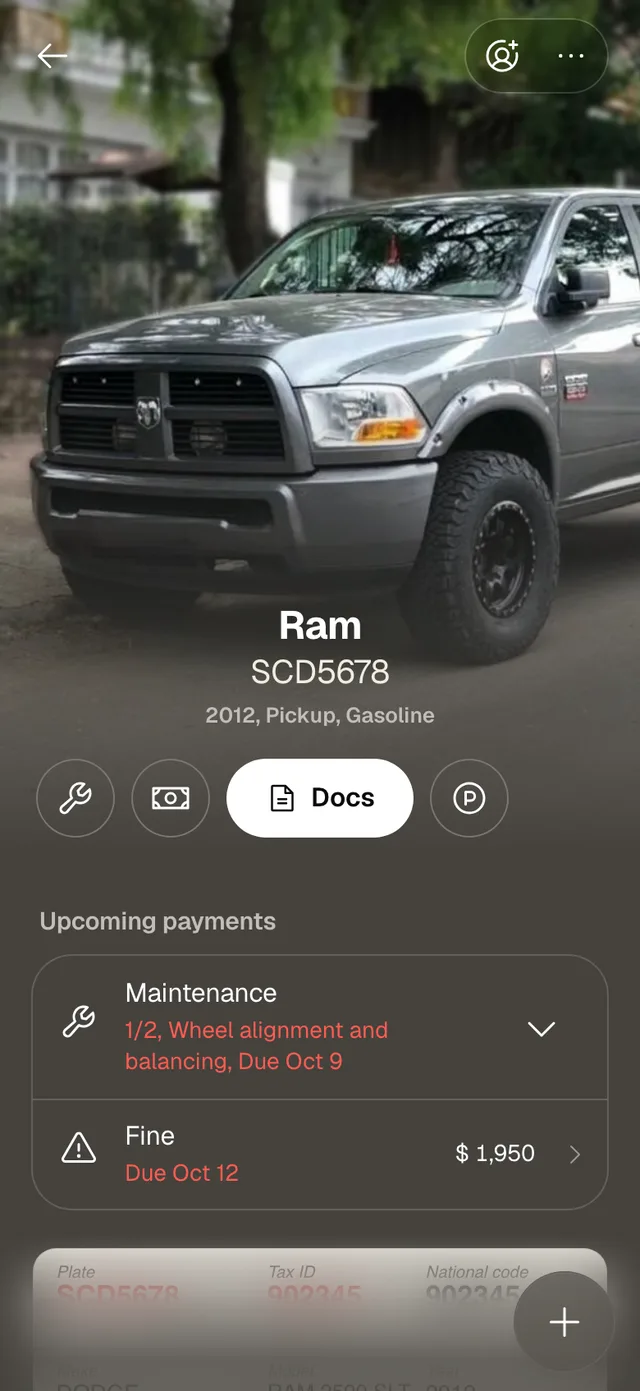
Web
It works offline, and syncs when you’re back online.
The app and the web keep a copy of your data on the device. Without signal you see everything and keep adding payments or fuel; the changes wait and go out on their own, in order, when the connection is back.
What’s parked, right away on all your devices.
Park from your phone and the web shows the time left; extend or end it from the web and your phone updates. What the people you share a vehicle with add arrives on its own too.
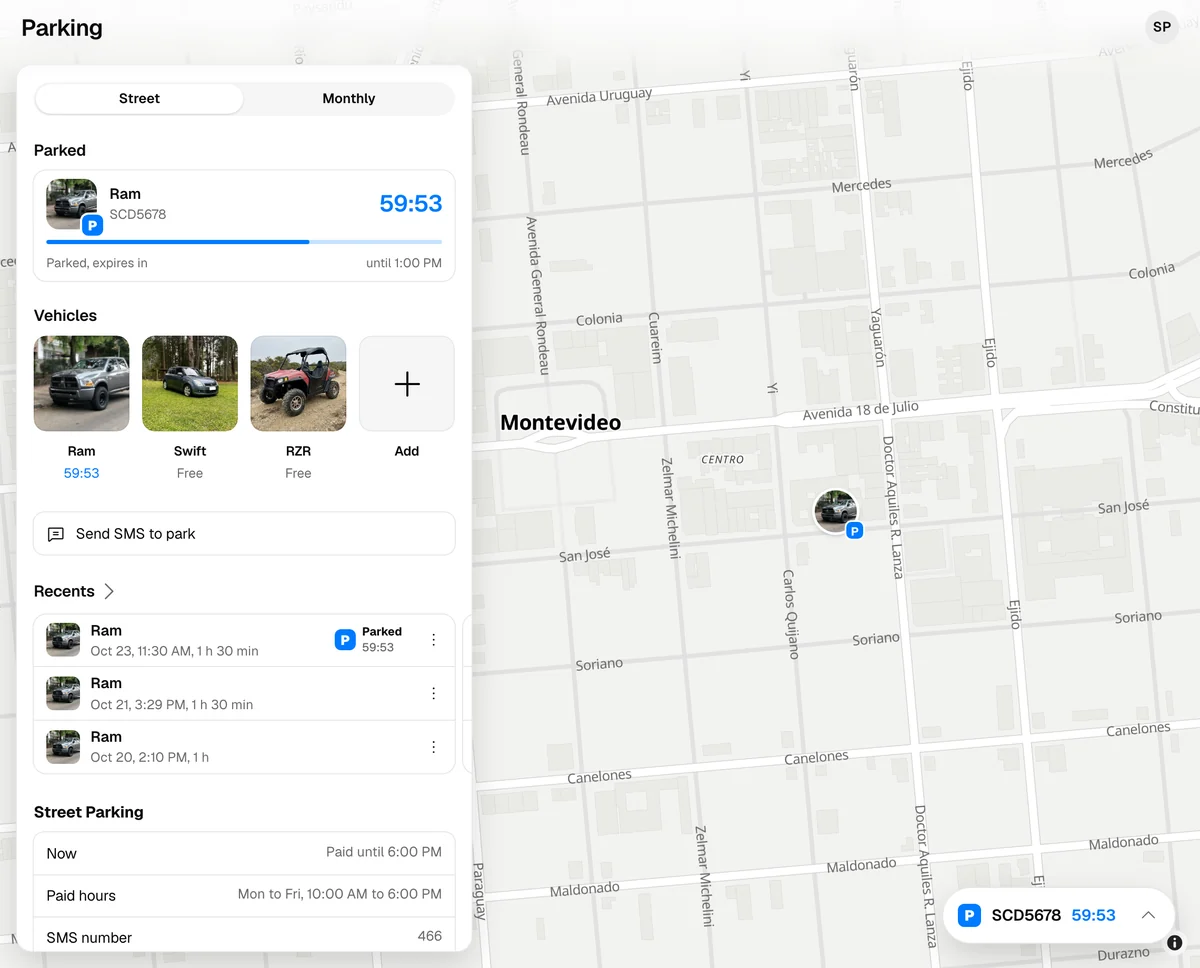
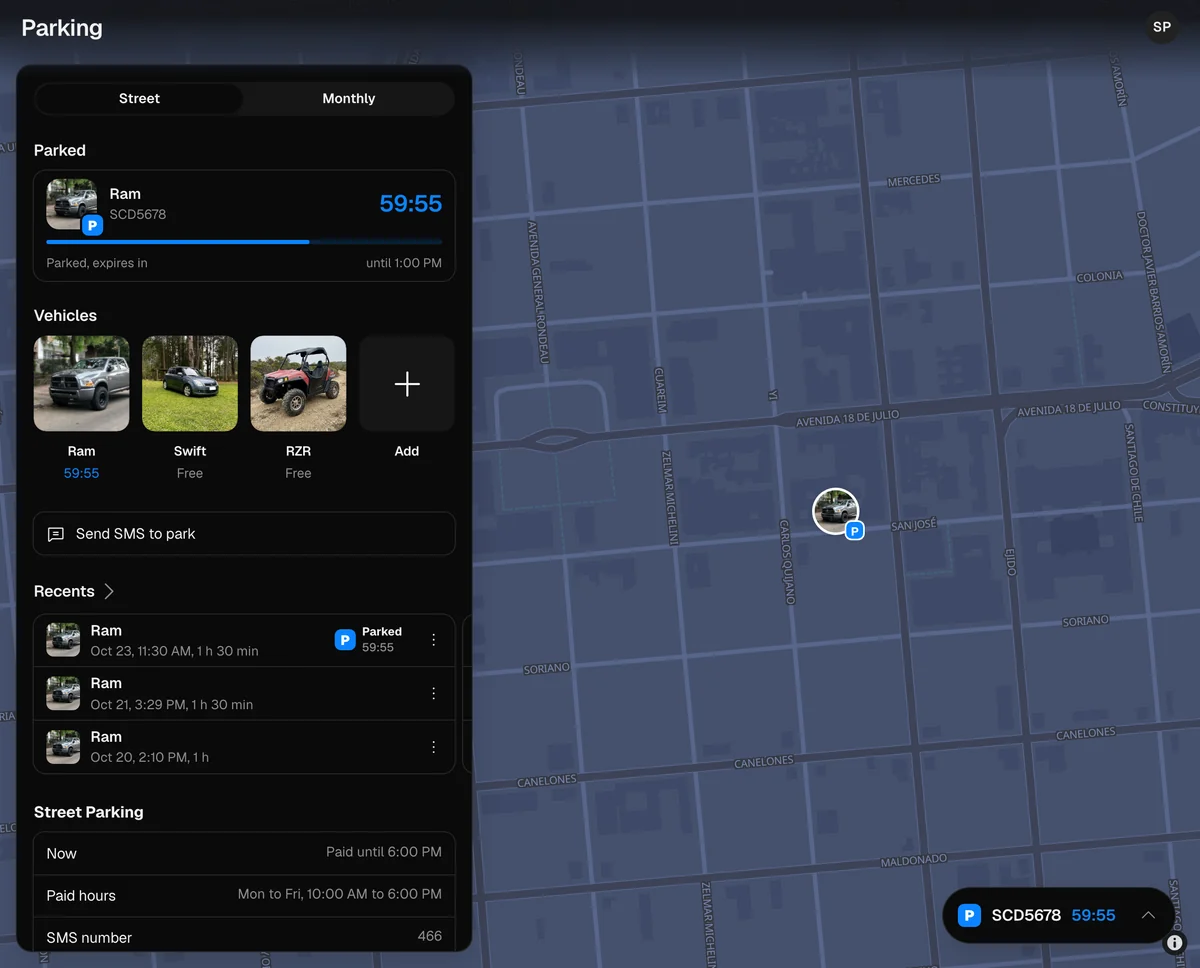
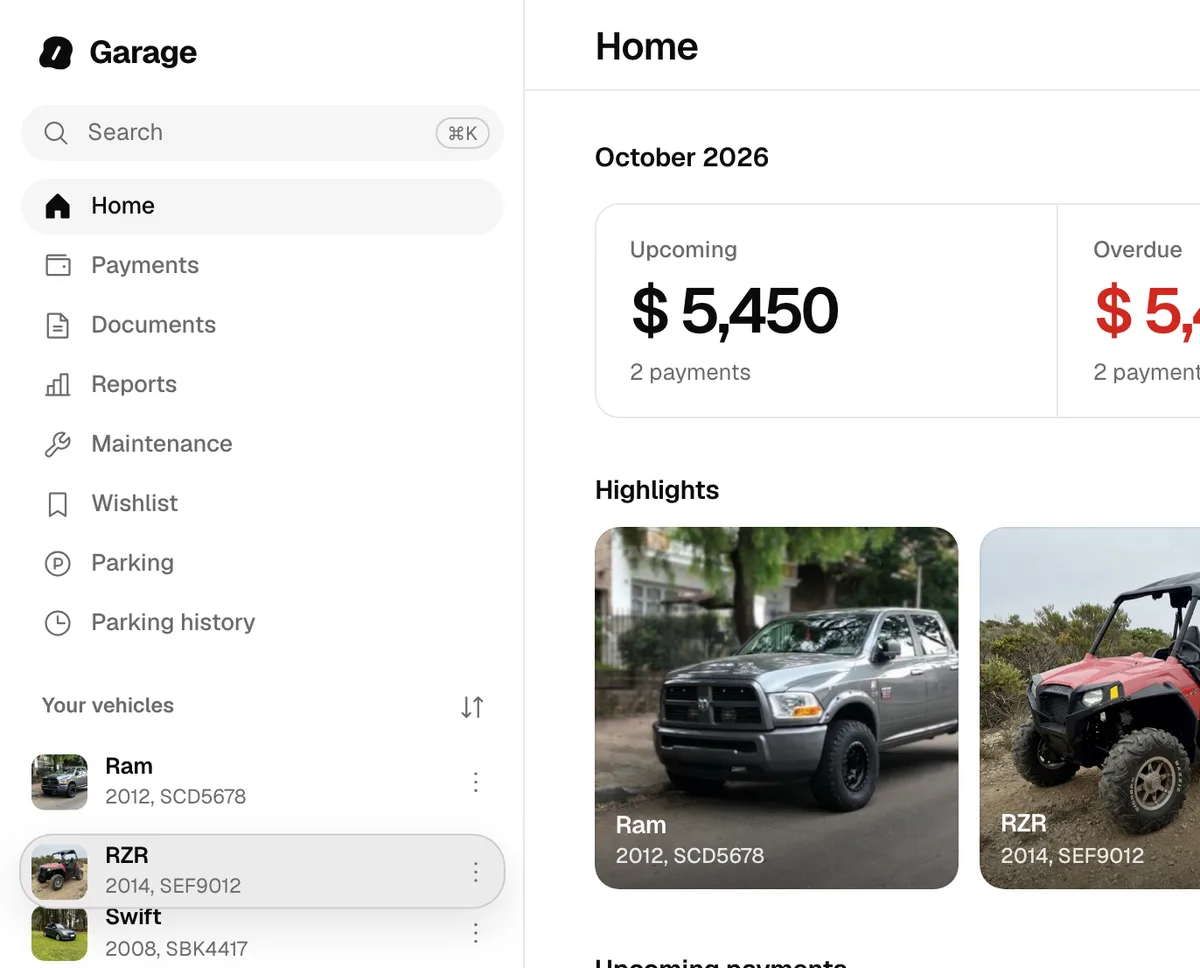
Your favorites, your vehicles’ order and your alerts go with your account.
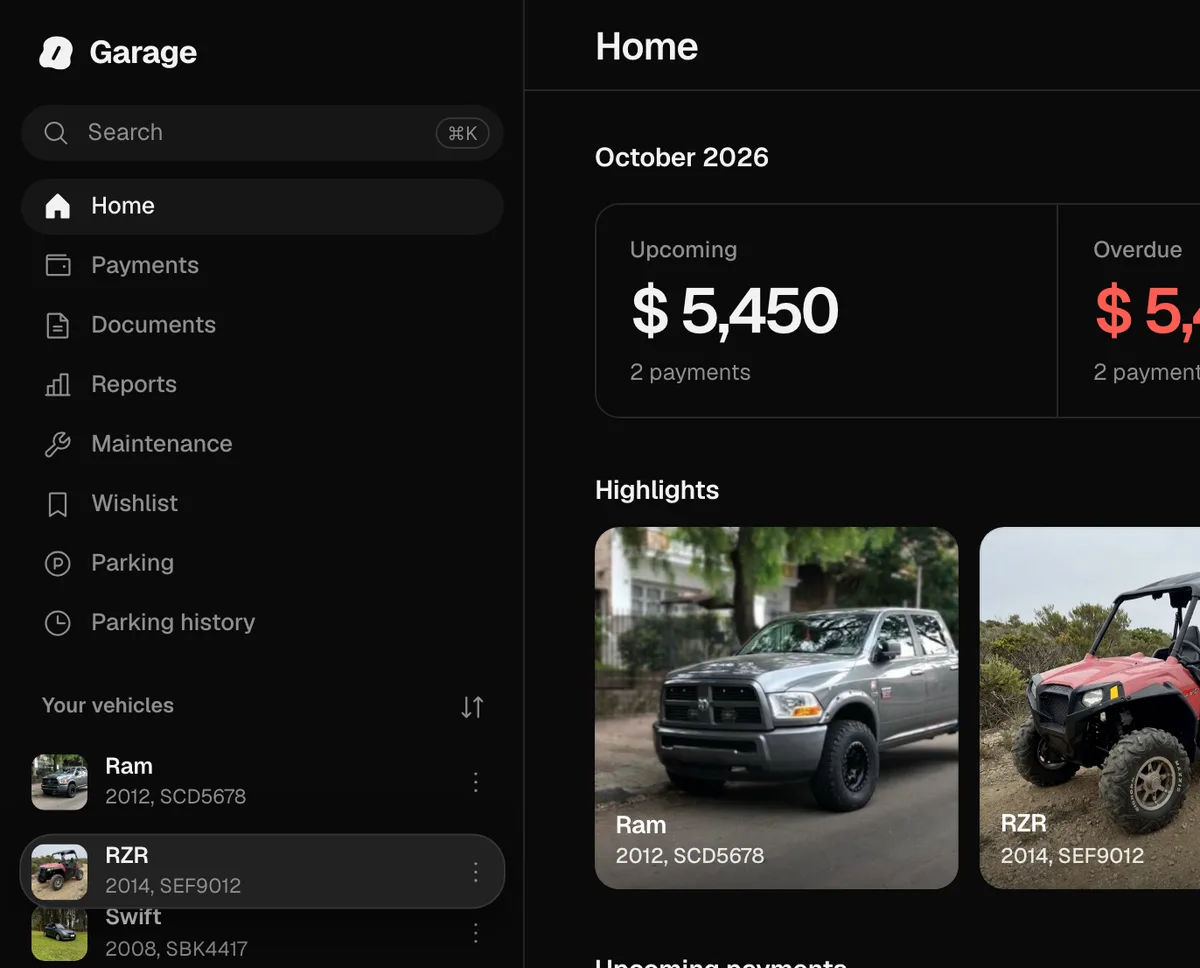
Favorites, your vehicles’ order and your notification preferences are saved to your account and are the same on your phone and on the web. You choose the order on a computer, in the web’s sidebar, and every list in every app follows it. Receiving notifications is turned on or off on each device.
In the browser, the same as in the app.
You scan the registration, the policy or the driver’s license with the camera or from a photo, and they’re read in the browser. From your phone you park with the SMS, stores open in another tab, you search with Cmd+K and lock it with Touch ID, Windows Hello or a code. Added to your home screen, it opens in its own window.
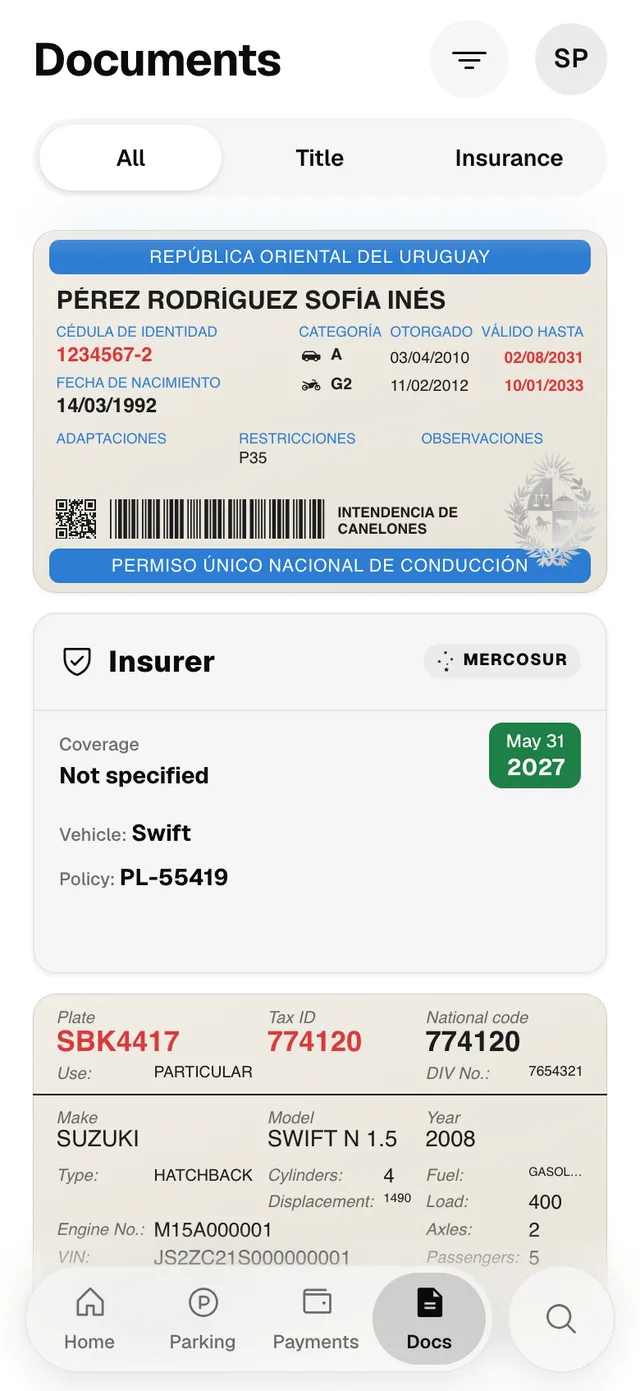
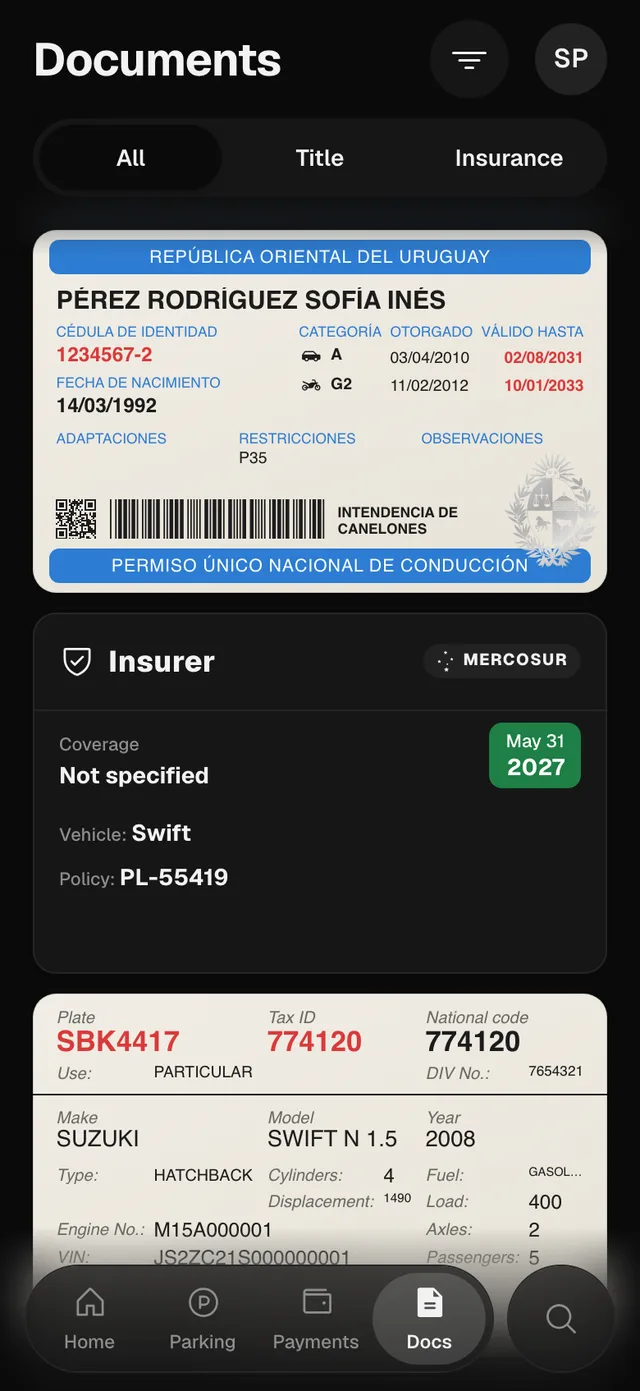
What needs the phone stays on the phone.
The Lock Screen countdown, adding products from the Share menu and your documents’ protection in screenshots belong to the iPhone and Android apps; Apple Wallet, Redeem Code and Restore Purchases, to the iPhone app.
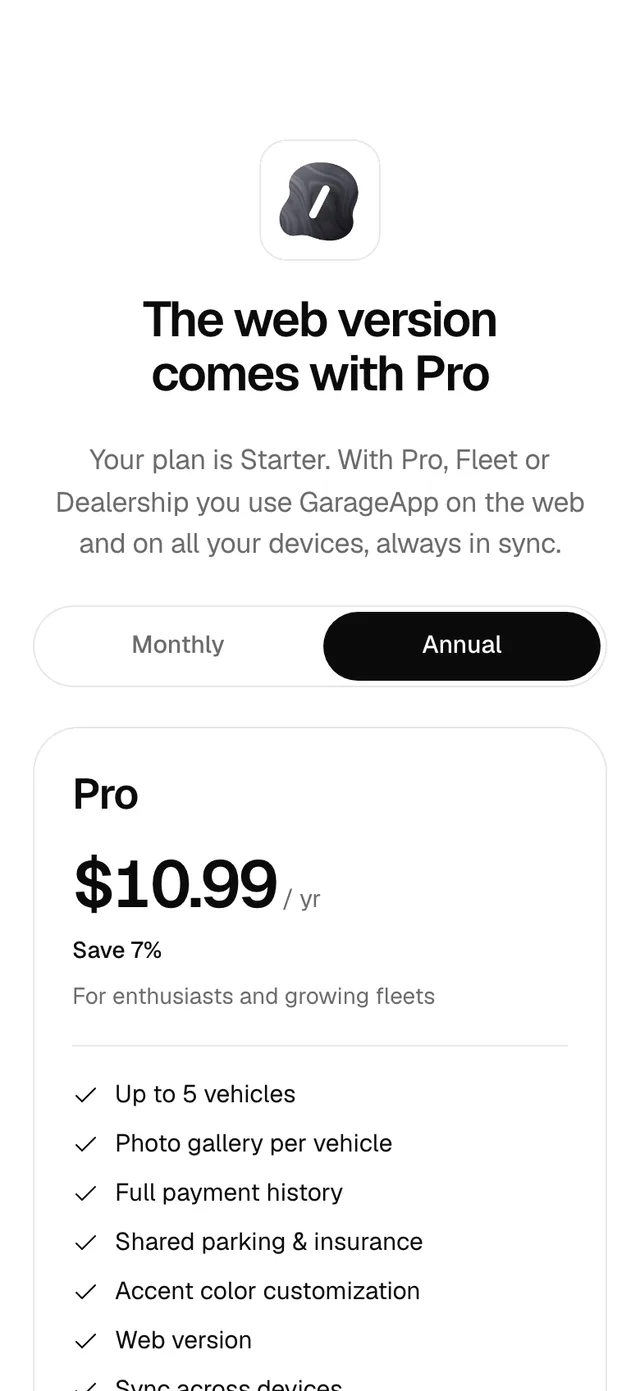
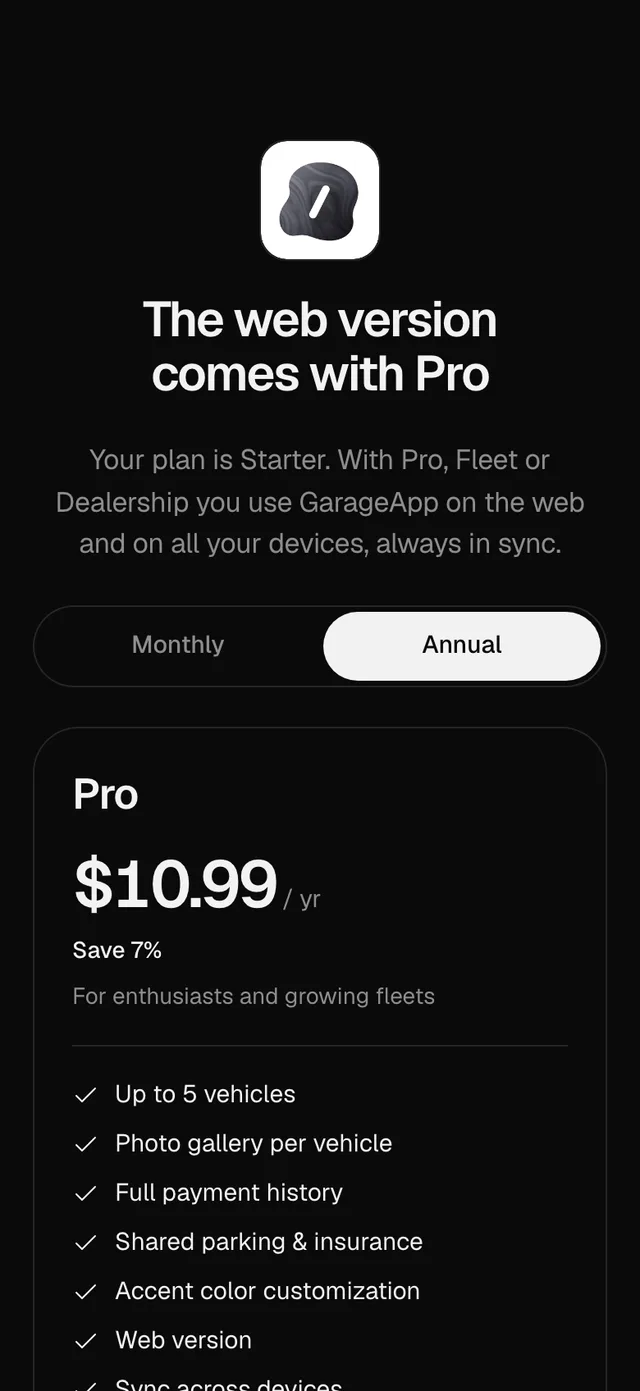
The web comes with Pro, Fleet and Dealership.
With Starter, the web shows you the plans. You can pay on the web by card, through Polar, or in the app with your Apple account. The plan belongs to your account and works in both; you manage it where you bought it.
| Starter | Pro | Fleet | Dealership | |
|---|---|---|---|---|
| Web and computer version | ||||
| Sync across devices |
GarageApp for iPhone and Android.
The web and syncing, with Pro, Fleet or Dealership.
Free for up to 2 vehicles.