
GarageApp for workshops.

The shop's calendar and the follow-up of the work on every vehicle.

With your email. Your account is created the first time.

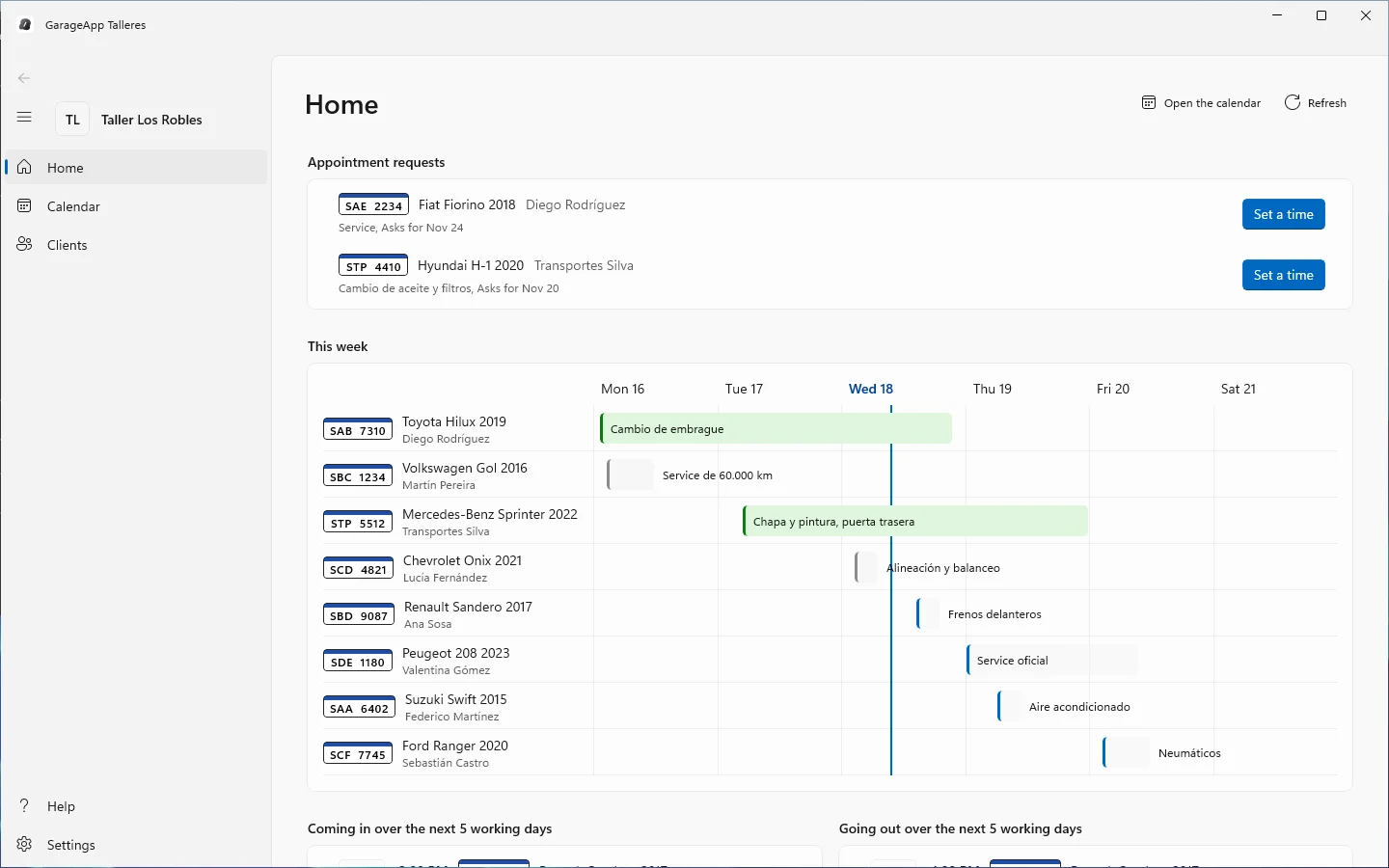
The Home screen of GarageApp for workshops on Windows, with the appointment requests and the shop's weekThe Home screen of GarageApp for workshops on Windows, with the appointment requests and the shop's week

How to start

  1. Sign in with your email

    At talleres.garageapp.dev. You get a code, and the first time your account is created.

  2. Find your shop

    Search it by name and confirm it with its phone or email. If it is not there, add it.

  3. Use it where you work

    The same account on the web, on Windows and on the phone or tablet.

Web panel and Windows

The calendar, the customers, the intake order and how each job is going, on the shop's computer.

See the panel and the Windows app

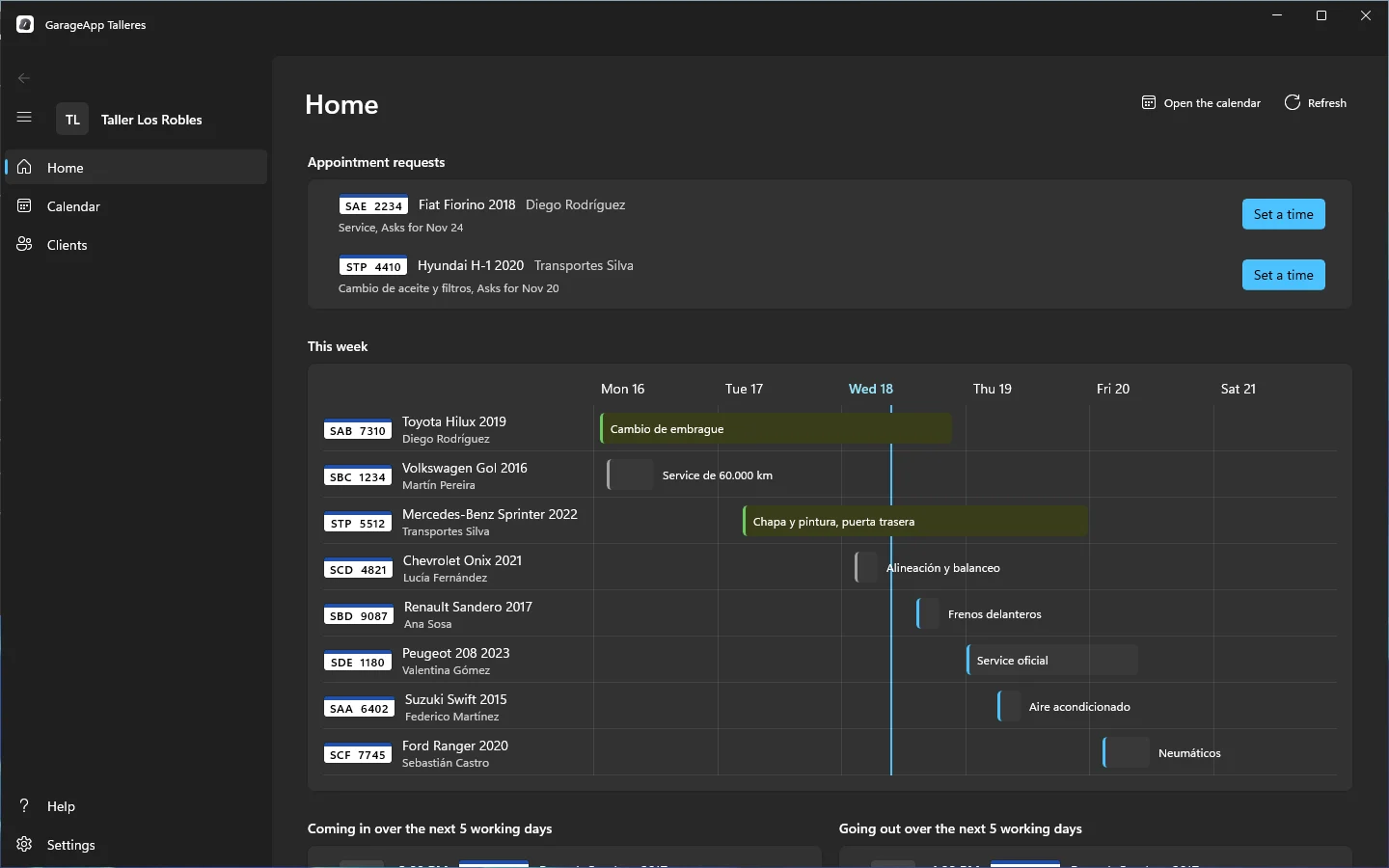
The Home screen of GarageApp for workshops on Windows, with the appointment requests and the shop's weekThe Home screen of GarageApp for workshops on Windows, with the appointment requests and the shop's week

App for phone and tablet

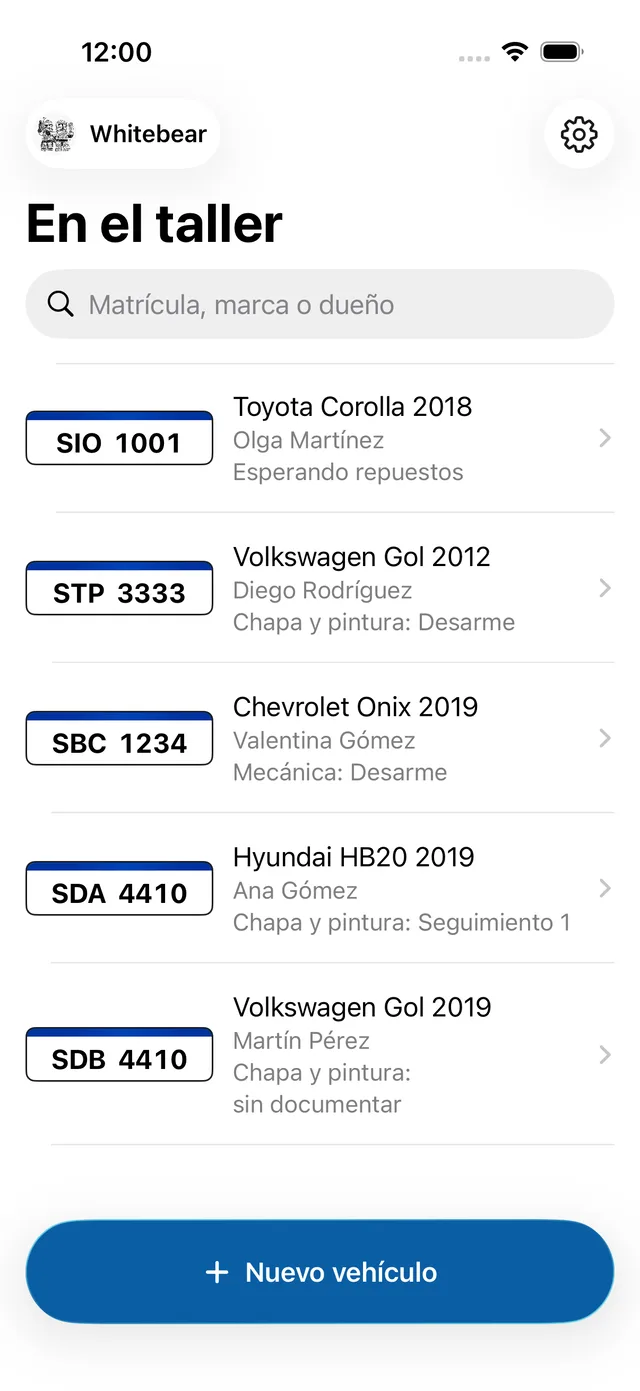
To document the work with the camera, on iPhone, iPad and Android.

See the app

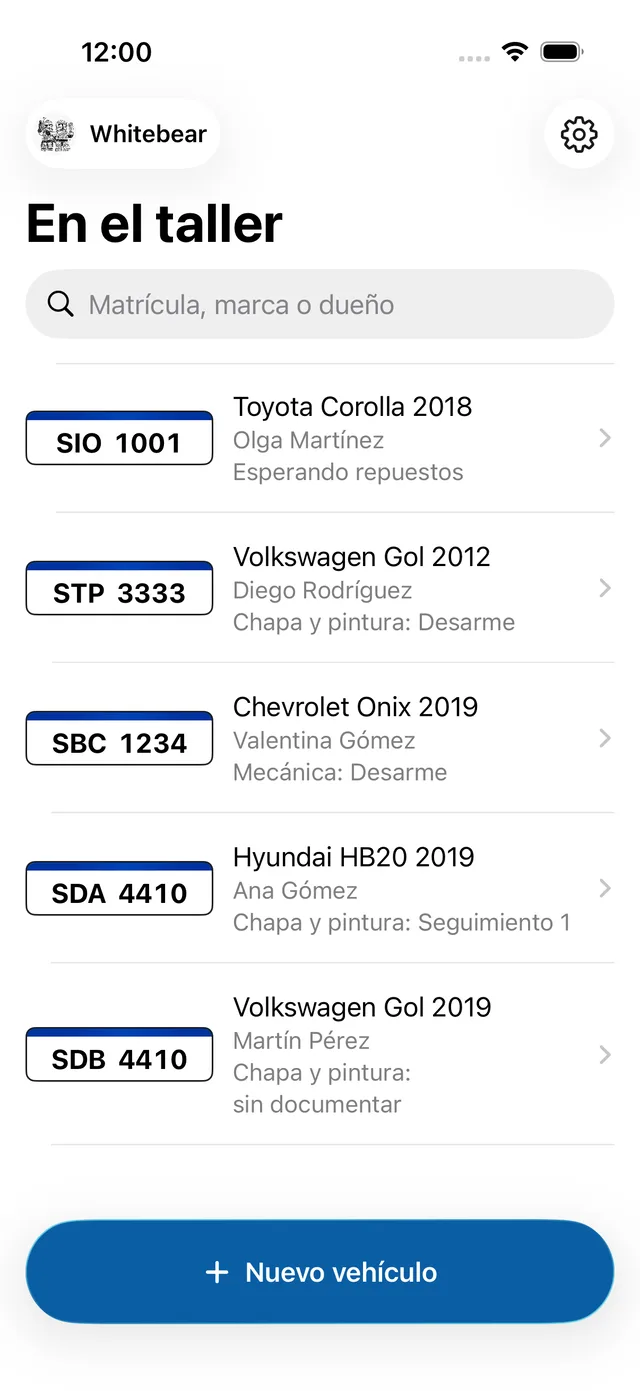
The app's home screen, with the vehicles in the shopThe app's home screen, with the vehicles in the shop

Release notes.

Version 26.47.11

  • «In the shop»: the vehicles you have in, as cards, with search, a call, the intake order and hand back.
  • «Document work»: each vehicle's follow-up in named stages with photos and notes, through «Work finished».
  • A click on the plate, the vehicle, the tax ID, the chassis or a shared detail copies it.
  • Your official makes' logos on the intake order.
  • On a phone, «Take photo» opens the camera for the follow-up.

Version 26.47.10

  • «Work to do» with the work's category and a description beside it; the notes become the intake order's Remarks.
  • «Cancelled by the customer» on Home when a customer cancels from the app.
  • A booking over several days shows as one block on the calendar.
  • Body type on the vehicle's details.
  • Make logos show beside each plate, and an appointment's buttons fit whole.
  • Loading in bulk and Help open inside the app.

Version 26.47.9

  • Taking a vehicle in and printing its intake order stays inside the app.
  • Each plate shows its make's logo.
  • From a client's page, «Clients» at the top goes back to the list.
  • An appointment's buttons on one line; cancelling and deleting in red.

Version 26.47.8

  • Clients' ID and tax numbers are saved and shown the same way every time.
  • The calendar's dates read with the weekday first.

Version 26.47.7

  • On Home, each vehicle's work reads in full in the week.

Version 26.47.6

  • Hello, world: the first version of GarageApp for workshops, on Windows and on the web.
  • The shop's calendar, with the appointment requests that come from GarageApp.
  • Your customers and their vehicles, one by one or in bulk.
  • The intake order, ready to print.
  • Manuals: talleres.garageapp.dev/taller/ayuda