
Filter and sort payments
Show only one vehicle or category, and sort by date or amount.
- On Payments, tap Filter & sort at the top.
- Under Vehicles, pick one or more, or All vehicles.
- Under Categories, pick one or more, or All categories. Only the categories you have show up.
- Under Sort by, choose Date or Amount. In the Archive the options are Most recent first, Oldest first and Amount.
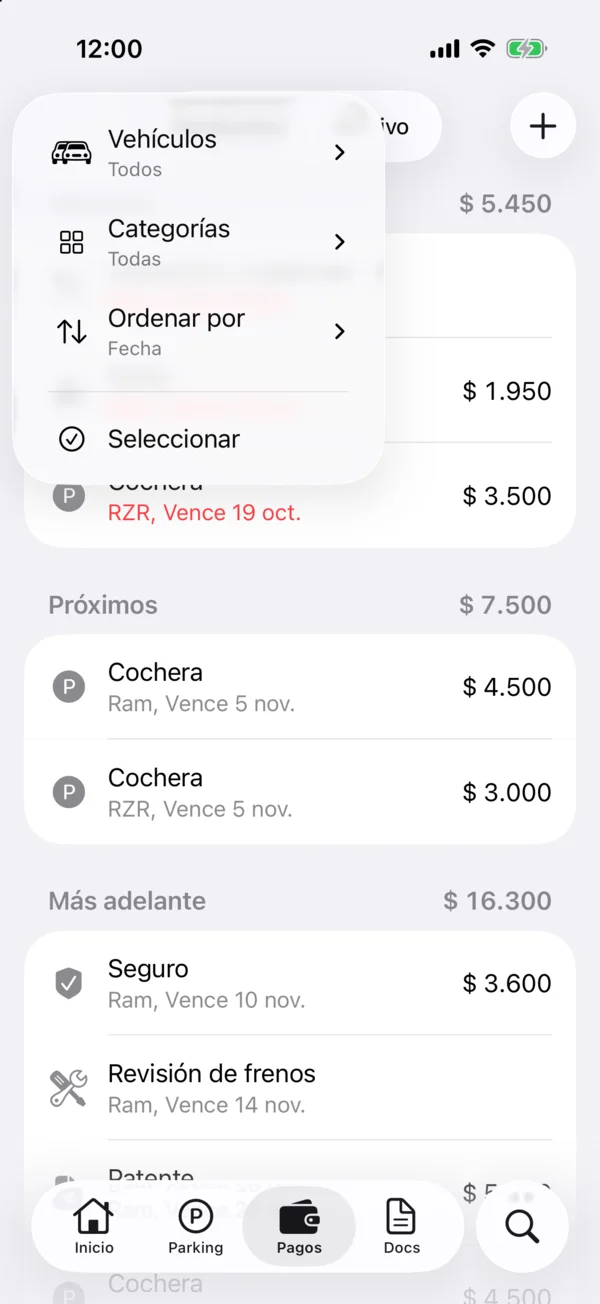
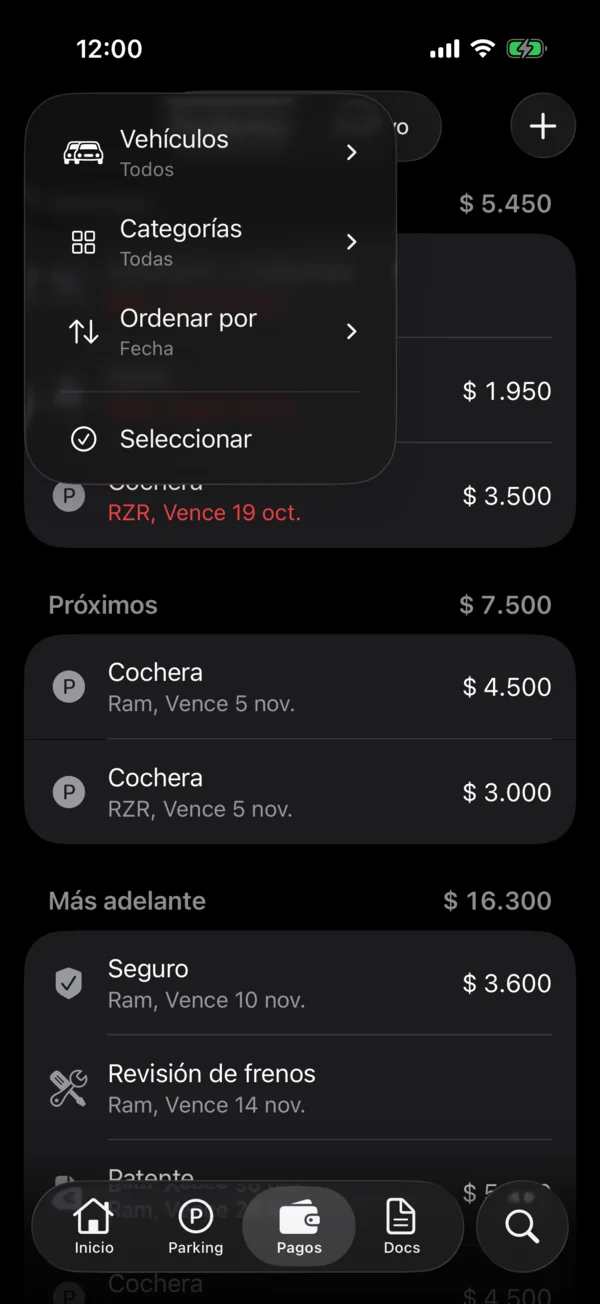
While a filter is on, the icon is filled. On the iPhone, the same menu ends with Select, to mark or delete several payments at once: see Mark as paid.
To find one payment, use Search payments… in a vehicle’s payments: it finds by concept, note or amount.
On the web, Filter & sort opens a menu next to its button, with the same options. On a computer, the button is at the top right, next to Search, which searches all your payments.
More in Payments
Didn’t find what you were looking for? Write to [email protected] and we’ll get back to you.