Change the app’s language
GarageApp is in Spanish, English, Portuguese and German.
- On Home, tap your account button.
- Tap Language. The phone’s settings open on GarageApp’s page (on some Android phones, a list of the app’s languages).
- Choose the language.
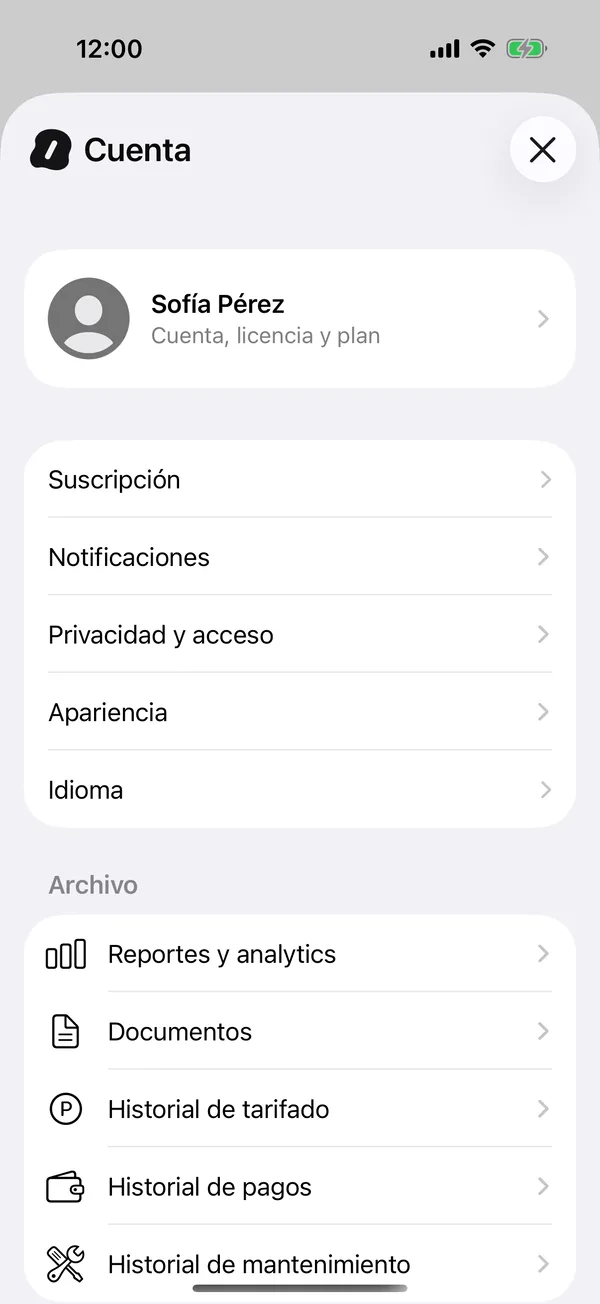
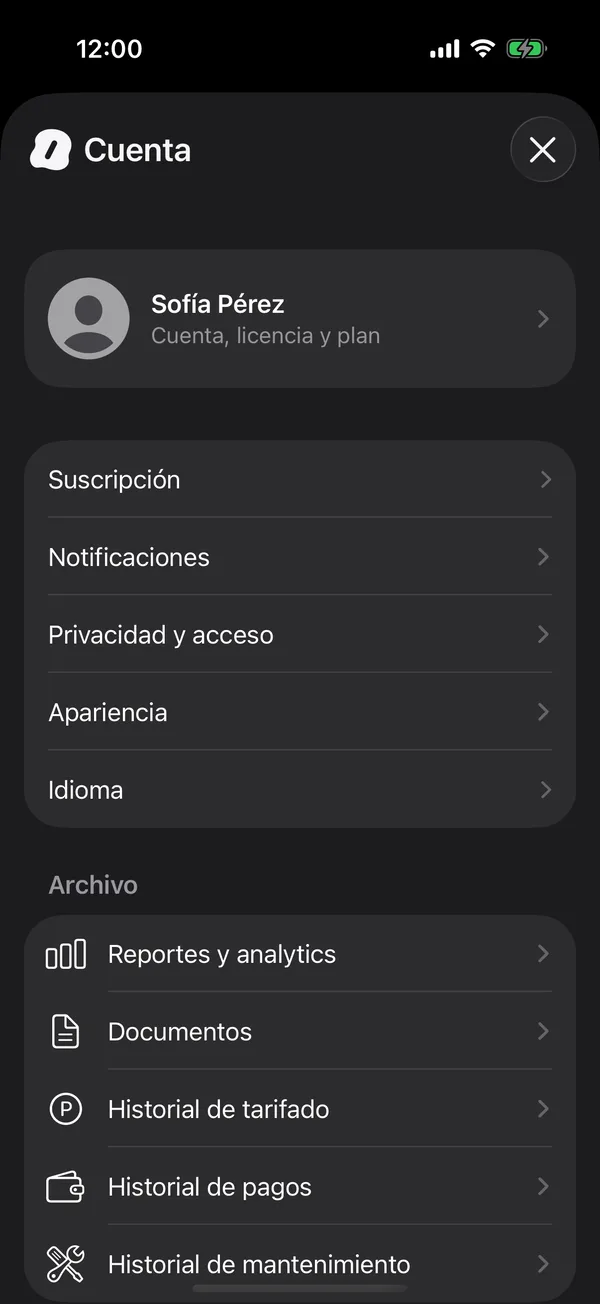
The app and its notifications switch to that language.
On the iPhone, if you don’t see a language option in Settings, add another language in Settings, General, Language & Region, and try again.
On the web
On the web, tap Language in your account and choose English, Español, Português or Deutsch. If you don’t pick one, the web uses your browser’s language.
More in Account and settings
Didn’t find what you were looking for? Write to [email protected] and we’ll get back to you.