See or change your plan
Starter, Pro, Fleet and Dealership: what each includes, how to upgrade on the iPhone, on Android or on the web and how to cancel.
- On Home, tap your account button.
- Tap Subscription.
- Choose Monthly or Annual and swipe to see each plan.
- Tap Upgrade to and the plan, and confirm the purchase with Apple on iPhone or with Google Play on Android.
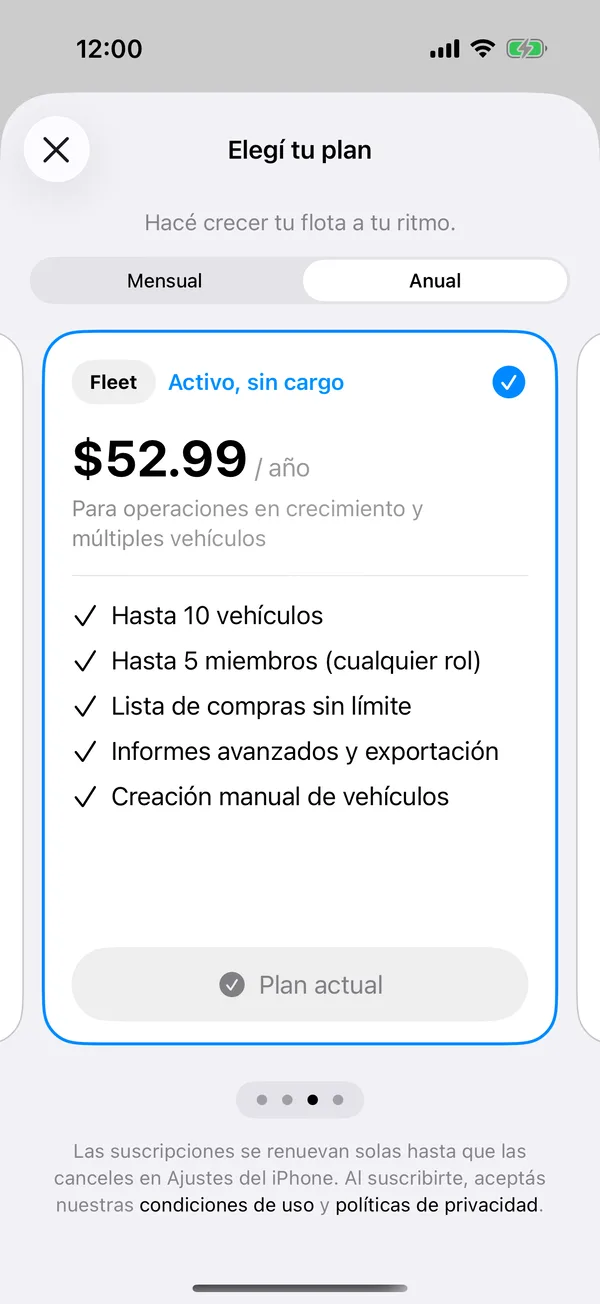
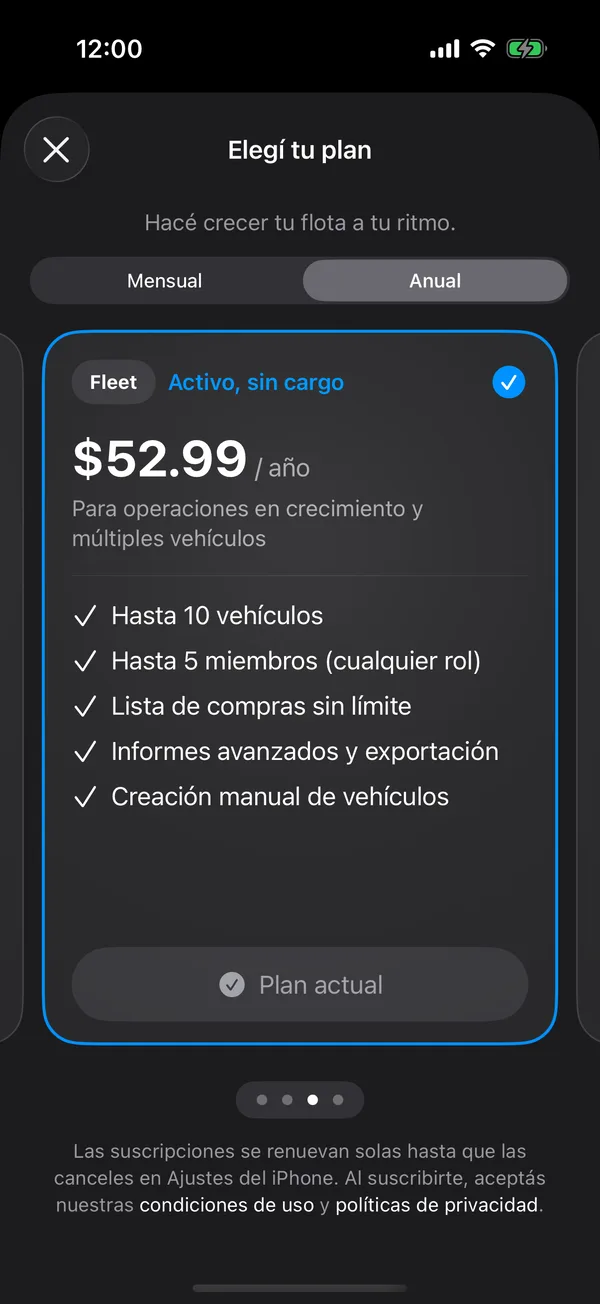
Your current plan says Current plan. The change can take a few seconds.
Manage or cancel
On your plan’s card, tap Manage subscription. Apple’s subscriptions sheet opens, where you can change or cancel.
On your plan’s card, tap Manage subscription. Your Google Play subscriptions open, where you can change or cancel.
Restore purchases or redeem a code
In your account, tap Restore purchases if you changed phones, or Redeem Code if you have an offer code. Both are in the iPhone and Android apps, not on the web.
On the web
- On the web, open your account and tap Subscription.
- Choose Monthly or Annual and tap the upgrade button for the plan.
- Pay by card on Polar’s page, which processes the payment and emails you the invoice.
- Back on the web you see Confirming your payment. The plan turns on in a few seconds.
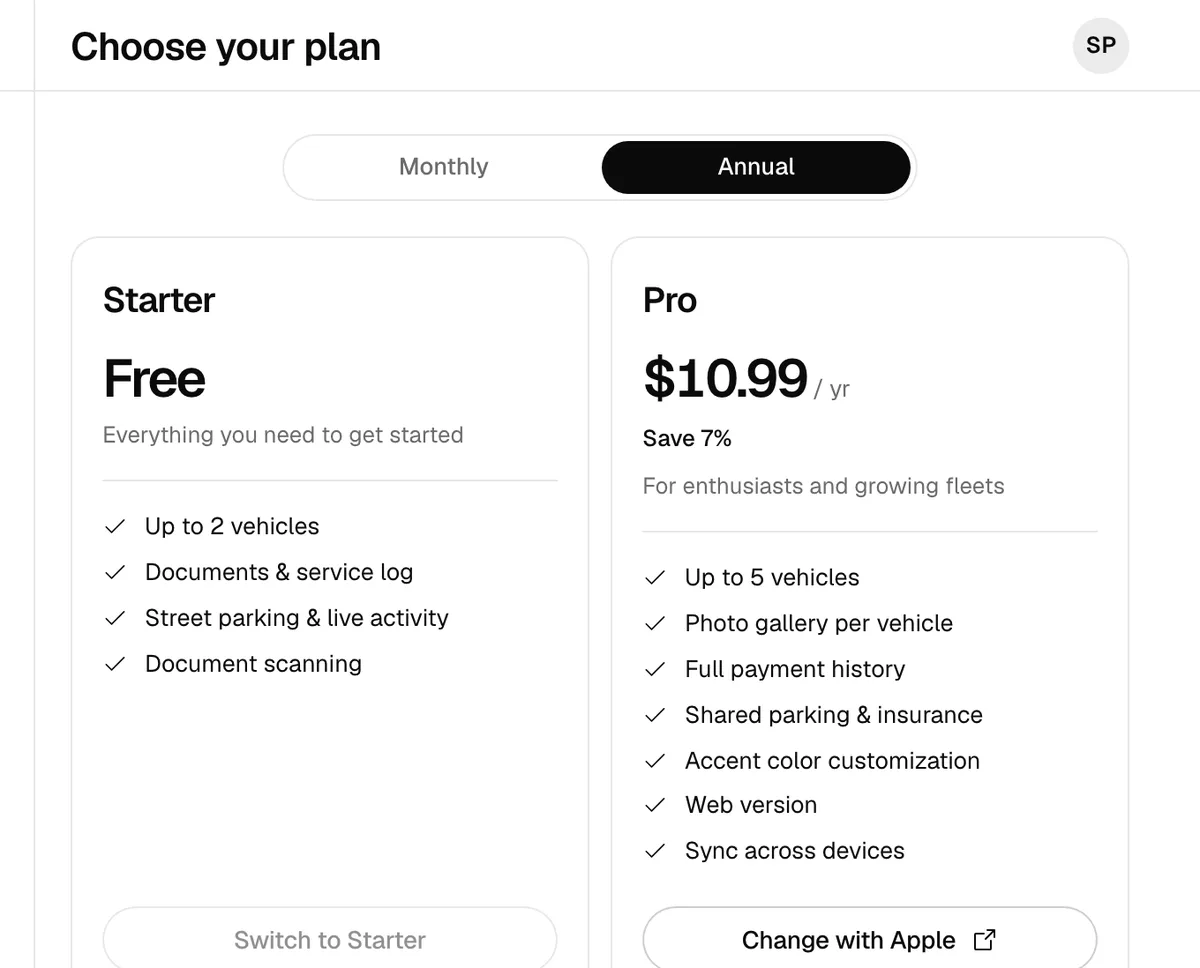
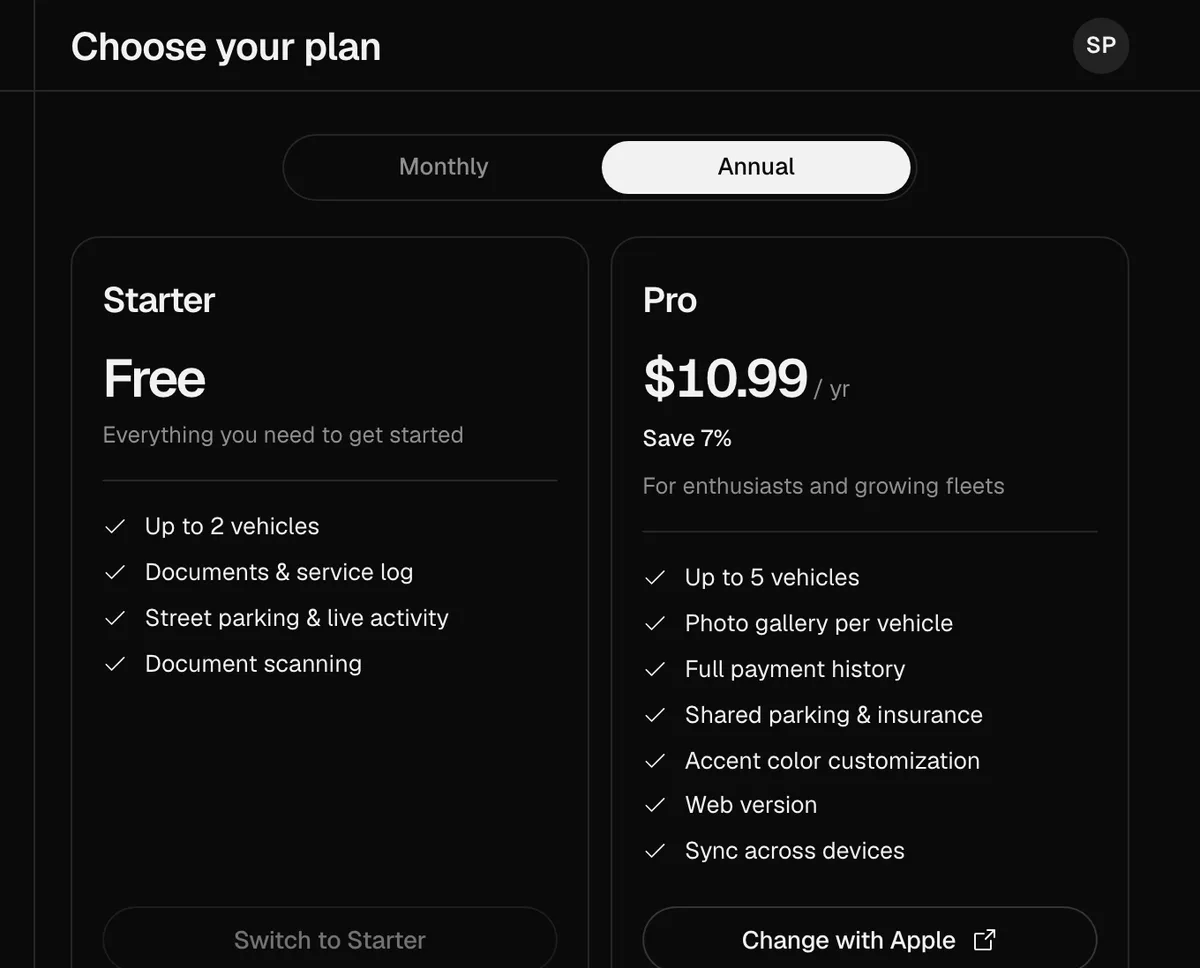
To change or cancel a plan paid on the web, tap Manage subscription. If your plan is from the App Store, the web takes you to Apple with Manage in the App Store or Change with Apple, and never charges you twice. A plan paid on the web shows on your phone as Web subscription and is changed from the web.
The plan belongs to your account: it applies in the app and on the web, and the web comes with Pro, Fleet and Dealership. See Use GarageApp on the web.
Prices and what each plan includes are also on the GarageApp page.
More in Account and settings
Didn’t find what you were looking for? Write to [email protected] and we’ll get back to you.