
Syncing and working offline
What you change on your phone shows up on the web and the other way round. Without signal you keep using GarageApp.
Your vehicles and everything about them are in your account. The iPhone and Android apps and the web keep a copy on the device and keep it up to date. There’s nothing to turn on.
Offline
- You see your vehicles, payments, documents and histories without signal. Search works too.
- What you add or change, such as a payment, a fill-up or a vehicle detail, is saved on the device right away and waits.
- When the connection is back, the changes go out on their own, in the order you made them.
- Some things need a connection, such as signing in, opening an invitation, uploading a policy’s document or checking SUCIVE. The app tells you when it’s missing.
Between your devices
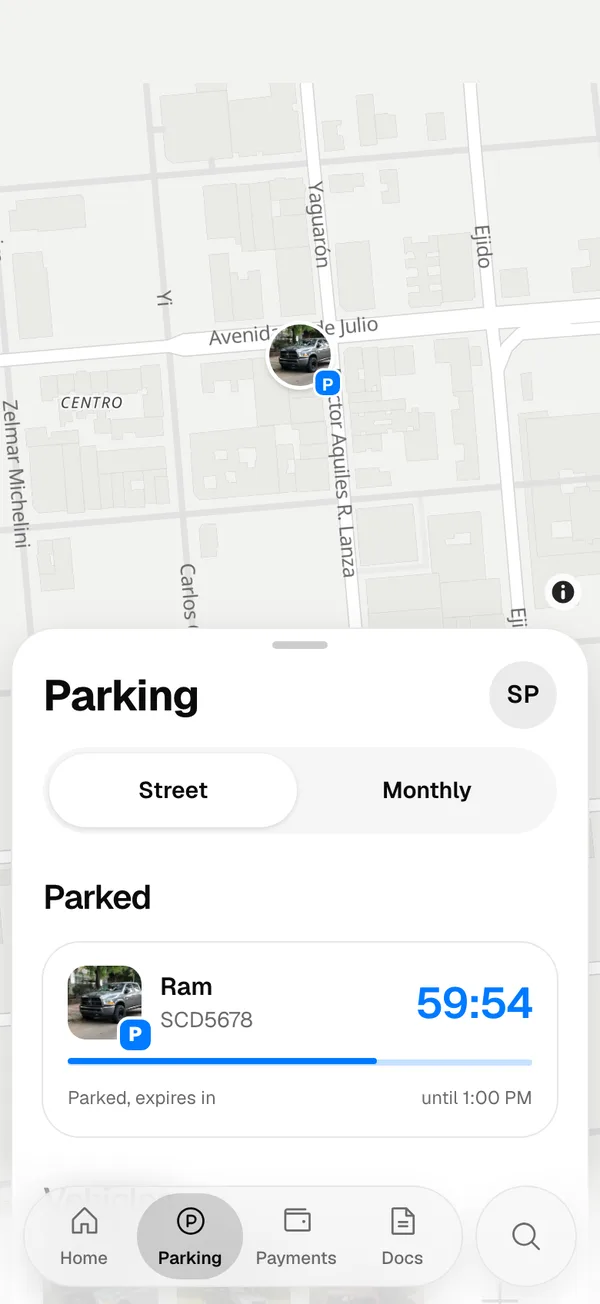
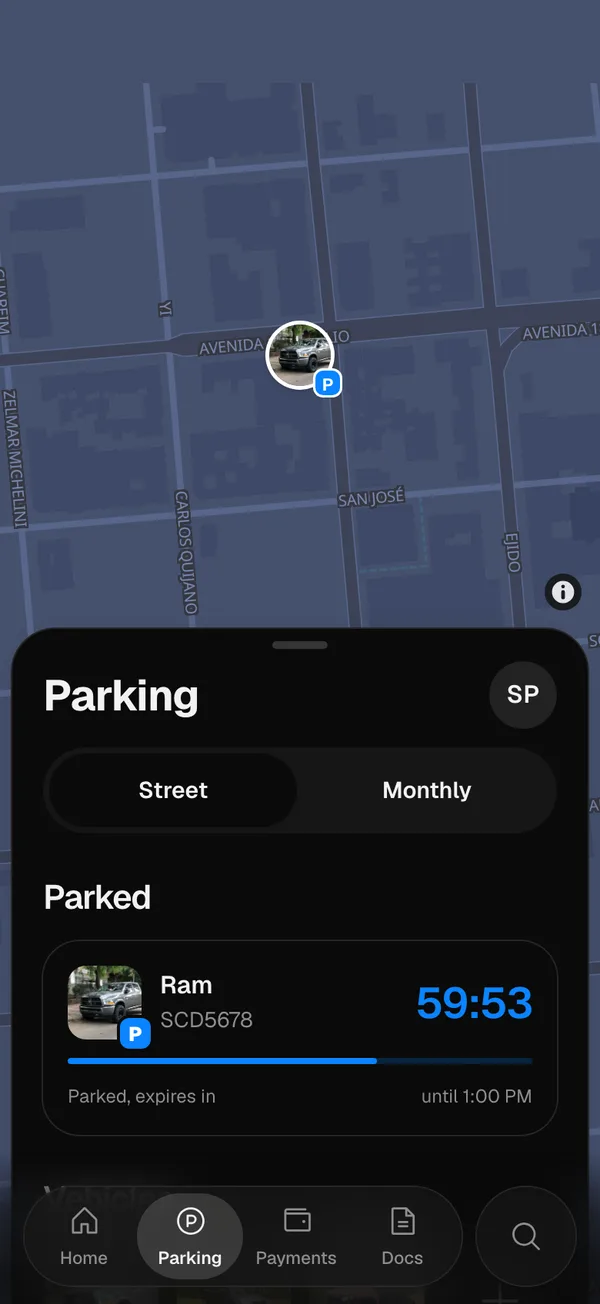
- What’s parked shows right away on all of them: park from your phone and the web shows the time left; extend or end it from the web and your phone updates.
- The payments, services and documents added by anyone you share a vehicle with appear without you doing anything.
- Your favorites, the order of your vehicles and which notifications you get belong to your account: the same on your phone and on the web. See Highlight and order your vehicles.
- Receive notifications on this device and the lock with Face ID, Touch ID or a code are chosen on each device.
Your documents on another device
Your registration cards and the photos of your driver’s license are end-to-end encrypted. To open them on the web or on a new phone, sign in with a passkey or type your recovery code. See End-to-end encryption.
The web and syncing between devices come with Pro, Fleet and Dealership.
On the web, signing out deletes that browser’s copy.
More in The web and syncing
Didn’t find what you were looking for? Write to [email protected] and we’ll get back to you.