
The parking spot question and the spot with no cost
Once per vehicle, GarageApp asks whether you keep the car there, and whether you pay for the spot or it is yours.
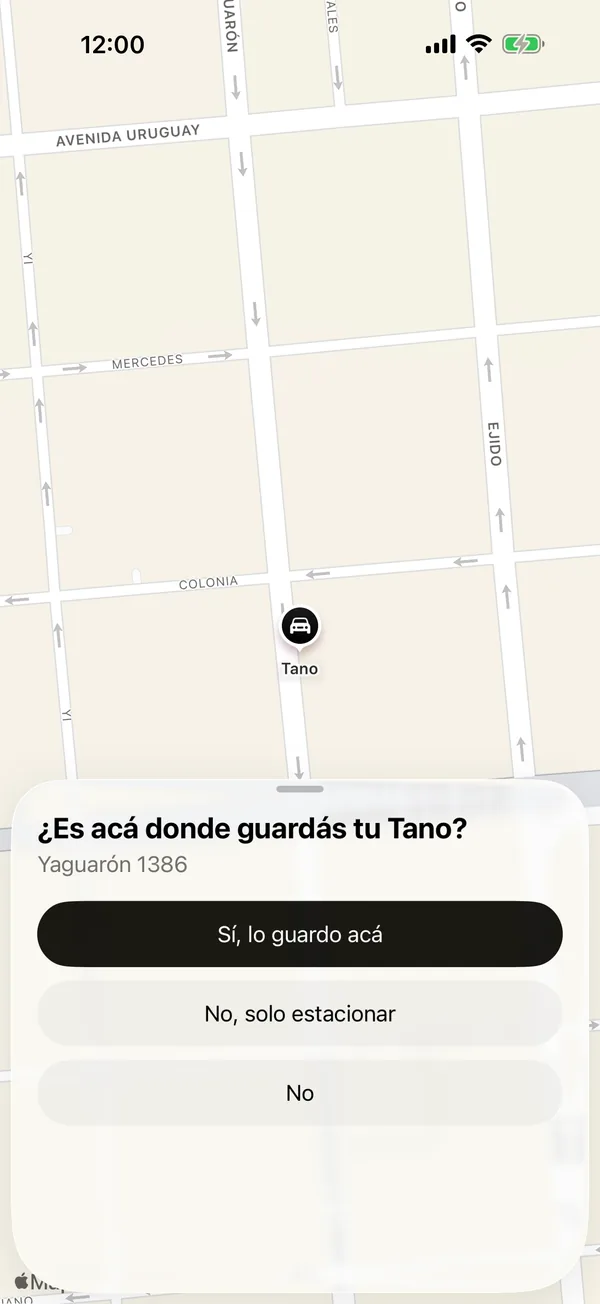
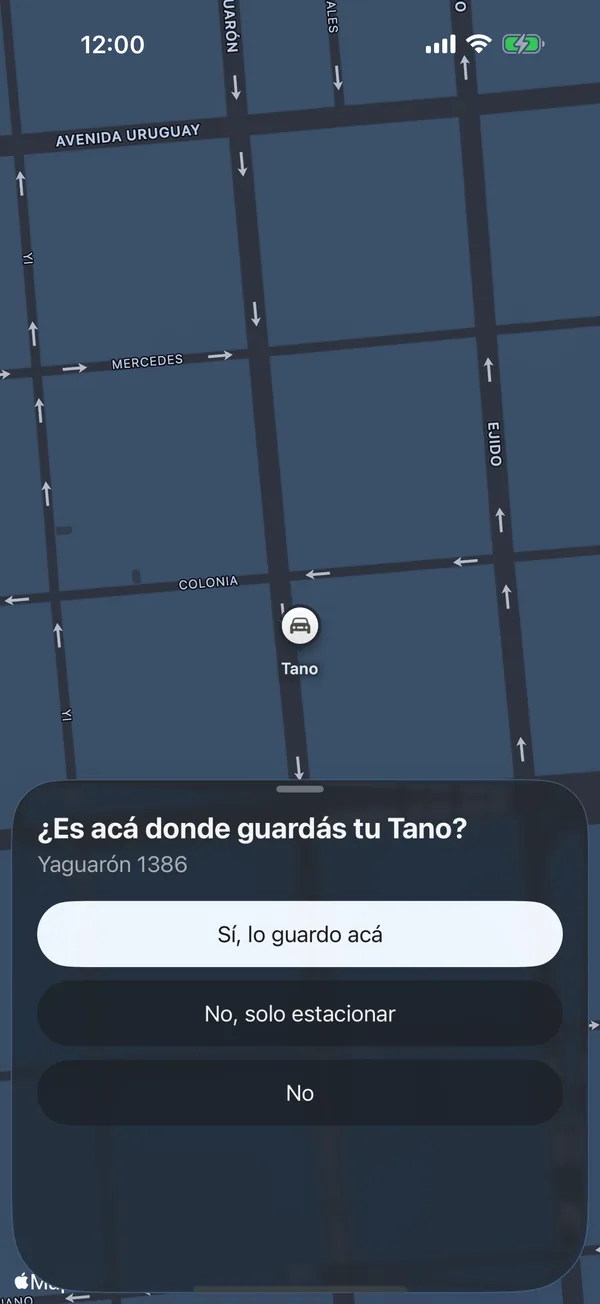
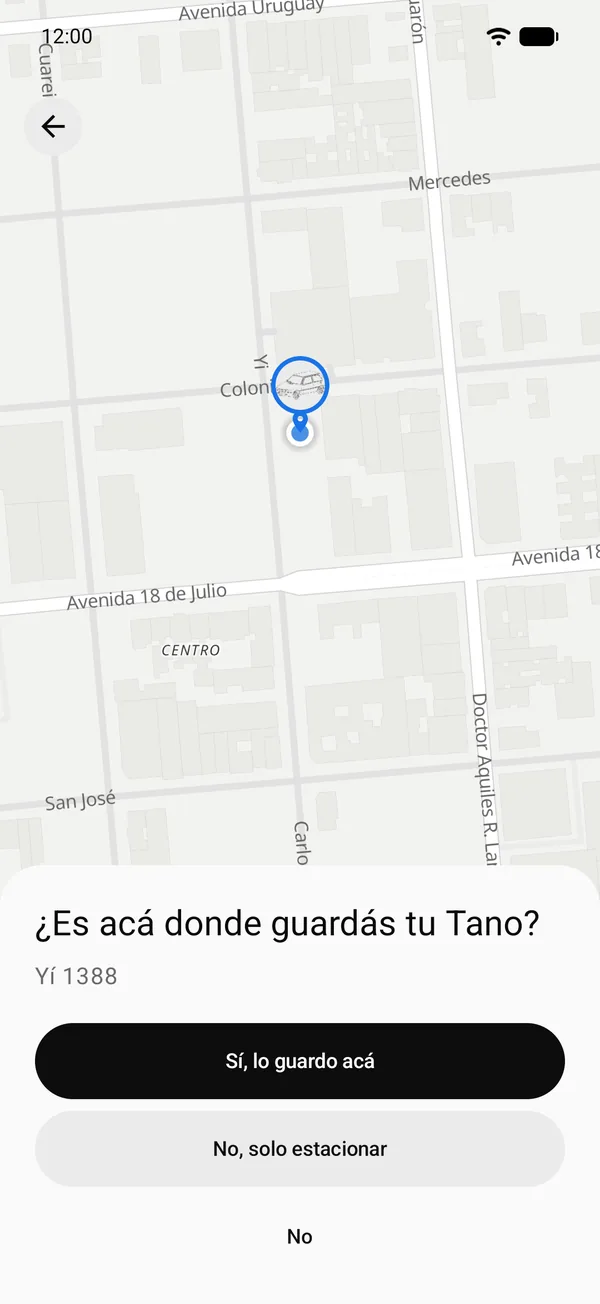
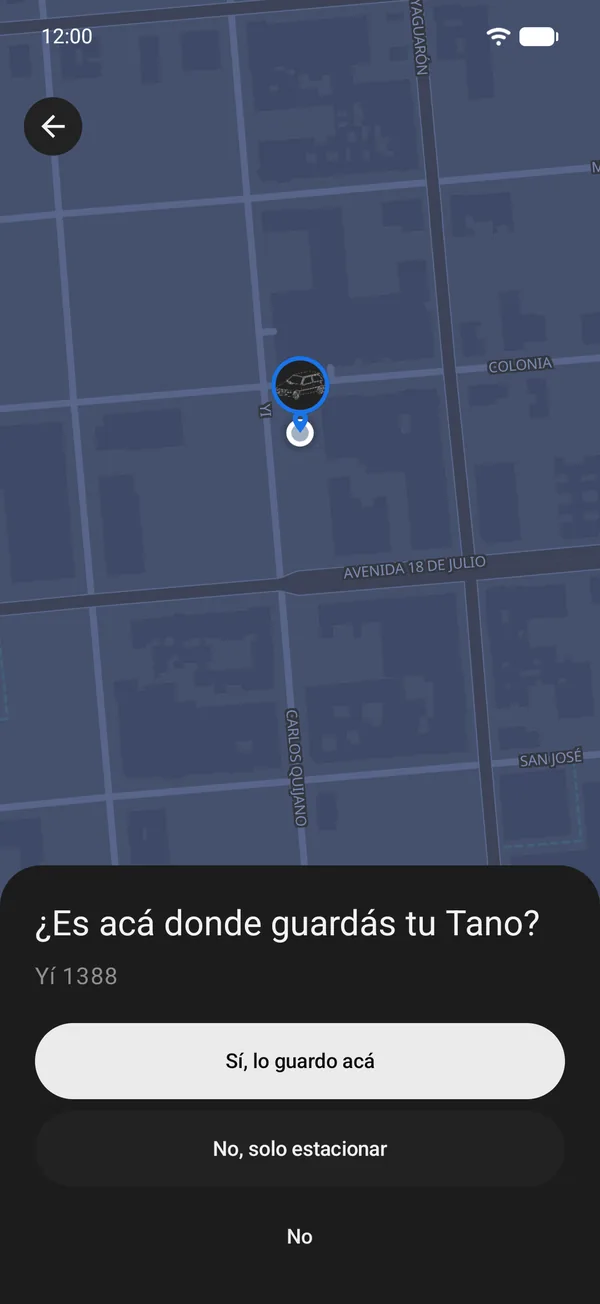
When a vehicle has no parking spot, GarageApp asks once, with the place on the map, whether you keep it there. It is the shortest way to add one: the pin and the address are already there.
When it asks
- On Android: when you disconnect from Android Auto or from the car’s Bluetooth, with a notification. The notification removes itself after 30 minutes.
- On the iPhone: the first time you tap Park with that vehicle, before the form.
Your location is read only when the question opens, and never in the background.
What to answer
- Tap Yes, I keep it here. Then it asks Do you pay for this spot?.
- If you pay, tap Yes, monthly parking: the spot’s form opens with the place already set. Fill in the price and the due day, as in Add your monthly parking.
- If the place is yours, tap No, it’s mine: a spot with No cost is saved right away at that place.
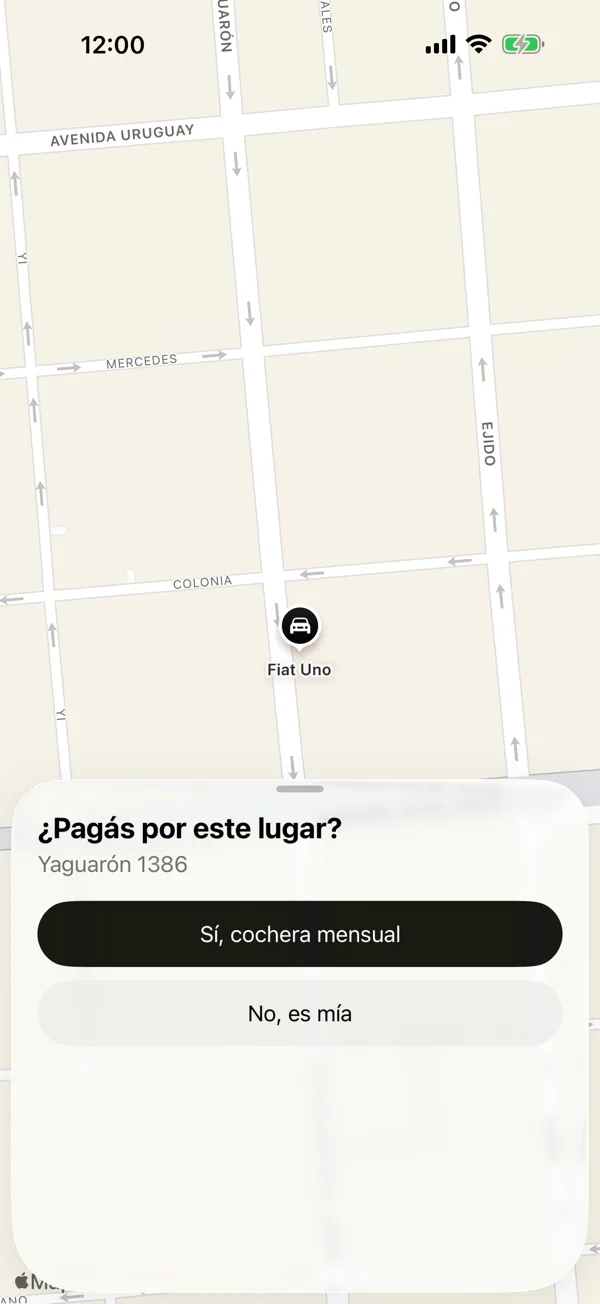
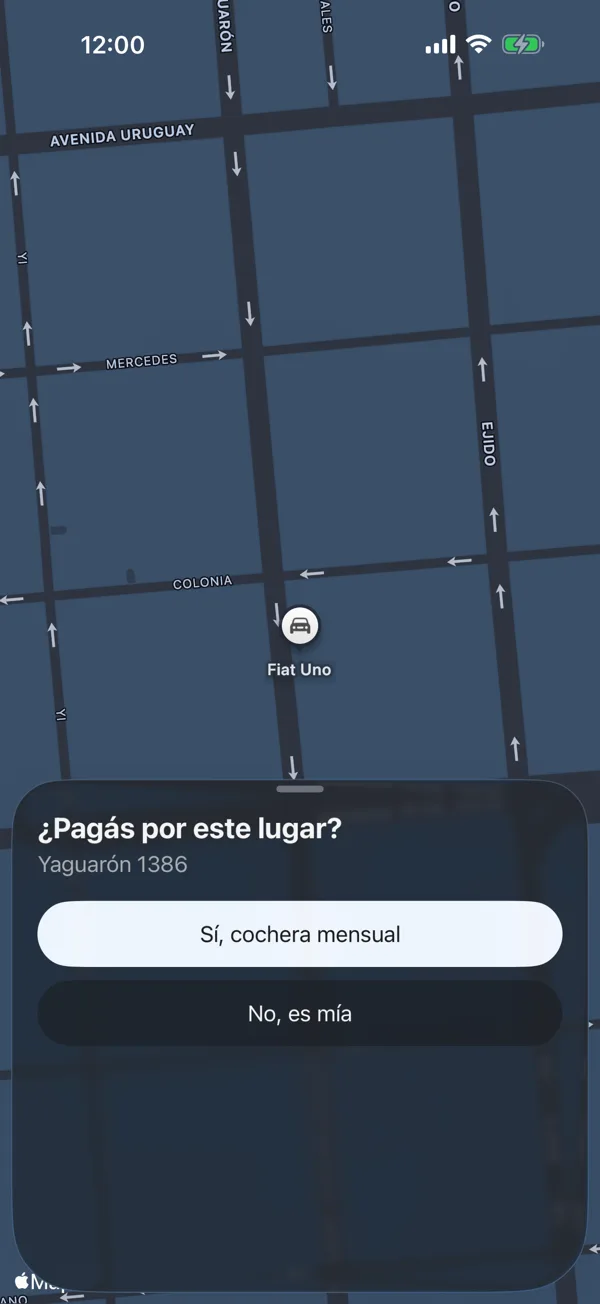
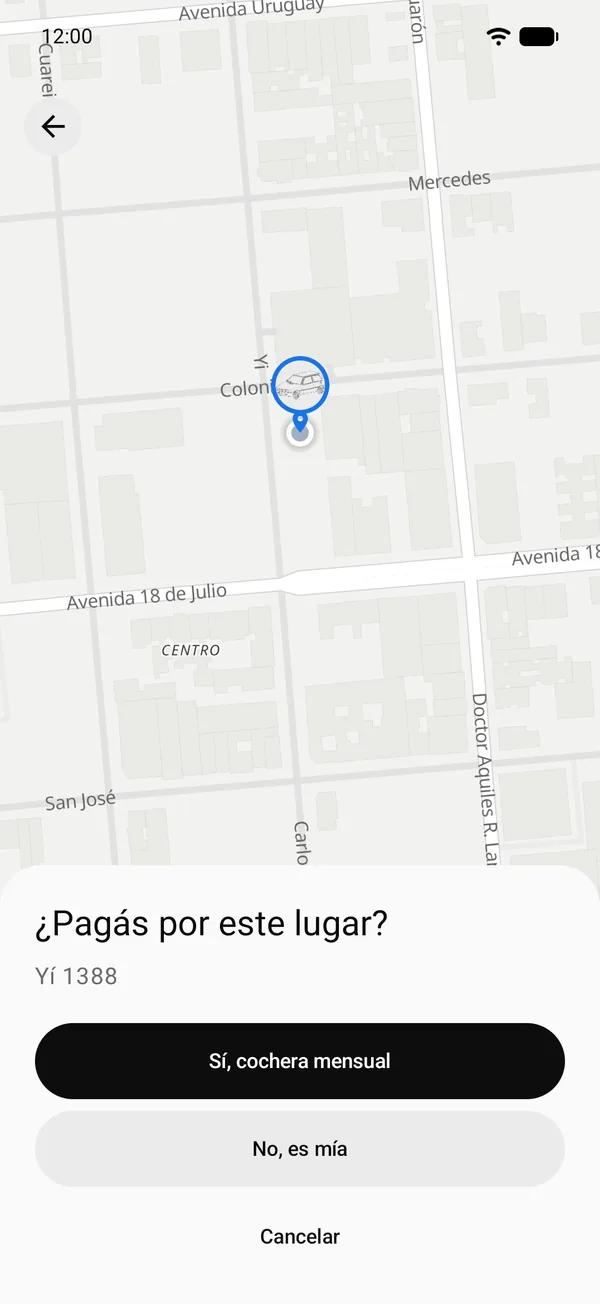
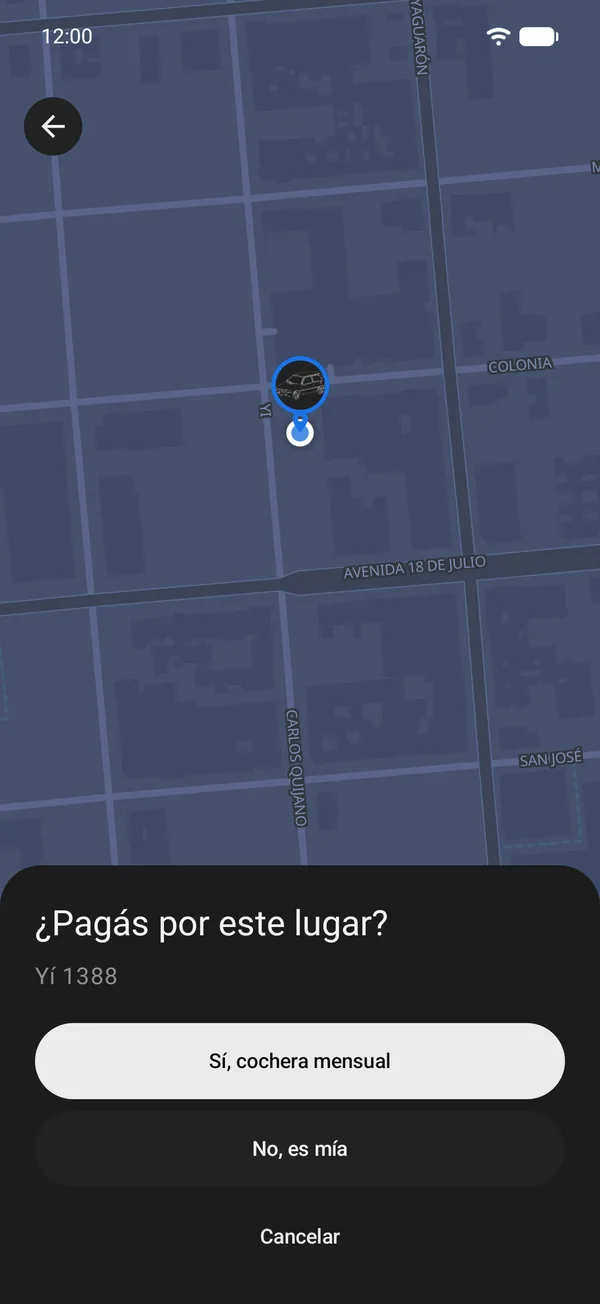
The other two answers: No, just park leaves the vehicle parked here, without saving a spot. No closes the question, and it doesn’t come back for that vehicle on this phone.
The spot with no cost
A spot with No cost is a place you use and don’t pay for, such as your home garage. It counts as a spot: Go to my parking spot, the map and the question take it into account. It has no price or due day, makes no monthly payments and adds nothing to your expenses or reports.
You can also add it by hand. In the monthly parking form, turn on No cost: the price and the due day hide. It is the same on the web. A spot shared between vehicles can’t be no cost, and the switch doesn’t show while it is shared.
Turn the question off
In Driving mode settings, turn off Ask about the parking spot.
More in Driving mode
Didn’t find what you were looking for? Write to [email protected] and we’ll get back to you.