
Add your monthly parking
Save where it is, what you pay and the due day. Each month shows up in your pending payments.
- On the Parking tab, tap Monthly. The map shows each vehicle’s spot, with the vehicle’s photo; tap one to choose that vehicle. If several are in the same place, they show one behind the other.
- Tap the vehicle. Those without one say No spot.
- Find the place in Garage name or address, or move the map until the pin is on the garage.
- Under Options, turn on Assigned spot or Leave keys if they apply.
- Under Details, fill in Garage name, Spot number, Monthly price, Payment due and, if you like, Contact phone.
- Tap Save.
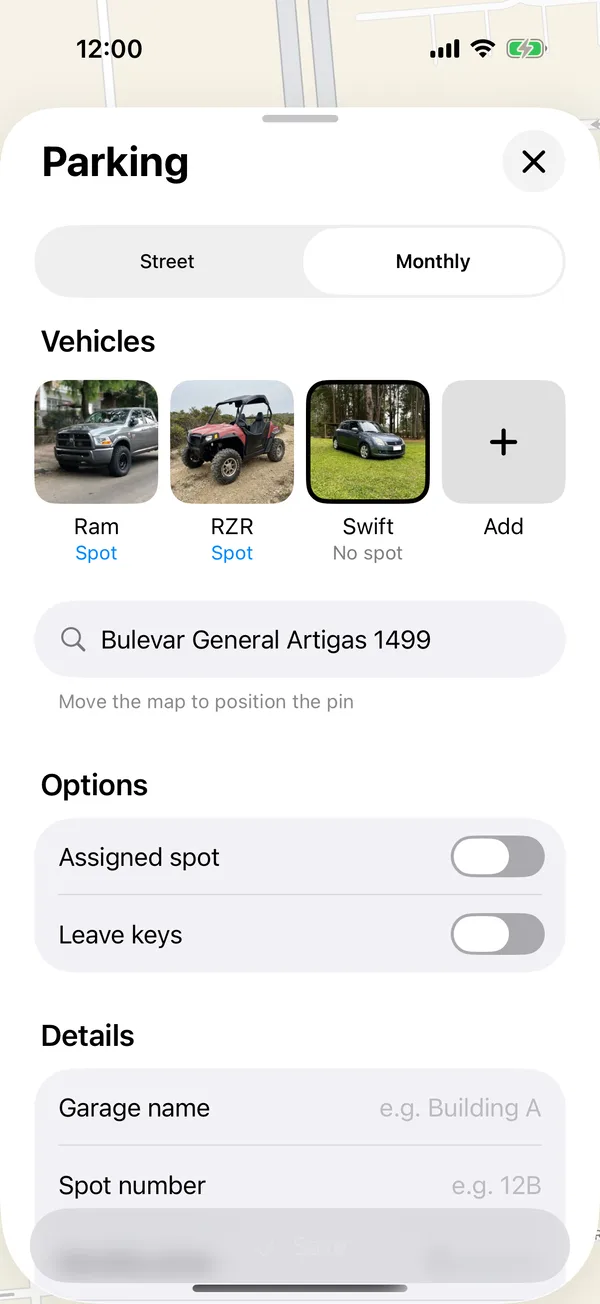
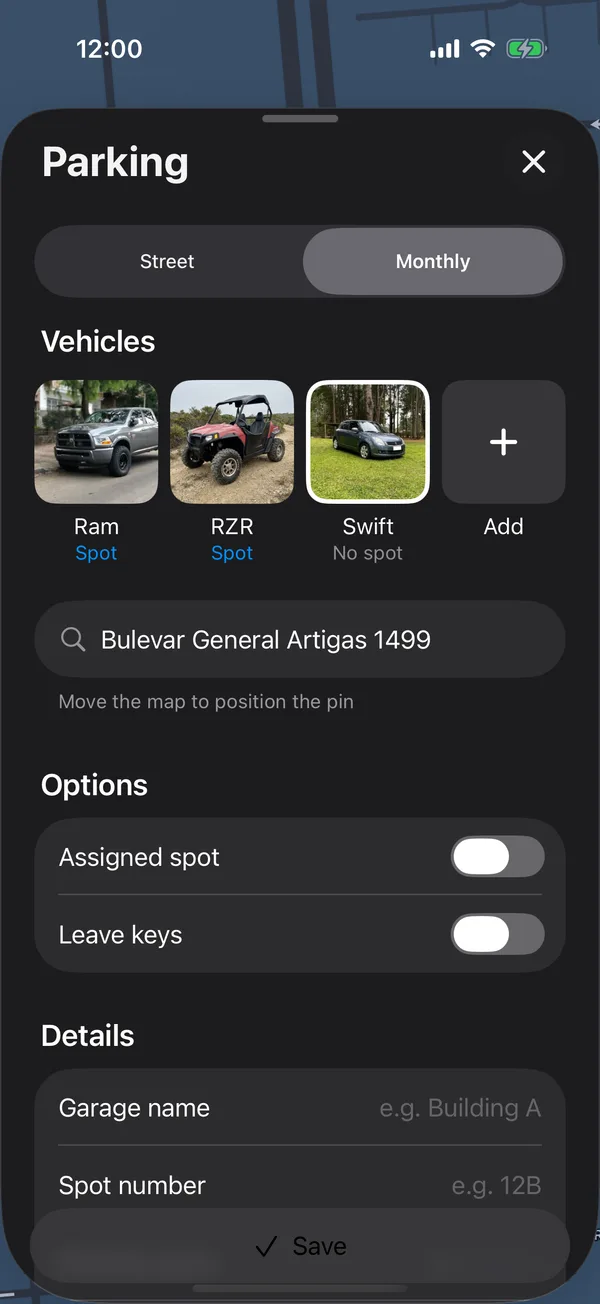
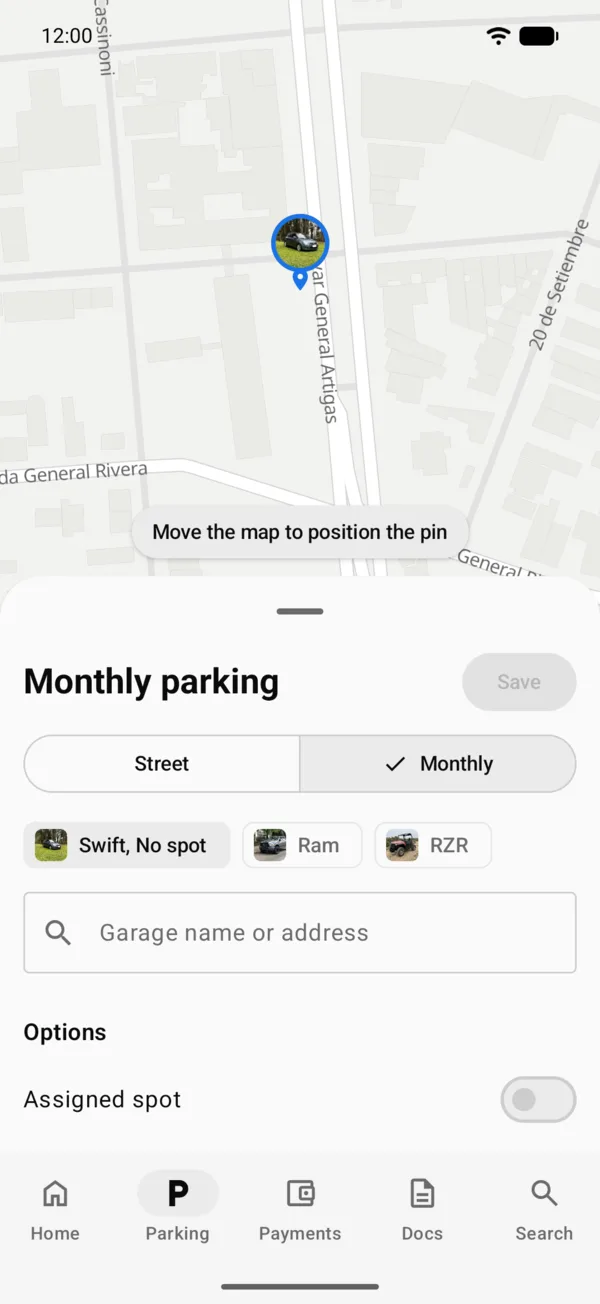
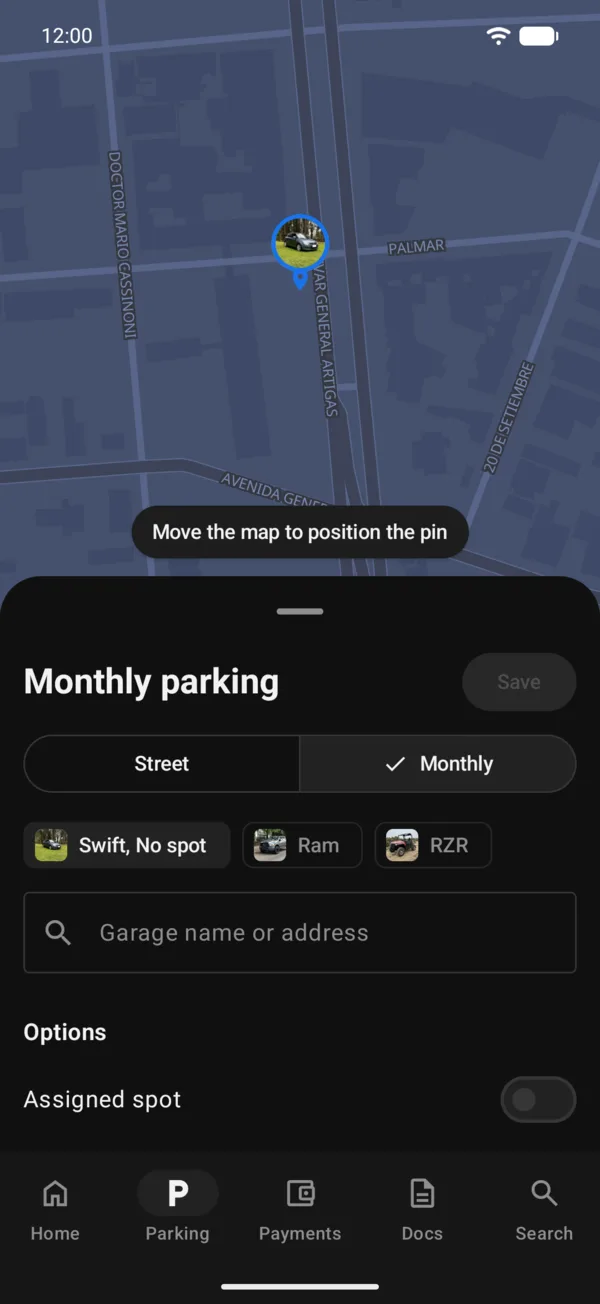
The spot shows on the map and on the vehicle’s Monthly Parking tile, and each month a pending Parking payment appears in Payments.
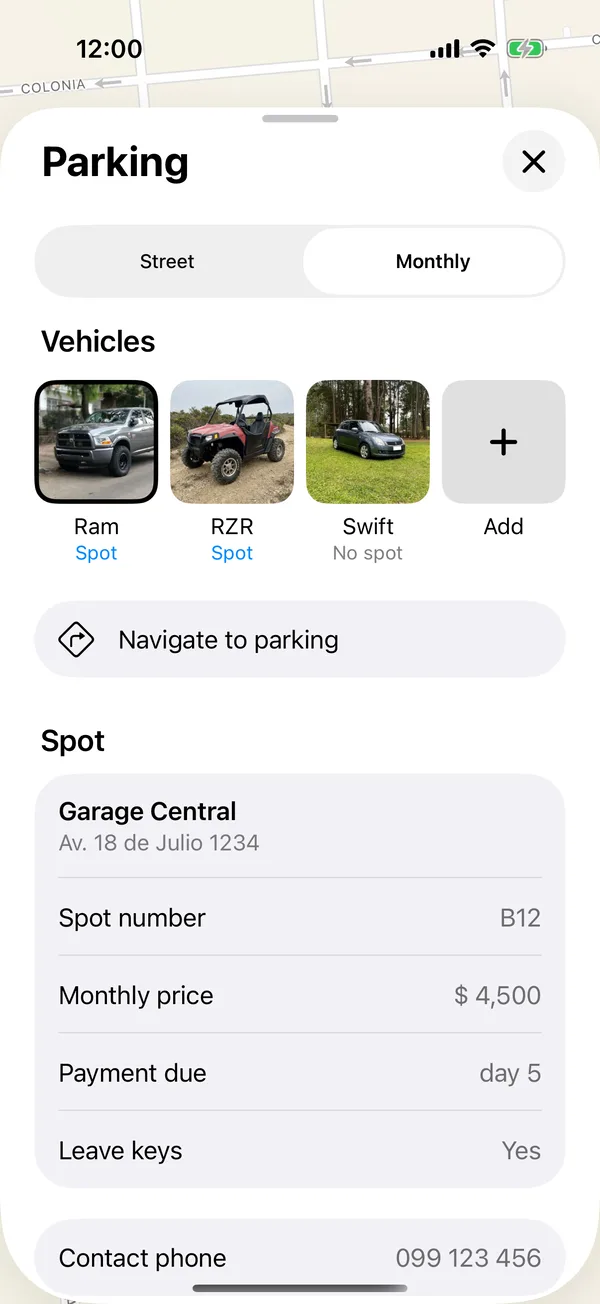
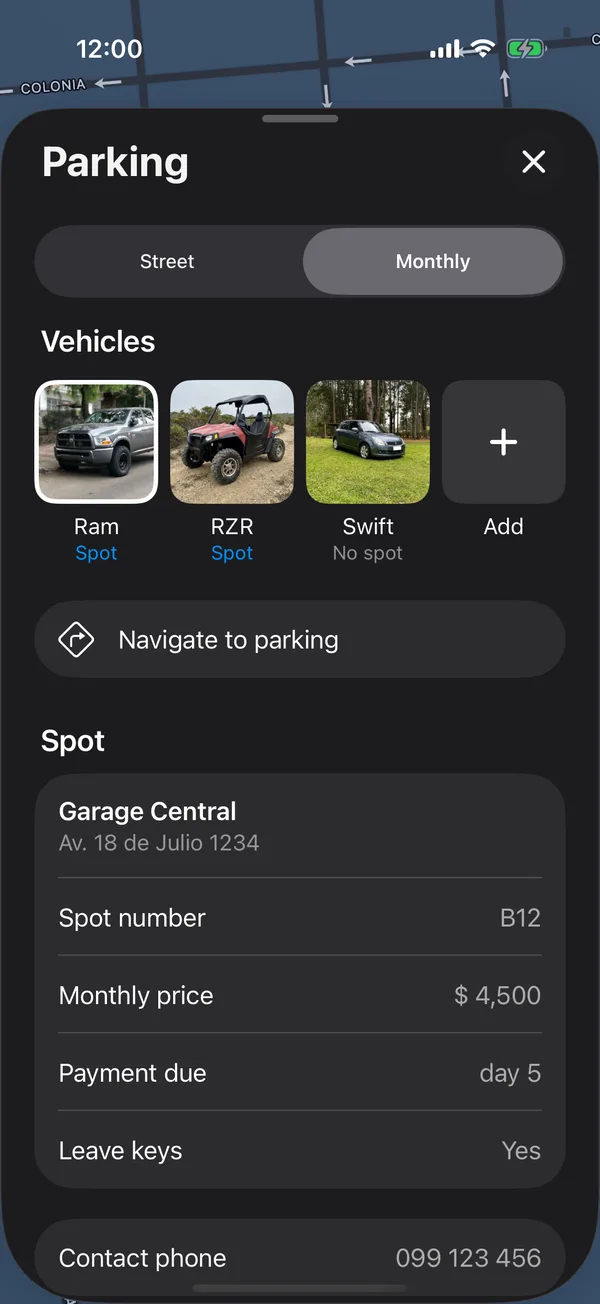
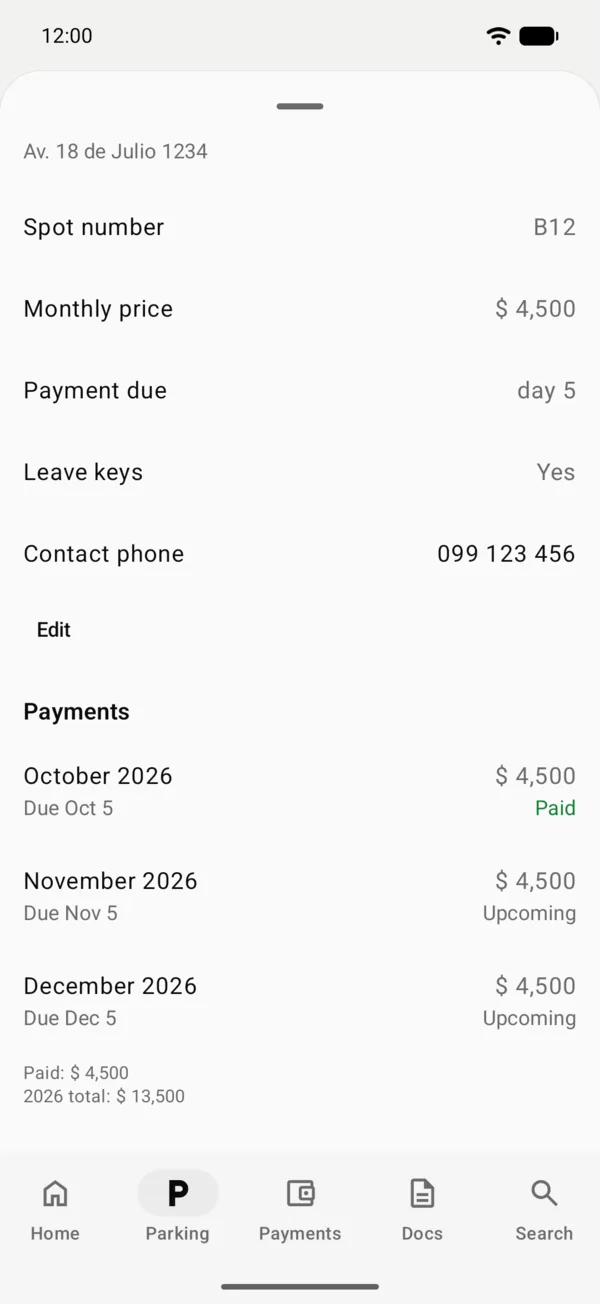
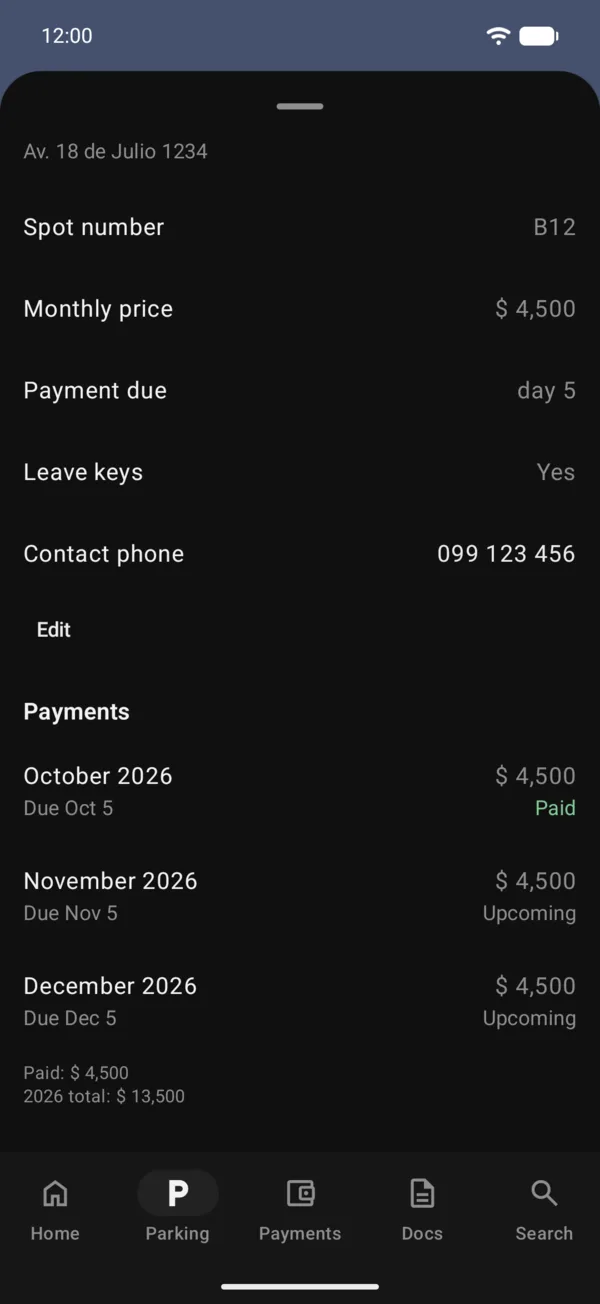
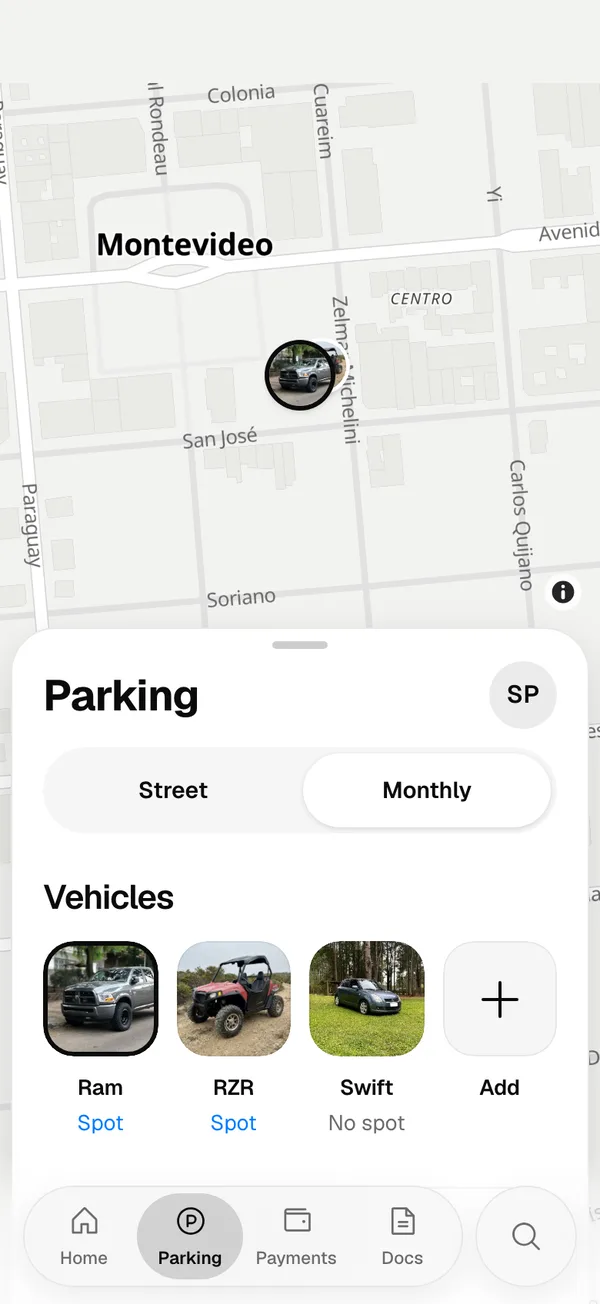
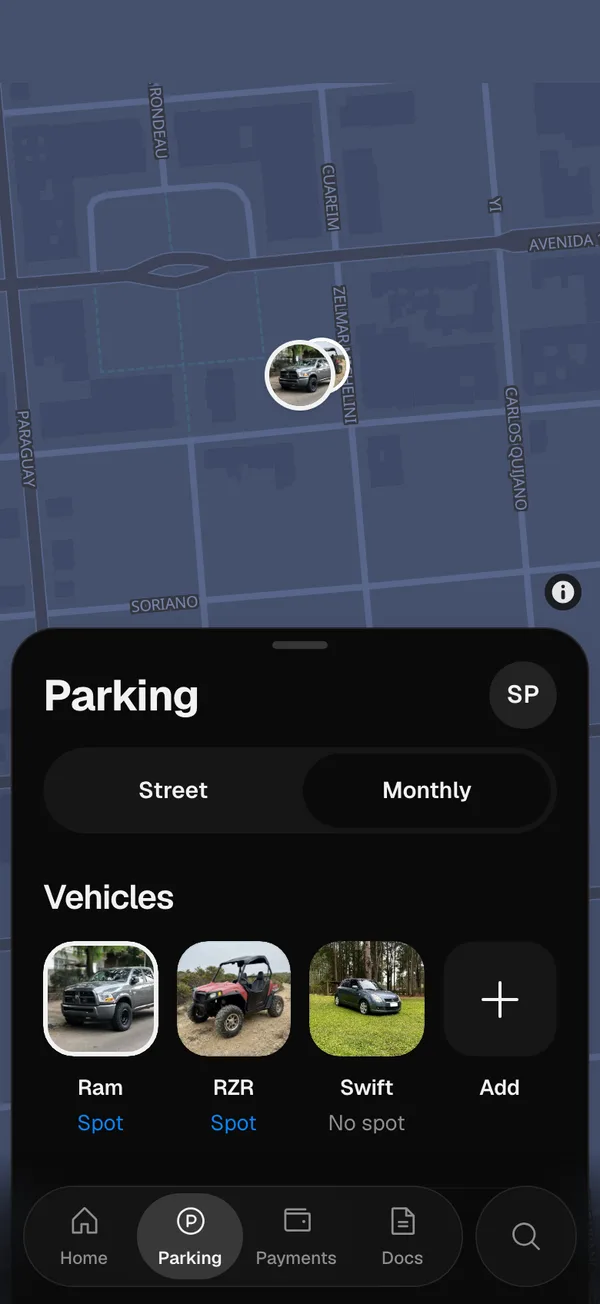
Tap Navigate to parking for driving directions. To change something, tap Edit. Each month’s payment is further down, under Payments: see Pay your parking months.
Remove the monthly parking
Tap Edit, then Delete monthly parking, and confirm. Future months won’t have scheduled payments.
If you don’t pay for parking for a vehicle
- In Monthly, tap the vehicle that says No spot.
- Scroll to the end and tap I don’t pay monthly parking for this vehicle.
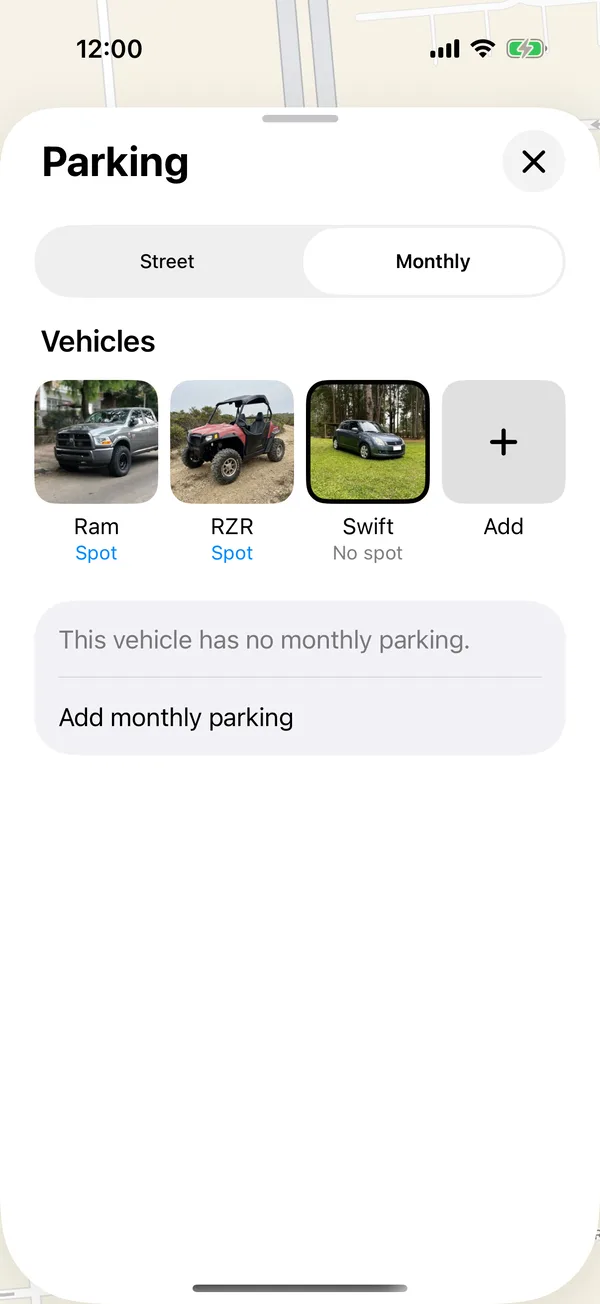
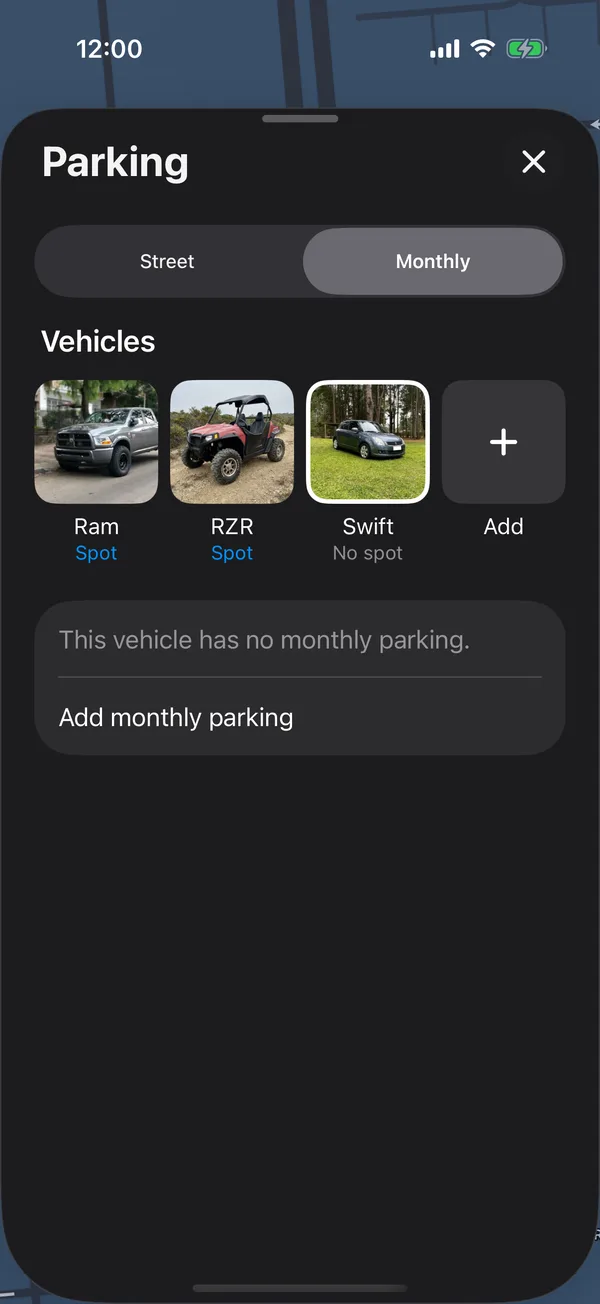
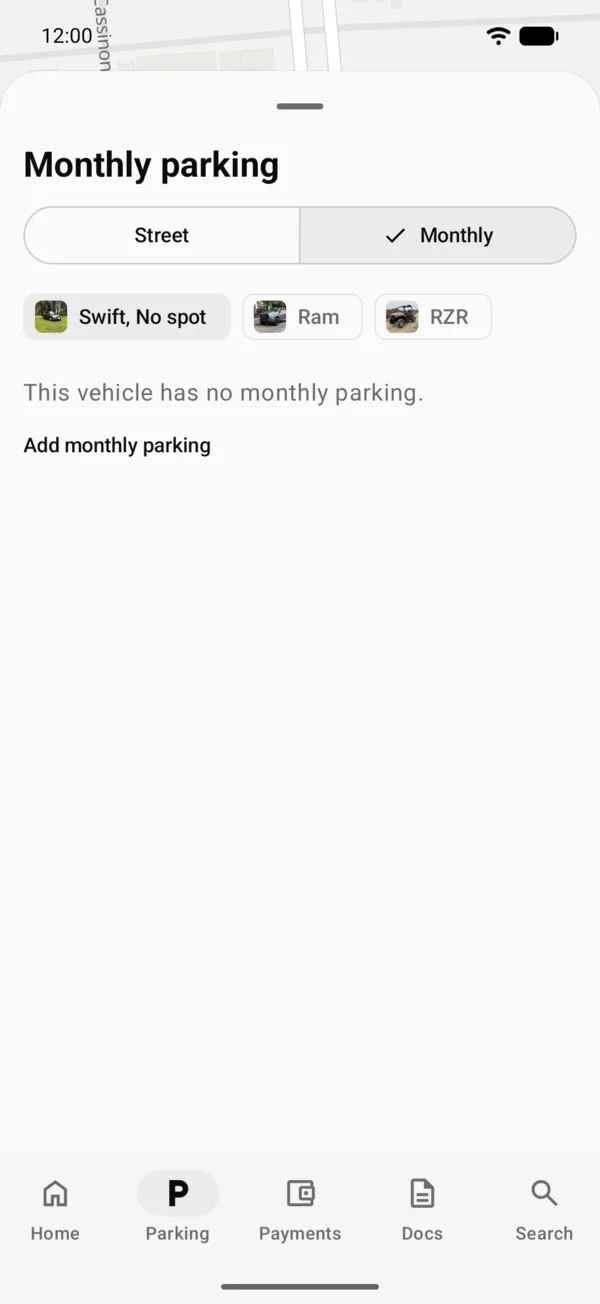
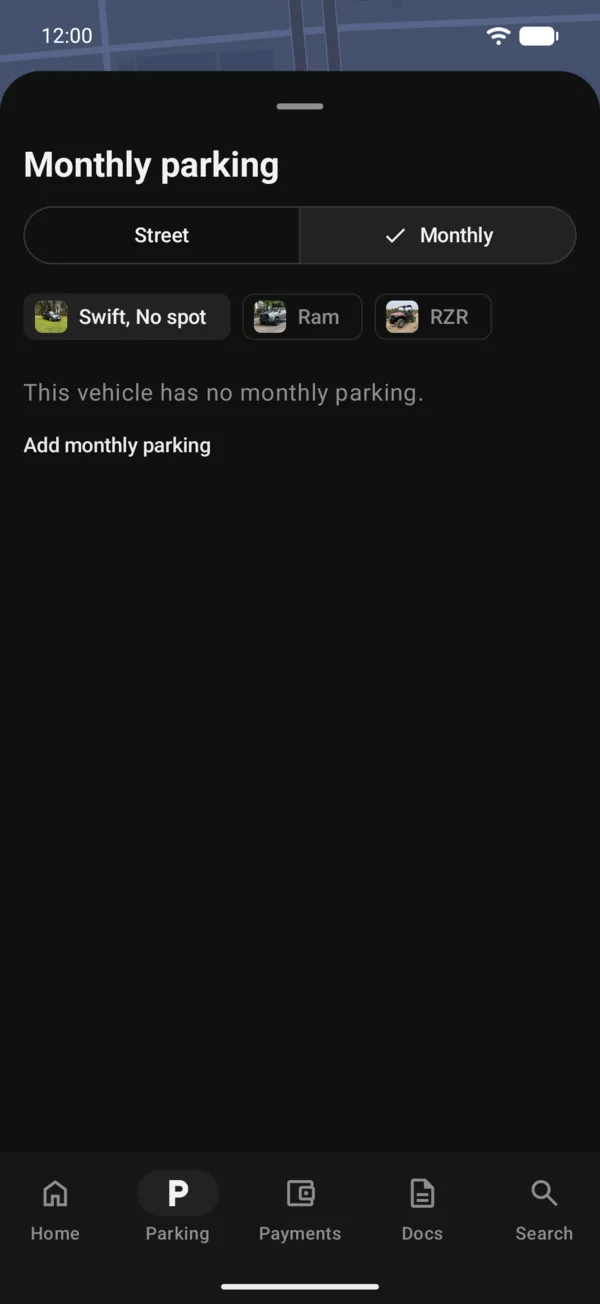
The vehicle has no spot: its monthly parking tile says $ 0 and Getting started counts the step as done. To undo it, tap Add monthly parking. Saving a spot also clears it.
On the web
On the web, Monthly works the same: the map with all your spots, the form to add one and the Payments section with each month.
More in Street and monthly parking
Didn’t find what you were looking for? Write to [email protected] and we’ll get back to you.