
Pay your parking months
Every month of the year with its due date and status. Tap a month to record the payment.
- On the Parking tab, tap Monthly and the vehicle.
- Scroll to Payments: every month of the year, with Due and the date, the amount and whether it’s Paid, Overdue or Upcoming.
- Tap a month. Record payment opens with that month’s amount and due date, already as paid.
- Check the Payment date and tap Save.
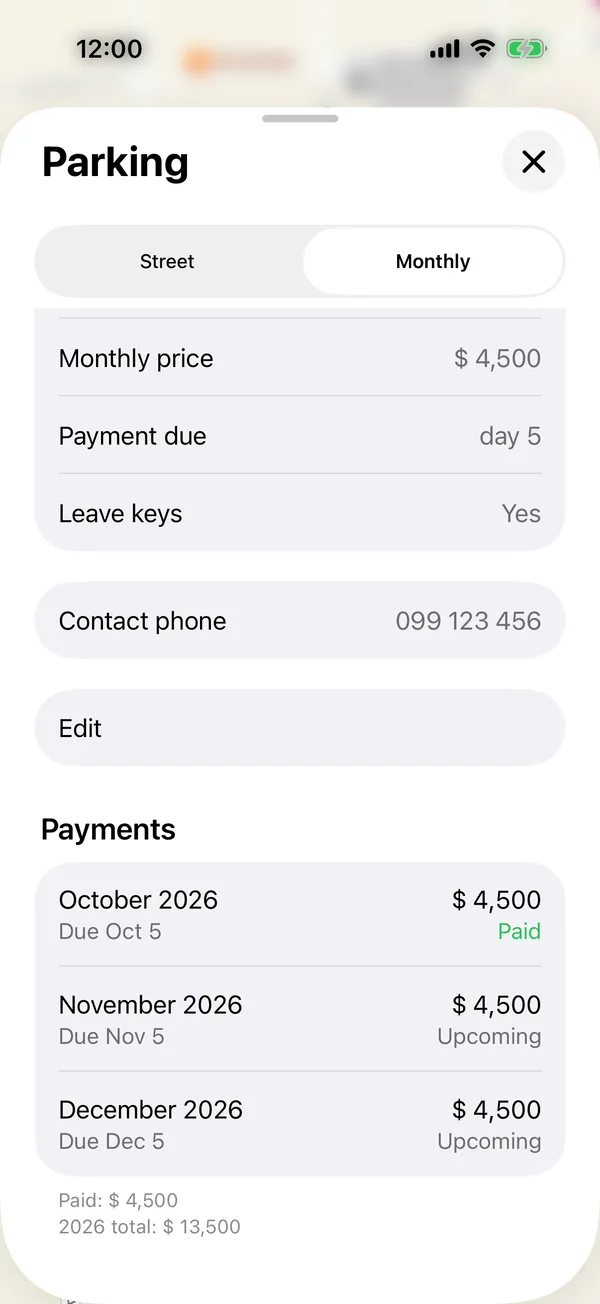
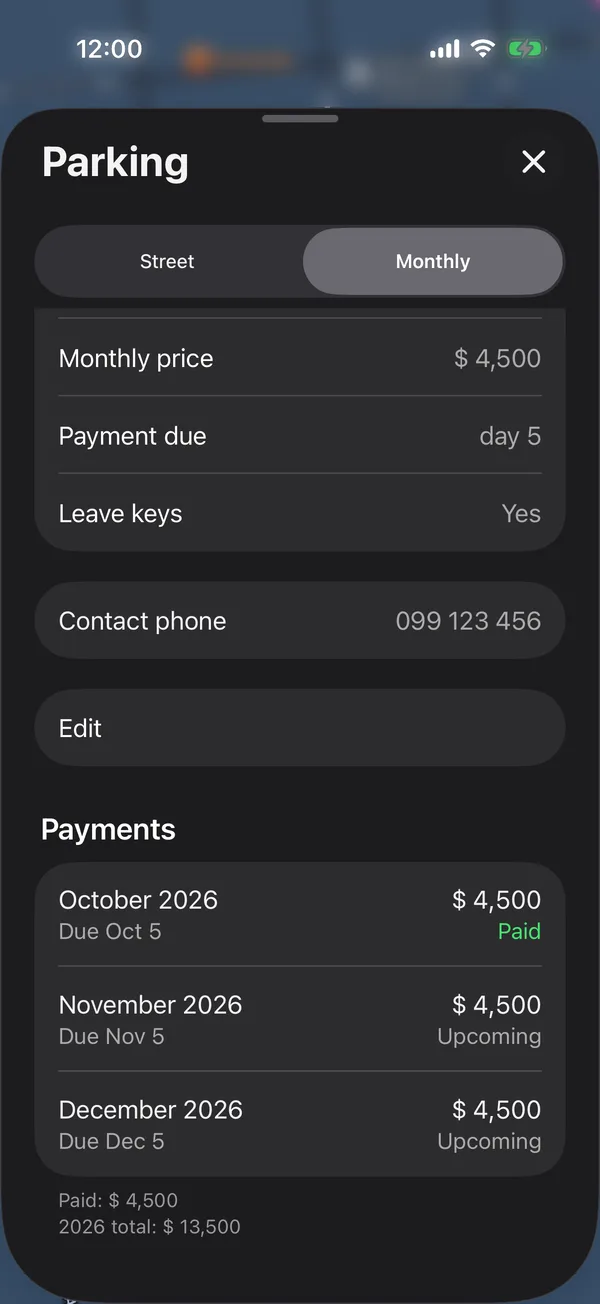
Under the months you see Paid, what you’ve paid this year, and the year’s Total. If the month was already recorded, Edit payment opens.
If the spot is shared, the amount is this vehicle’s share, and the payment is marked on every vehicle that shares it. See Share a parking spot between vehicles.
The same payments are in Payments, under the Parking category.
A Holder sees the spot, but not its price or its payments.
On the web it’s the same: tap a month under Payments to record it or open it.
More in Street and monthly parking
Didn’t find what you were looking for? Write to [email protected] and we’ll get back to you.