
See your parking history
Every time you parked, by month, with its map, its time and how long it lasted.
- On the Parking tab, tap Recents. It’s also under your account button, in Parking history.
- Sessions are grouped by month, newest first. Each is a card with the map of where you parked on top, and under it the vehicle, the plate, how long it lasted (for example “45 min” or “1 h 30 min”), the day and the time.
- To search by name or plate, tap the magnifying glass at the bottom right.
- With Filter & sort, at the top right, choose the Vehicles, the Status (Active, Completed or Cancelled) and Sort by: Most recent first, Oldest first or Longest first.
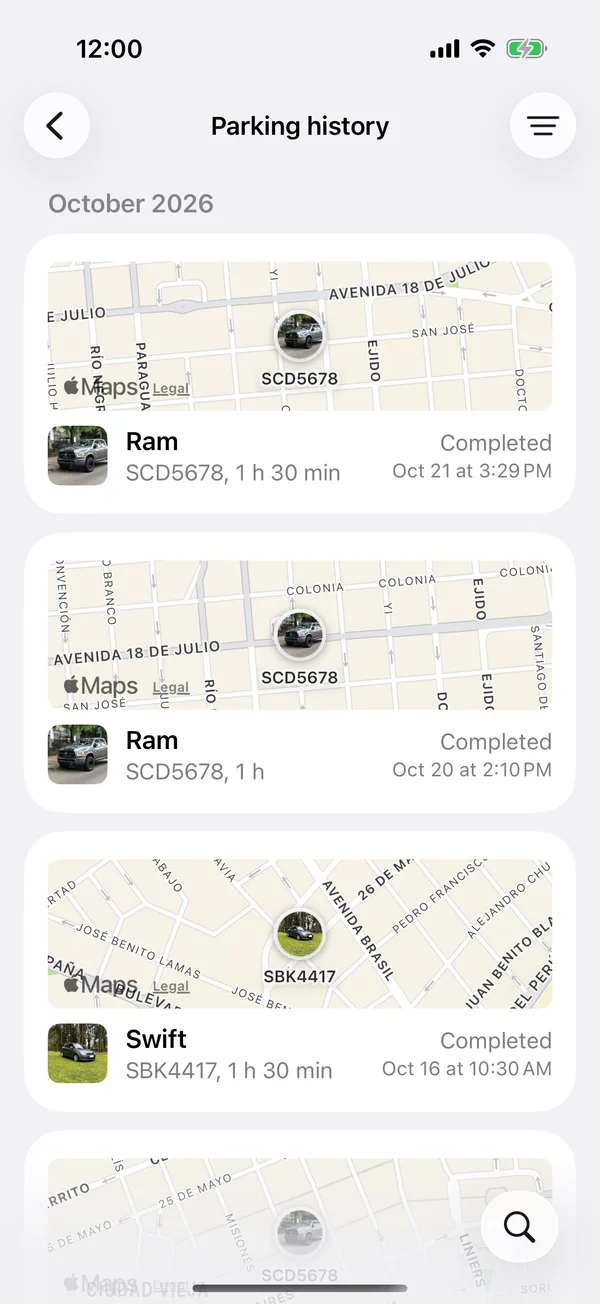
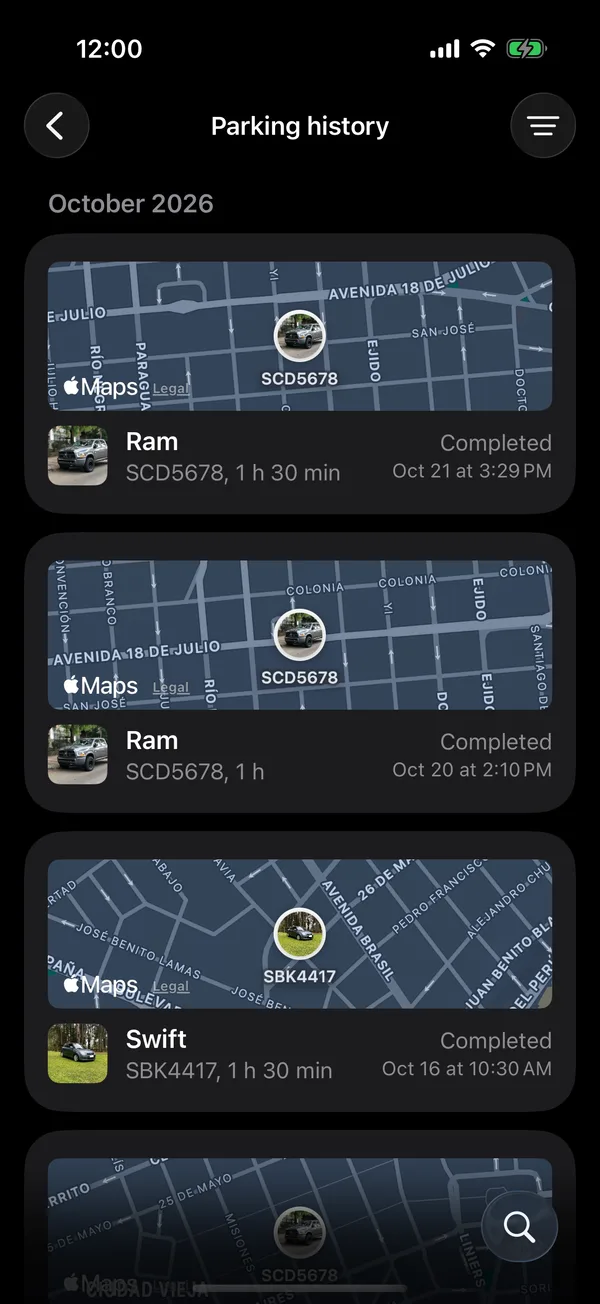
Each session says Active, Completed or Cancelled.
To hide a session, swipe it left and tap Archive. In Recents, each session’s ⋯ menu also has Walking directions.
On the web
On the web it’s in your account, under Parking history, or in the Recents title on the Parking tab, with the same cards, the same Filter & sort and the search behind the button at the bottom right. On a computer it’s in the sidebar, with Search and Filter & sort at the top right. To archive, open the session’s ⋯ menu.
Related tools
More in Street and monthly parking
Didn’t find what you were looking for? Write to [email protected] and we’ll get back to you.