
Extend street parking
Add time without going back to the car, from the parked vehicle or from the reminder.
- Open the parked vehicle: tap it on the Parking map, under Parked on Home, or tap the “expiring soon” reminder.
- Tap Extend parking.
- Choose how much time to add under Duration.
- Tap Send and send the SMS from Messages.
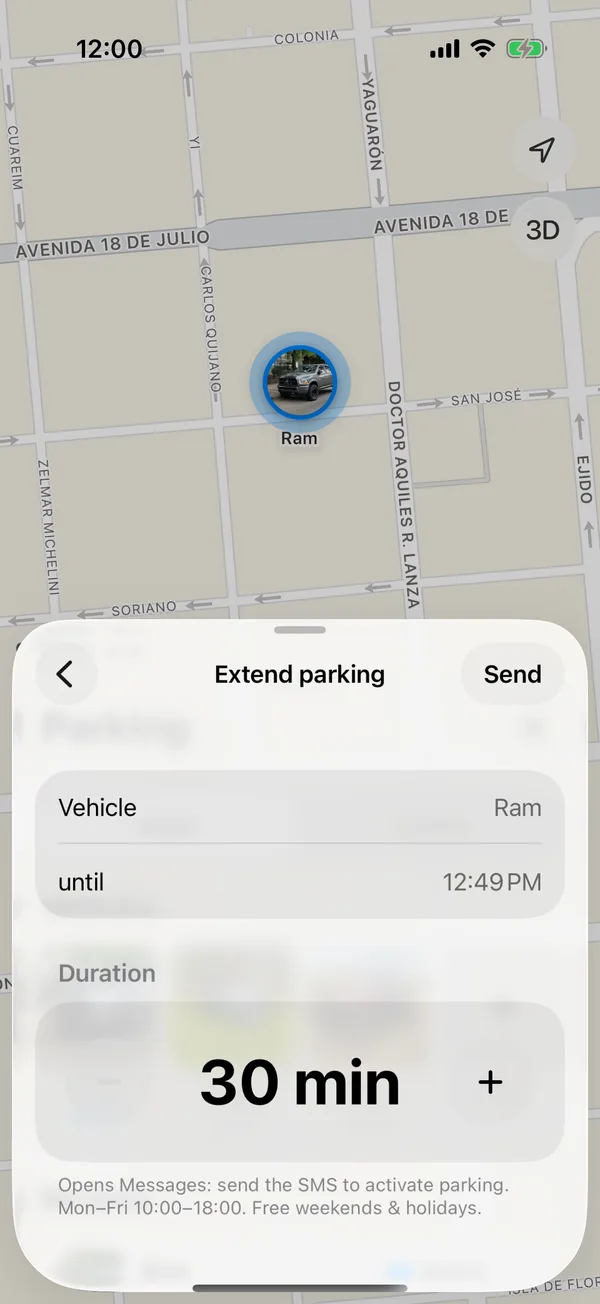
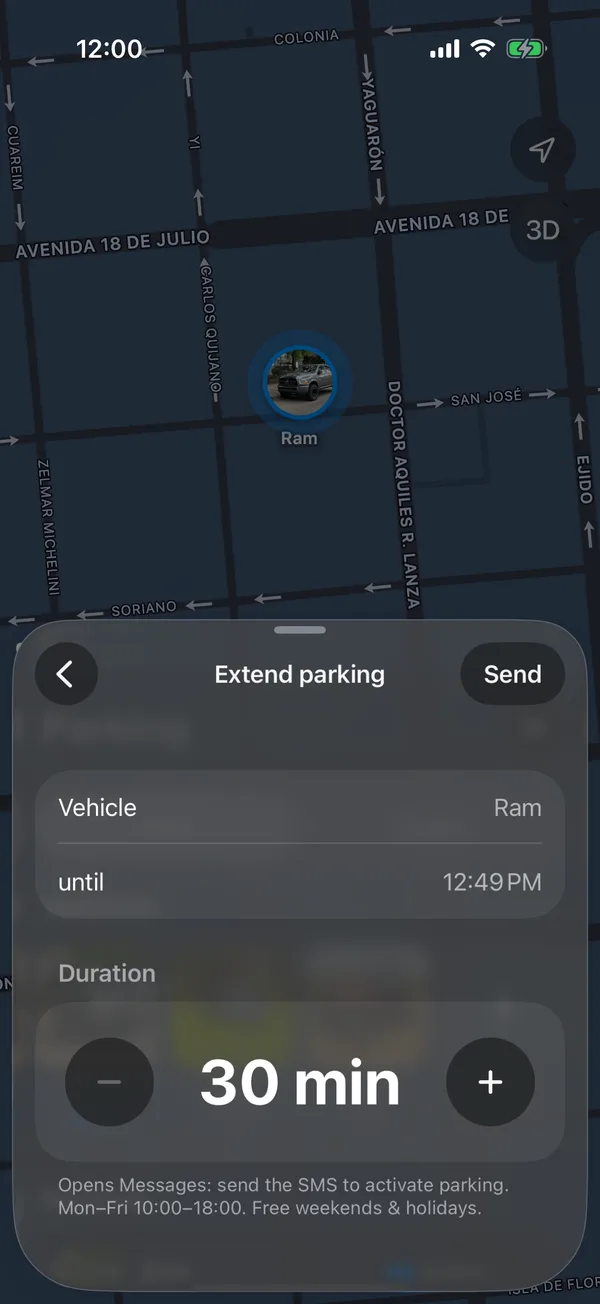
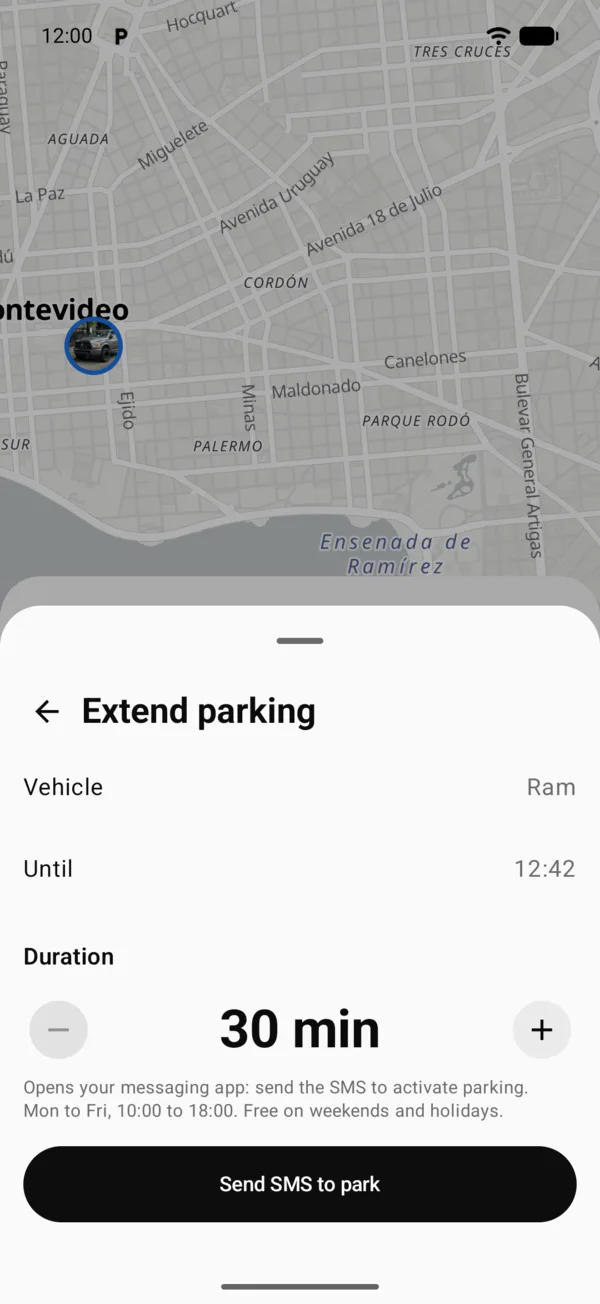
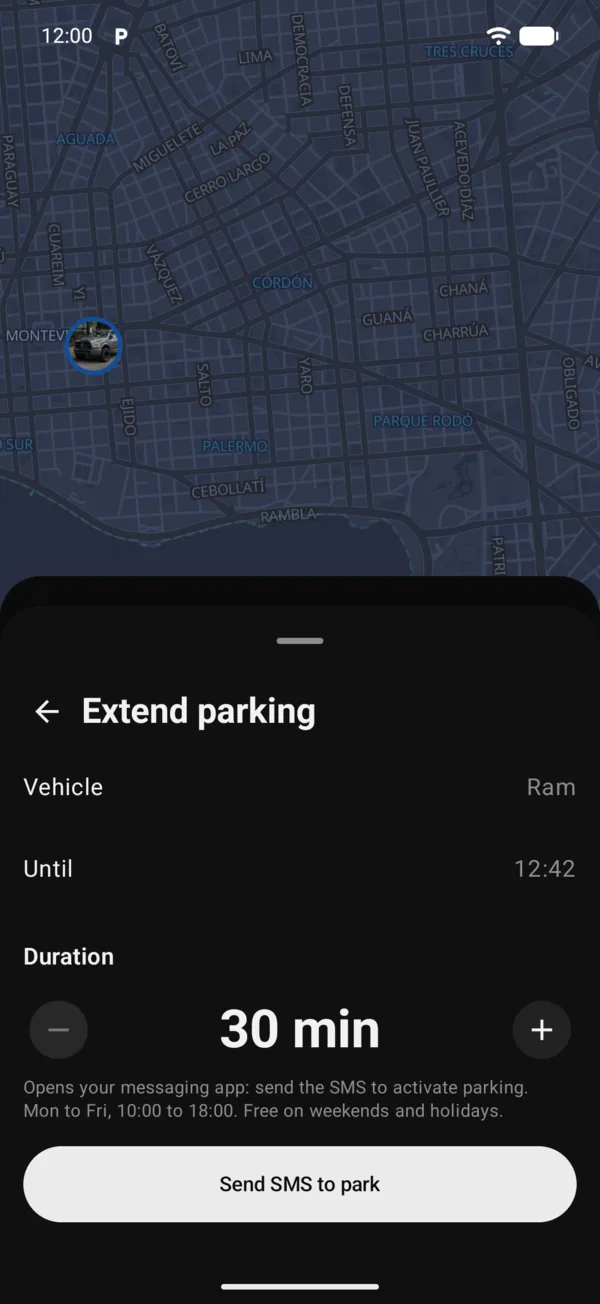
Once the SMS is sent, the end time moves later, and the countdown, the Lock Screen and the reminders update.
Under 10 minutes, Extend parking also shows on the Lock Screen, on the parking countdown: it brings you to this screen for that vehicle. See Parking on the Lock Screen.
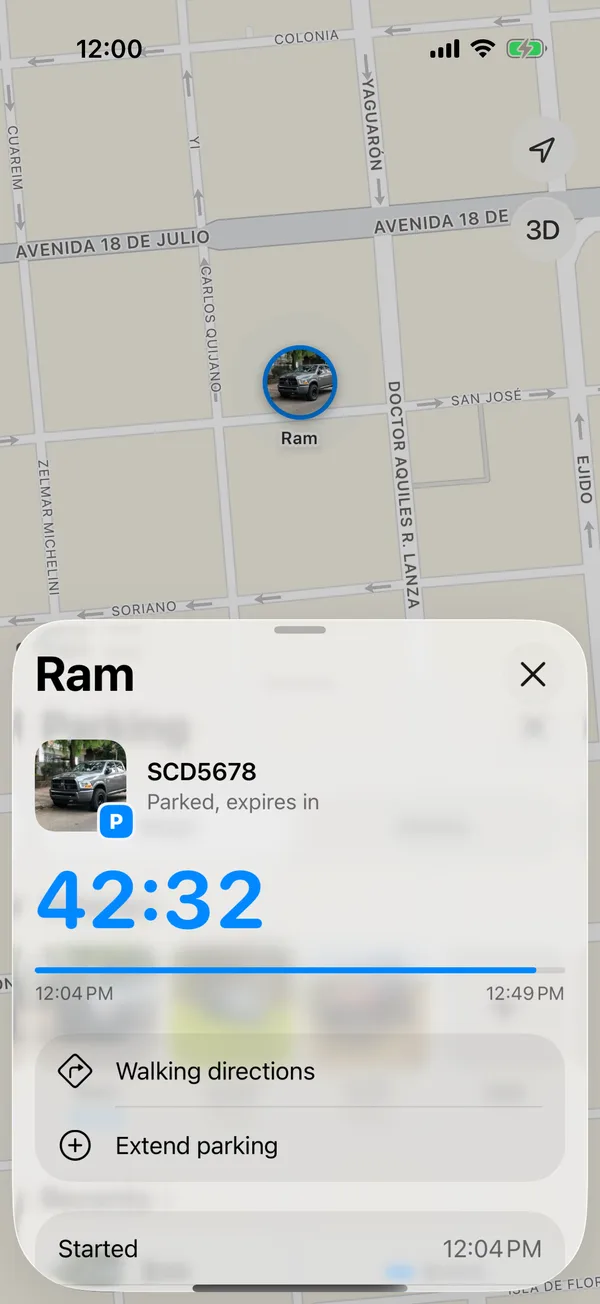
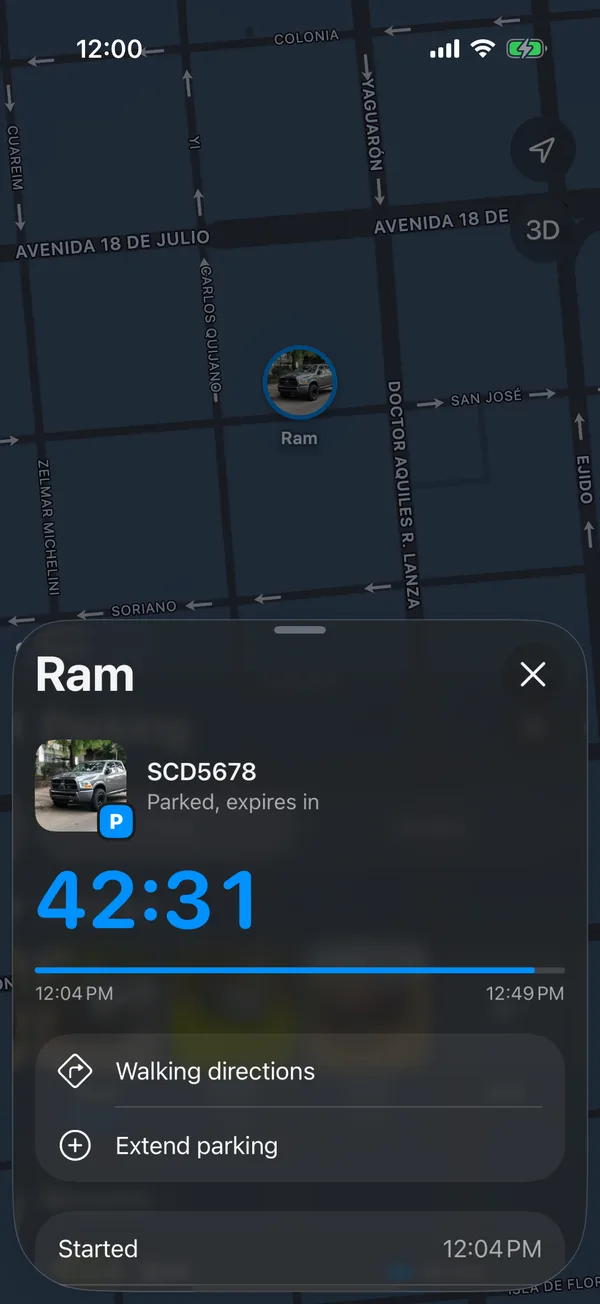
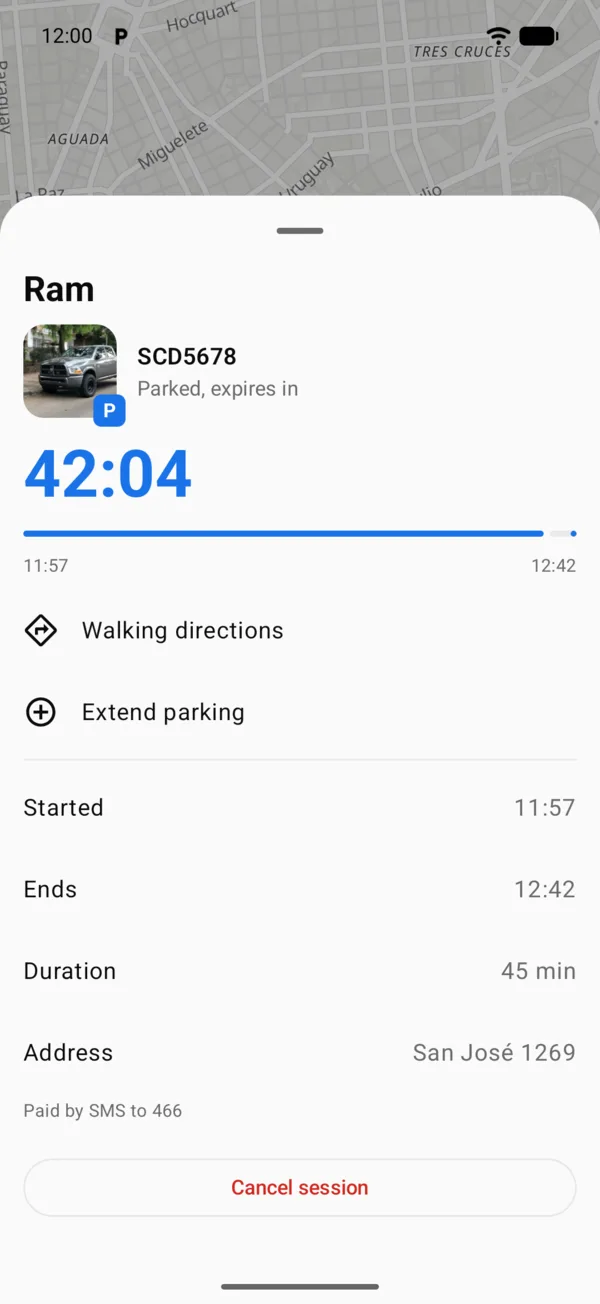
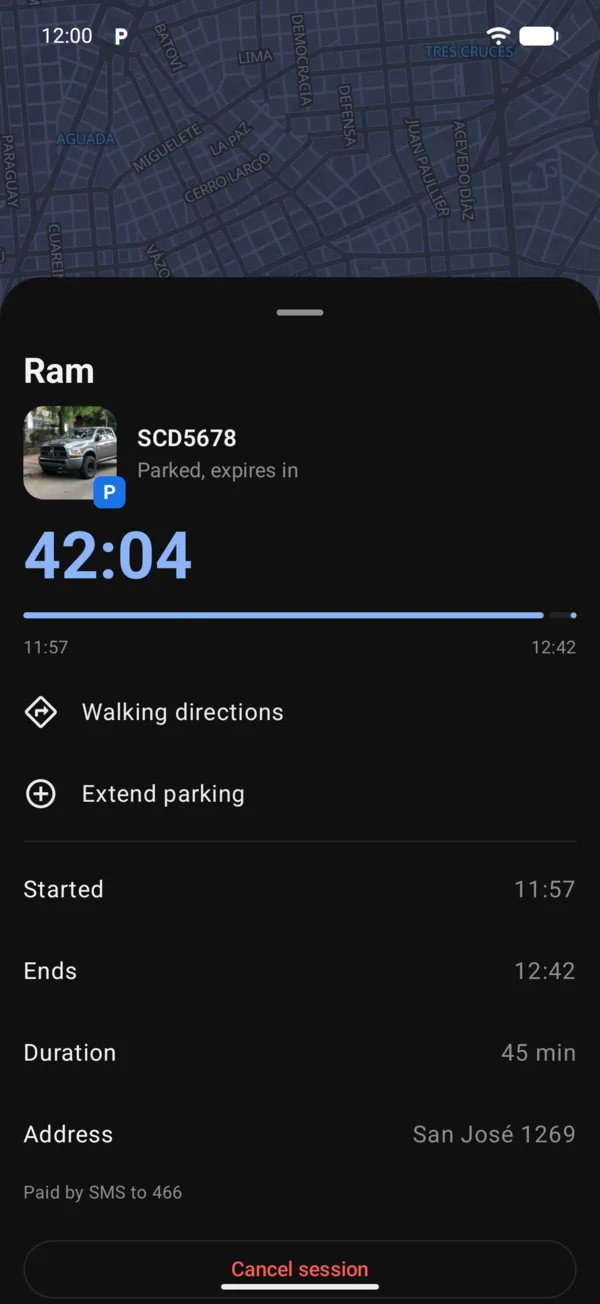
Extend parking is only available during paid hours.
More in Street and monthly parking
Didn’t find what you were looking for? Write to [email protected] and we’ll get back to you.