
Search the app
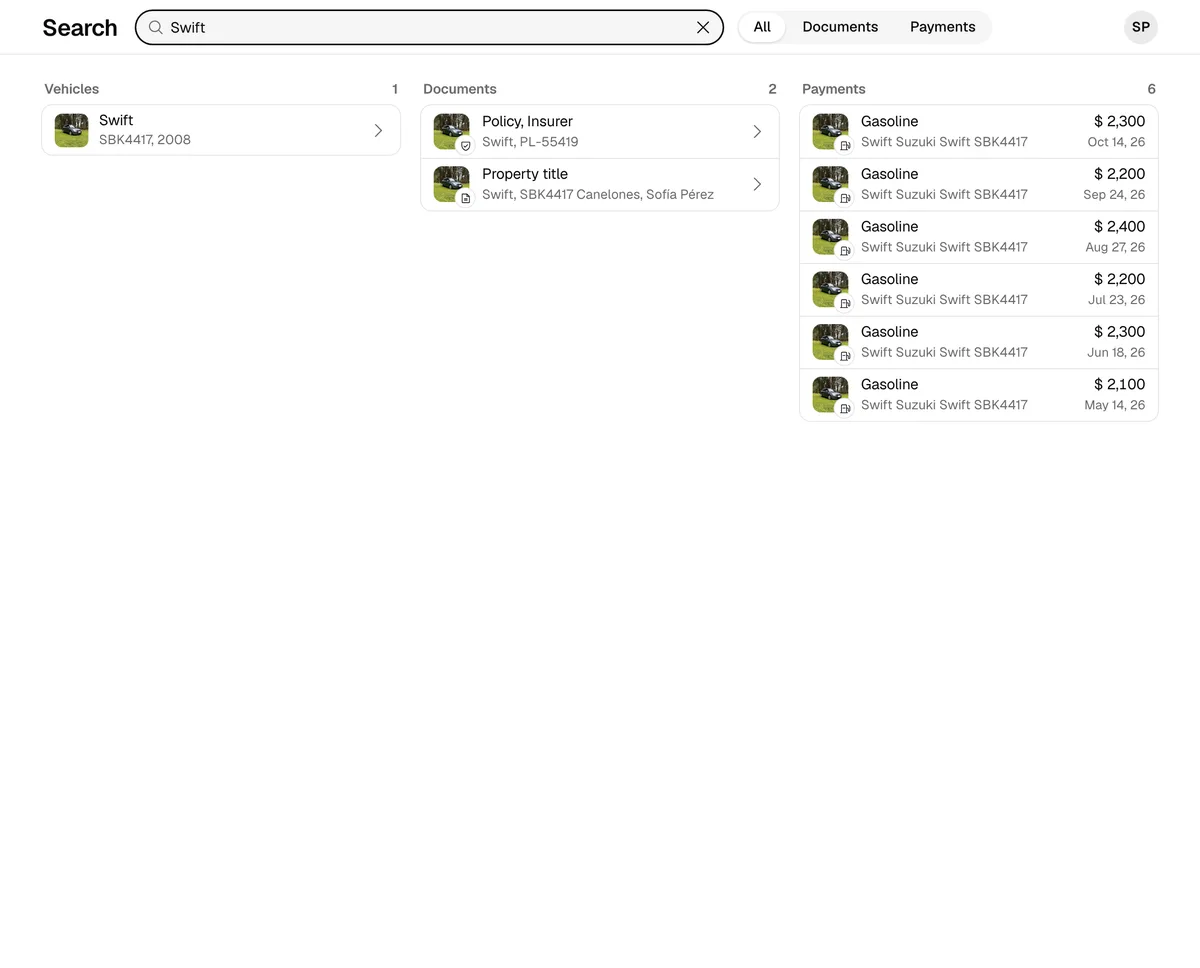
Find vehicles, documents and payments by plate, make, model, VIN, policy, concept or amount.
- Tap Search: on the iPhone it’s the magnifier at the right of the tab bar; on Android, the last tab.
- Type what you’re looking for: a plate, a make, a model, a VIN, a policy number, a concept or an amount.
- To see one kind of result only, tap Filter at the top right and choose Vehicles, Documents or Payments. All shows everything again.
- Tap a result to open it.
Vehicles show as tiles and documents as cards, which you move through by swiping sideways; payments are in a list. While you filter, the Filter button is filled.
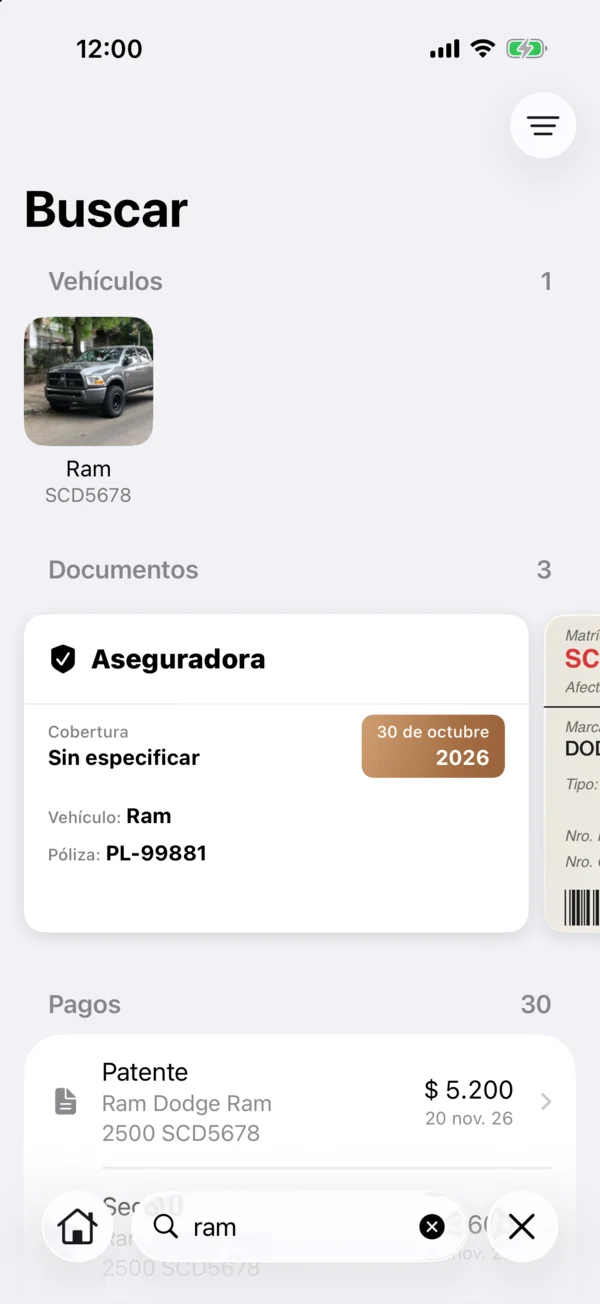
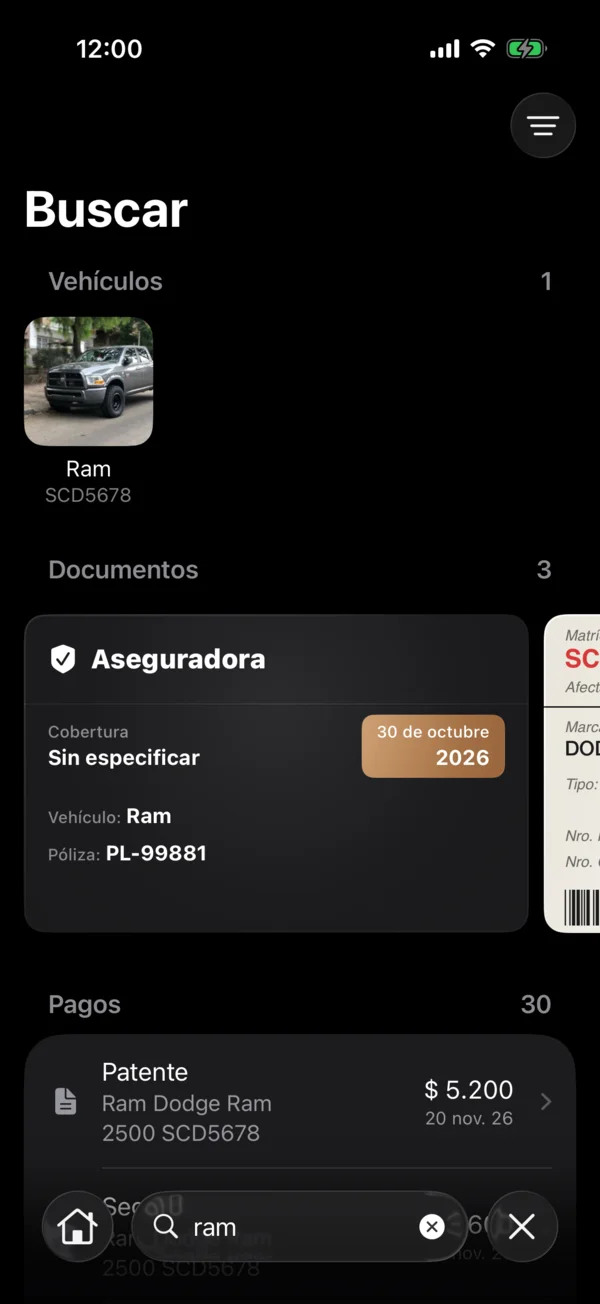
Search ignores capitals and accents and works offline. You only find what your role lets you see.
On the web
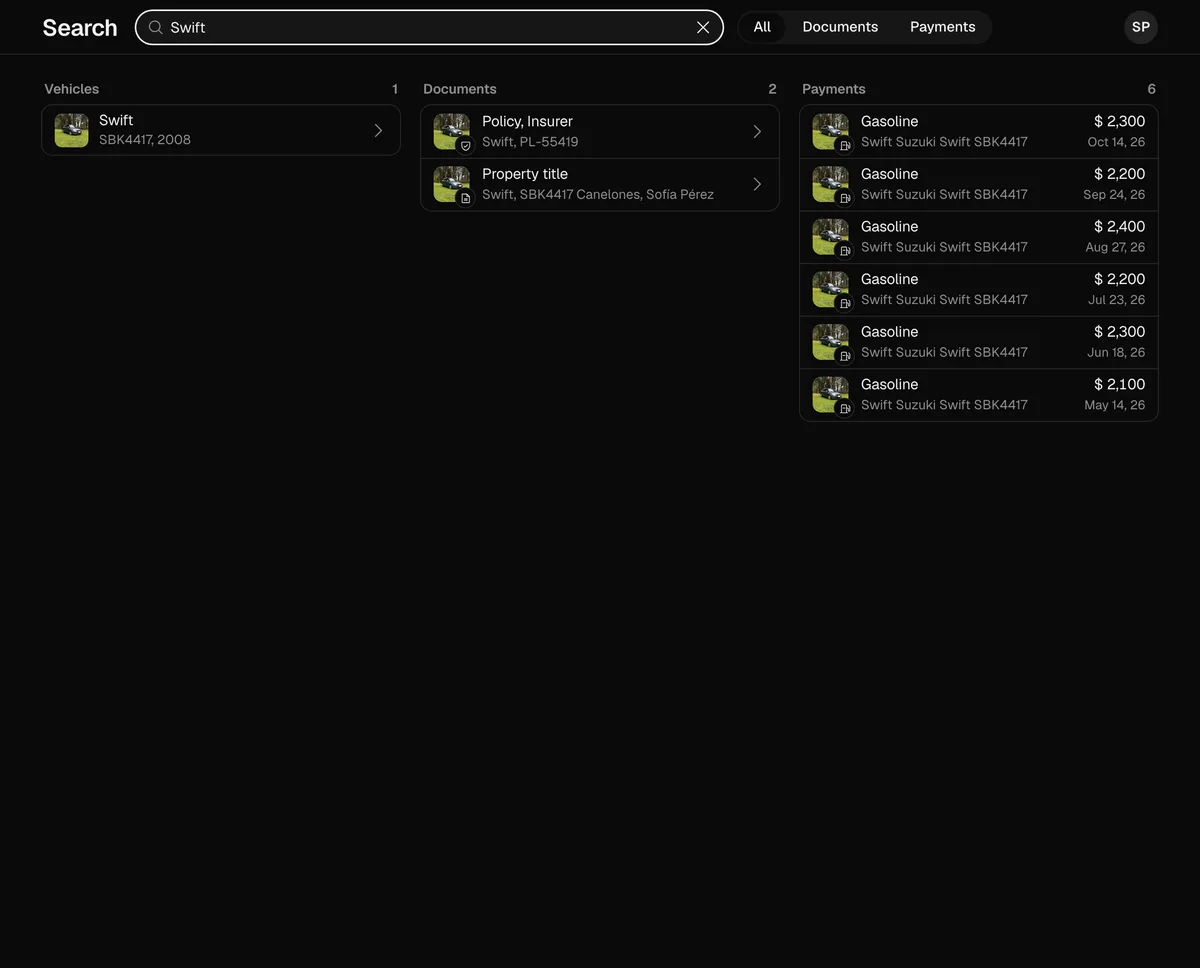
Tap Search in the bottom bar (on a computer, at the top of the sidebar), or press Cmd+K (Ctrl+K on Windows) from any page. It searches the copy of your data in the browser, so it works offline too.
More in Getting started
Didn’t find what you were looking for? Write to [email protected] and we’ll get back to you.