
The Home screen
Your vehicles, what’s parked, the payments due soon and getting started.
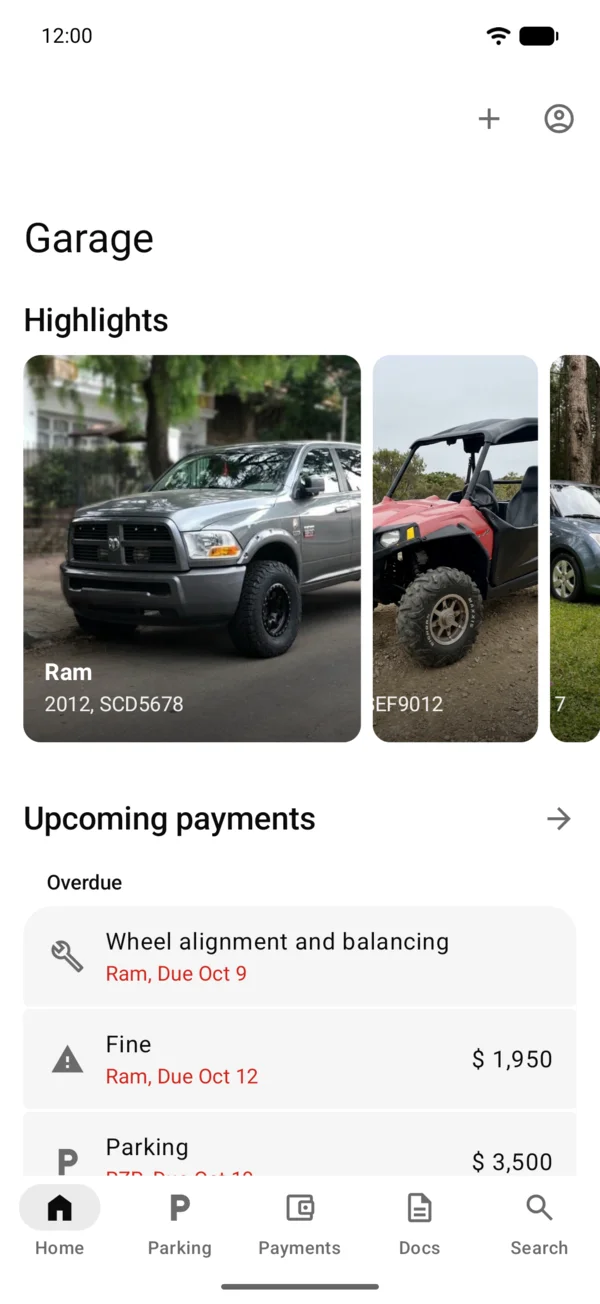
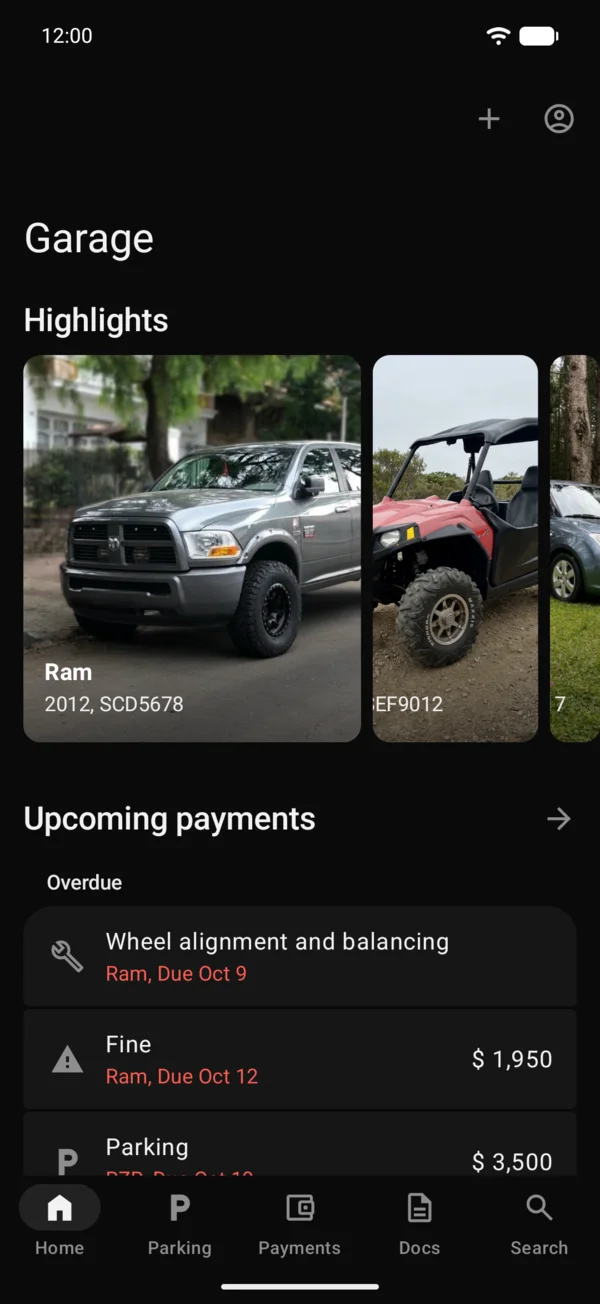
Home is the first tab. From top to bottom it has:
- Add your driver’s license, until you add it.
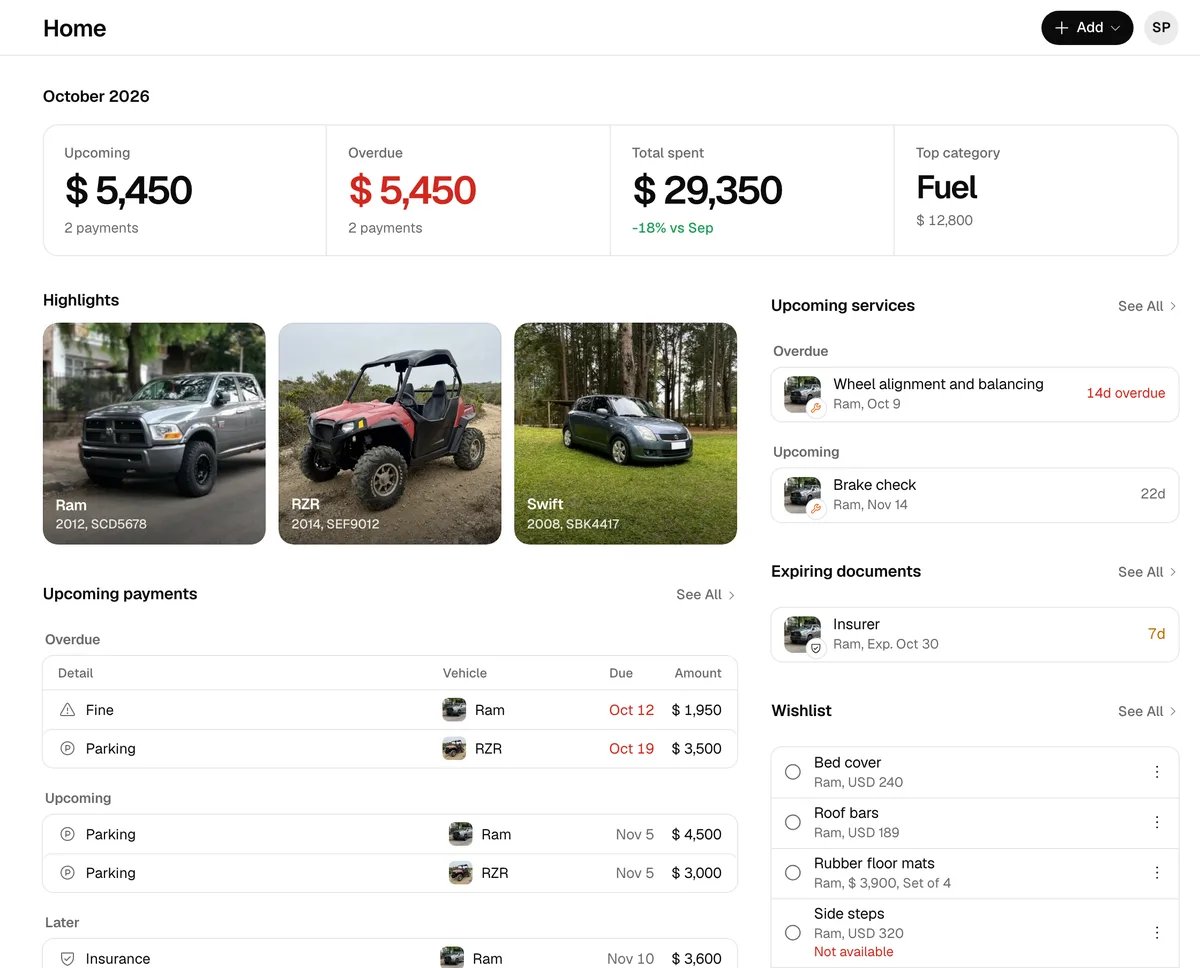
- Highlights: your vehicles with their photos. Once you pick favorites, the section is called Favourites. See Highlight and order your vehicles.
- Parked: what’s on street parking, with the time left. If it starts later, it says Starts soon with the day, for example Tomorrow, or the time.
- Upcoming payments: up to 3 pending payments or services, overdue first. Tap one to open it, or the title to go to Payments. With nothing pending, the section doesn’t show.
- Getting started: the steps to begin, with Start on the next one. You can hide them with Hide Getting Started.
- Two-wheelers, Offroaders, Pickups and SUVs: with 4 vehicles or more, a row for each type that has 3 or more.
- Shared: the vehicles other people share with you.
- Wishlist: a card for each vehicle with something to get, with what’s left and its total. Tap one to open that list, or the title to see them all. See Use the wishlist.
- Your vehicles: the full list.
- Your month: what you spent this month against the last, the last 6 months, Upcoming, the top category and what you’ve spent this year against what’s projected. Tap it to open Reports. It shows on the plans that have reports.
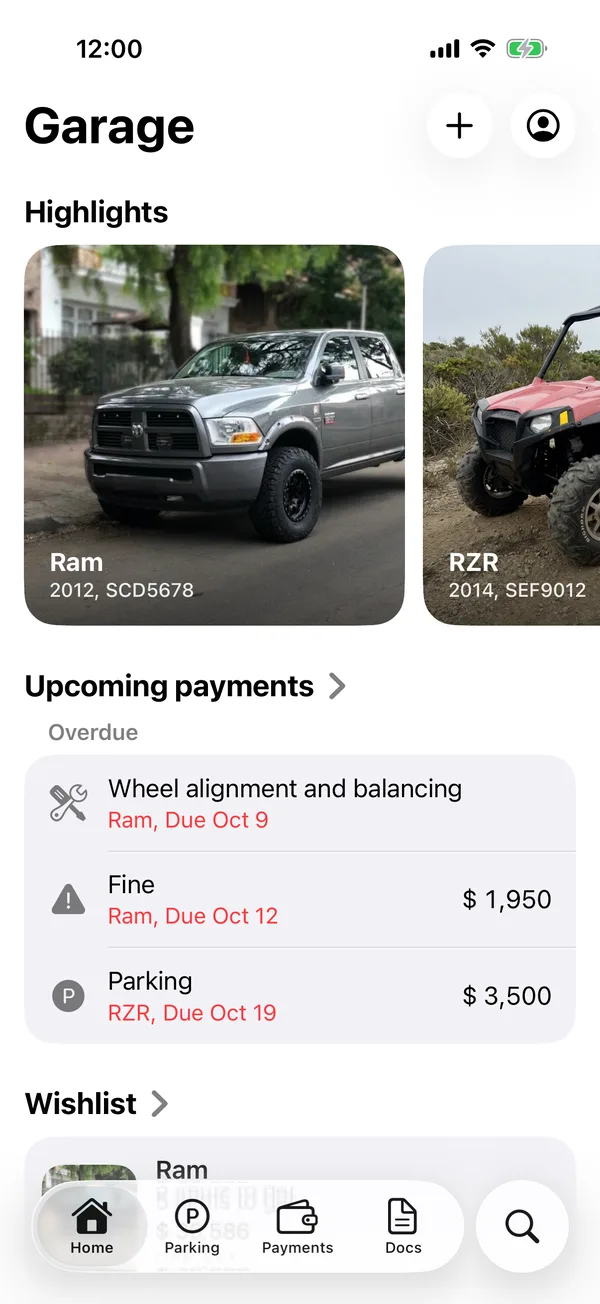
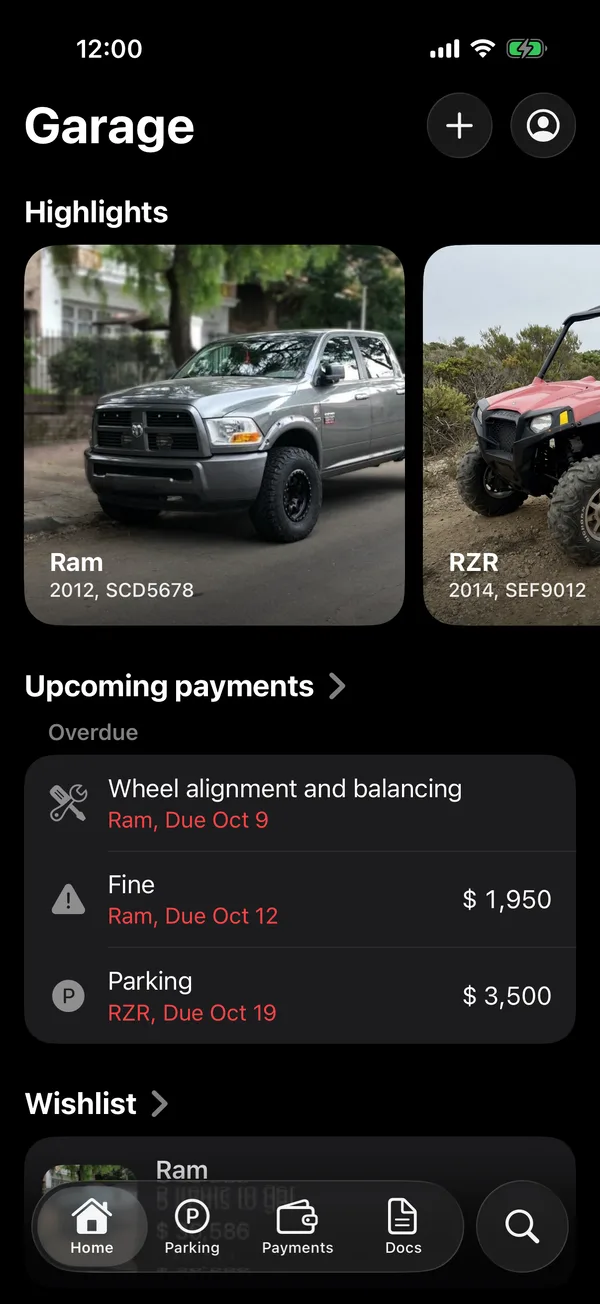
At the top right are +, to add a vehicle, a payment or fill-up, a service or a wishlist item, and your account button.
At the top right is +, which opens a sheet to add a vehicle, a payment or fill-up, a service or a wishlist item, with your account button next to it.
On the web
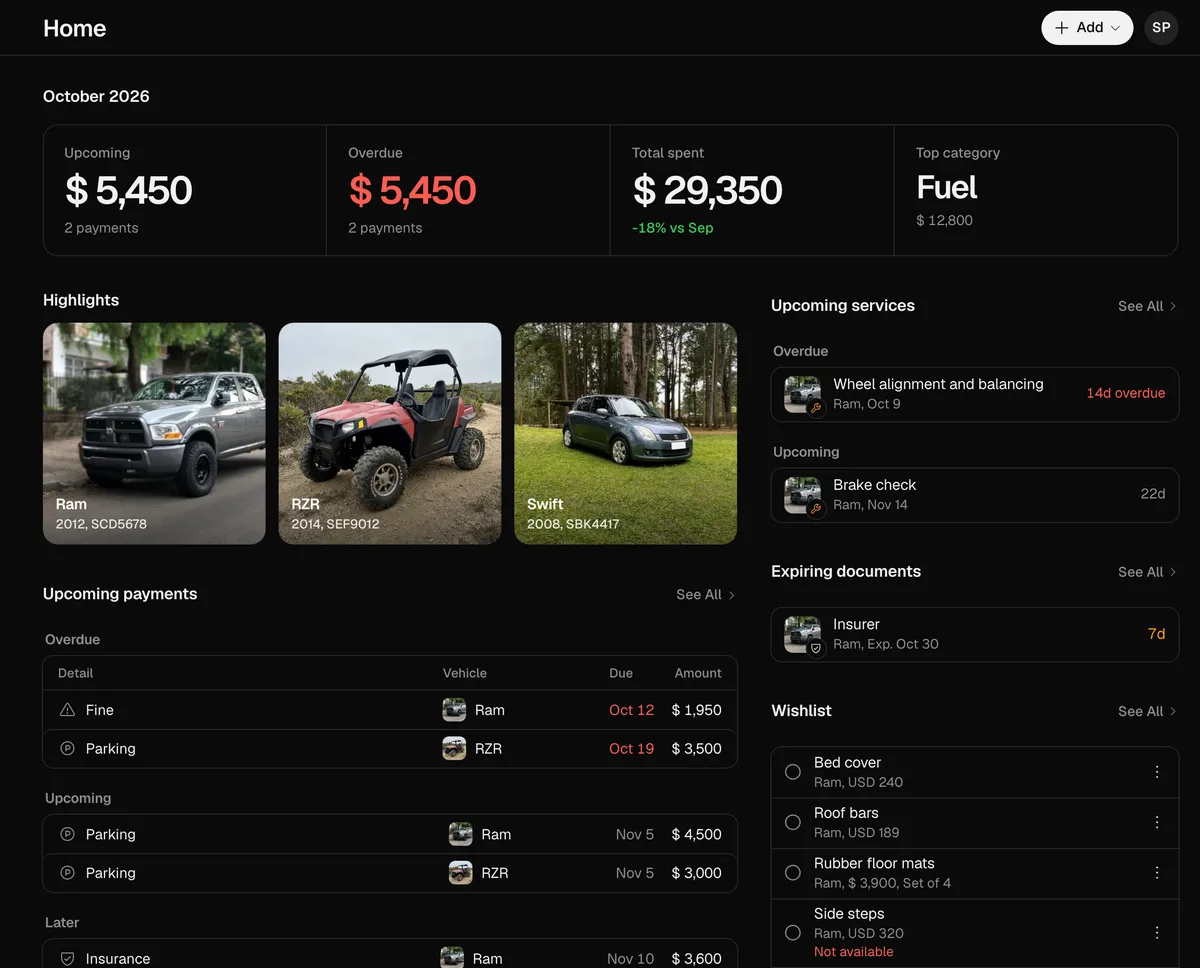
In a phone’s browser, Home has the same sections. On a computer, the month’s figures are at the top, with two columns below: one has Highlights and the upcoming payments, with See All to go to Payments; the other has the upcoming services, the expiring documents, the wishlist, a summary of Reports and, last, Shared. At the top right, Add offers Scan registration, From photo library, Record payment, Schedule service and Add to wishlist.
More in Getting started
Didn’t find what you were looking for? Write to [email protected] and we’ll get back to you.