
Add products from a store
Browse Mercado Libre, eBay, Amazon or AliExpress inside the app and add what you’re looking at with one tap.
- On the Wishlist, tap +, then Find in stores.
- Pick a store or type in Search or enter address.
- Browse to the product.
- Tap Add at the top right.
- Check the details that were filled in and tap Add item.
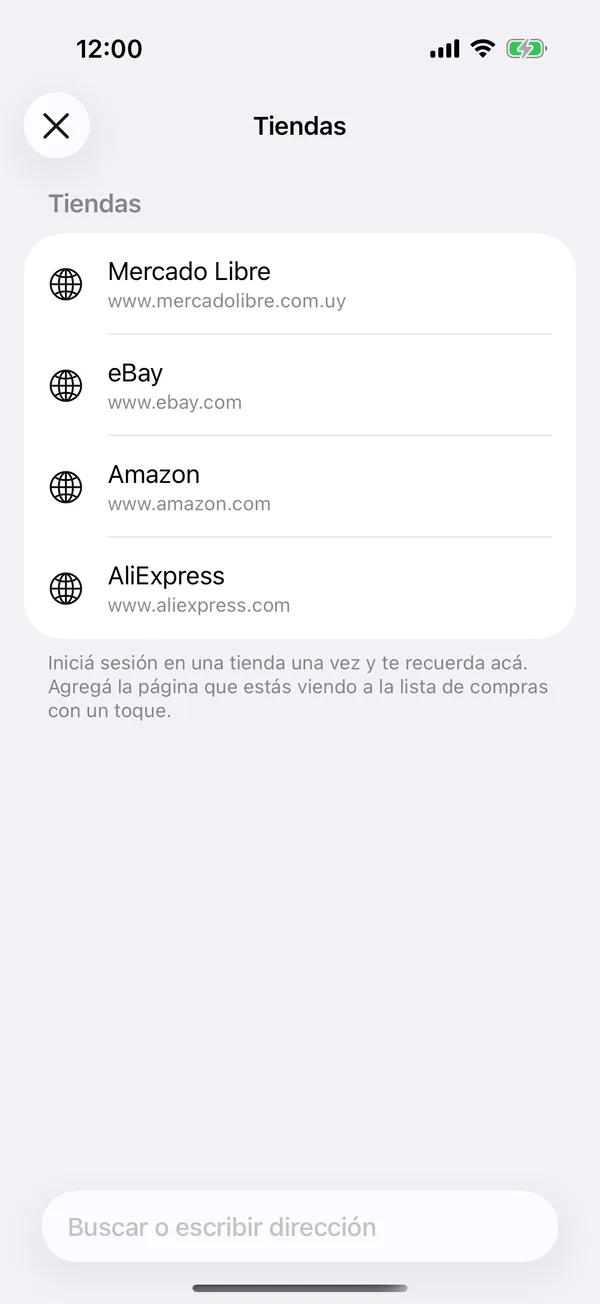
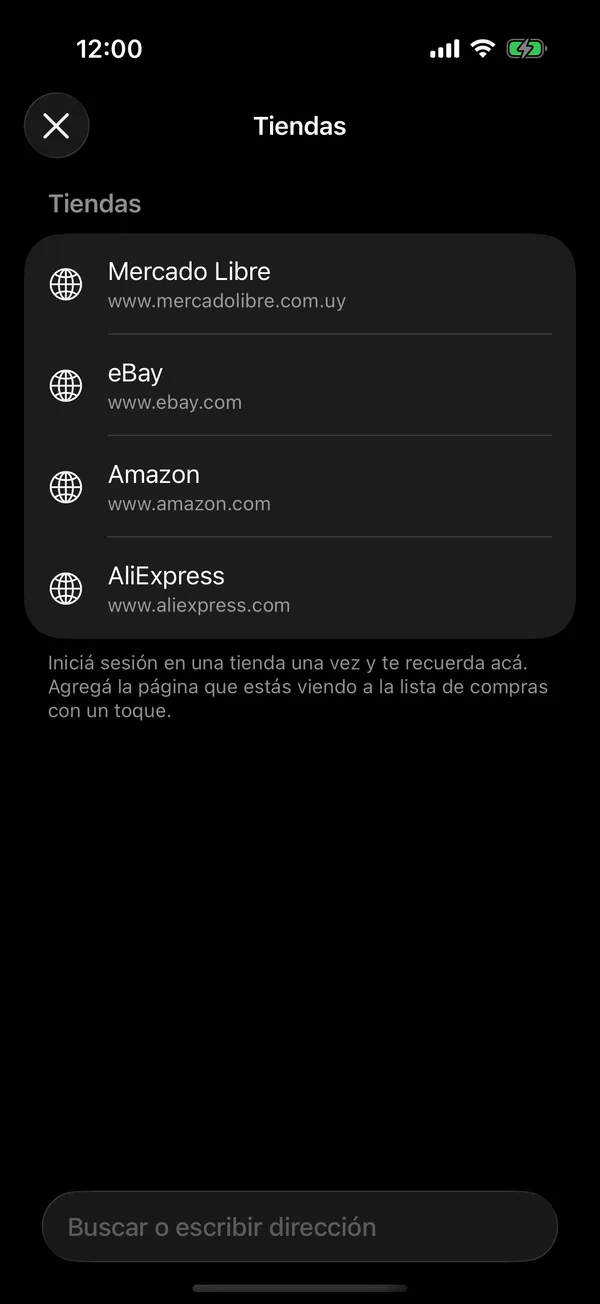
Sign in to a store once and it remembers you there.
If the list is empty, Find in stores is also in the middle of the screen.
On the web
Find in stores opens Stores, with the same stores and the search. Each store opens in another tab: copy the product’s link and paste it in New item.
On a computer, Find in stores is at the top right of Wishlist. Under Add from any store, beside the list, drag Add to GarageApp to your browser’s bookmarks bar, then click it on a product’s page.
More in Service and wishlist
Didn’t find what you were looking for? Write to [email protected] and we’ll get back to you.