
Price changes and “Not available”
GarageApp follows the price of items with a link and lets you know when it changes.
With Pro and up (the plan of the vehicle’s owner), on items with a link to a store, we check the price every day and the one on the list updates on its own. When it changes, we let you know with the old and the new price; if several change, in a single alert. If you change the price yourself in Edit, we don’t send an alert.
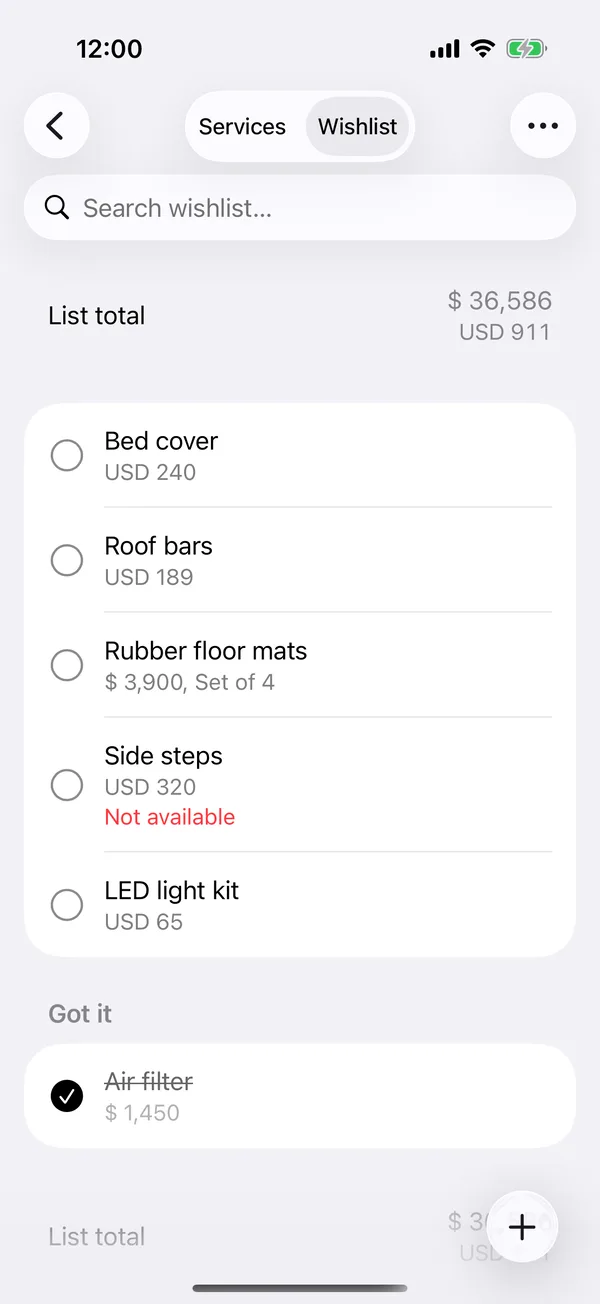
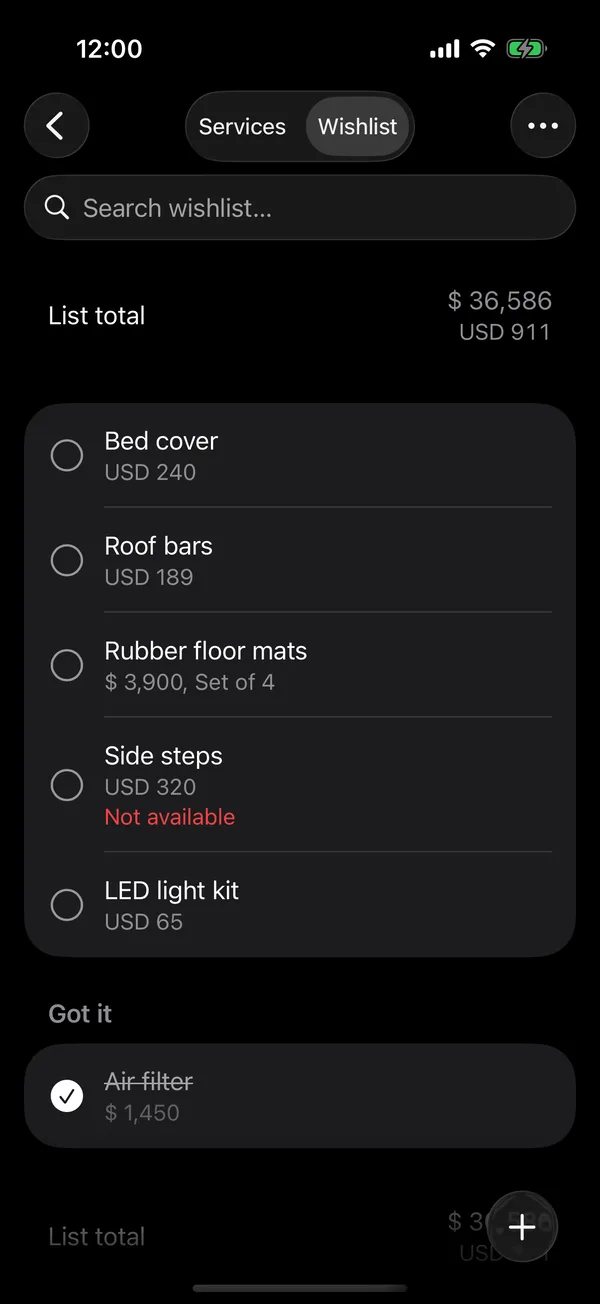
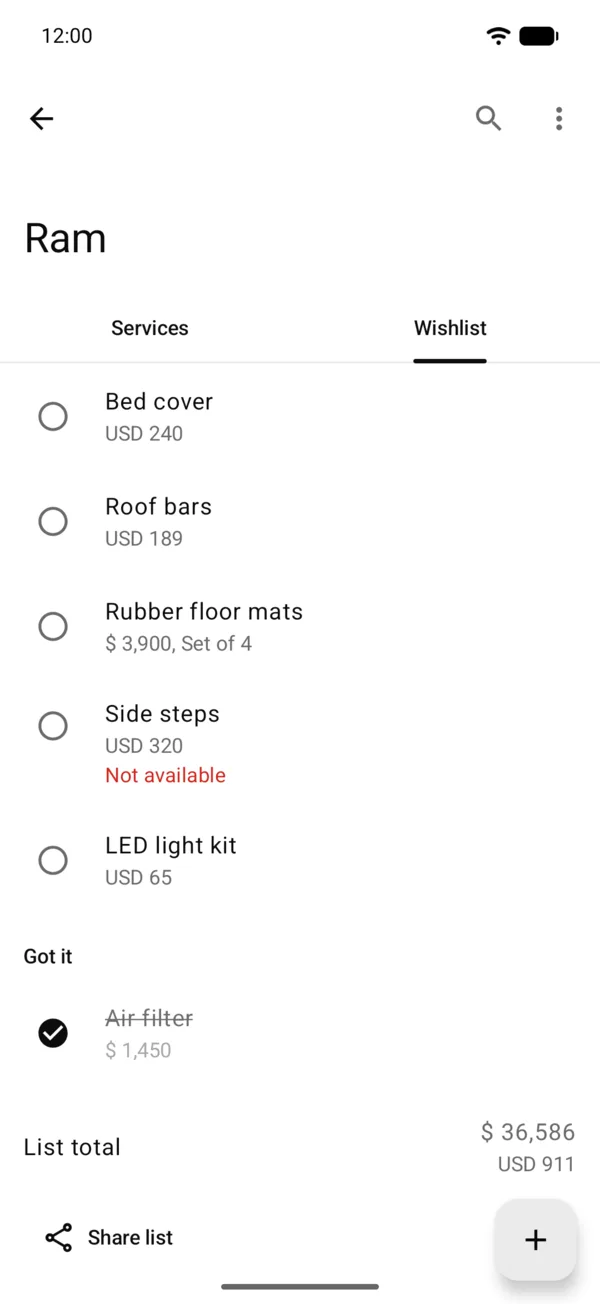
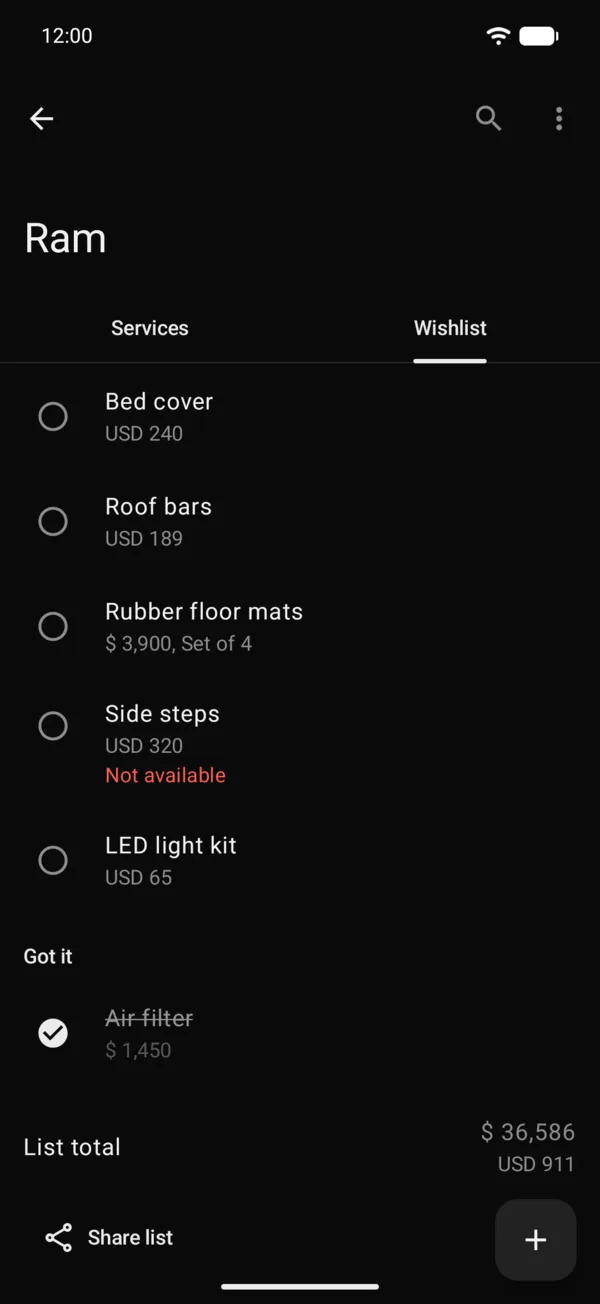
Not available, in red under an item, means the store no longer sells it or the page is gone. The price you see is the last one it had, and it still counts in the total.
The mark goes away on its own if the product comes back, or when you change the link in Edit. When the daily check marks an item Not available, or it comes back, we let you know too.
These alerts are turned on with Wishlist alerts in notifications; on Starter the option shows locked, with the plan that includes it.
On the web, the Not available mark shows the same way.
More in Service and wishlist
Didn’t find what you were looking for? Write to [email protected] and we’ll get back to you.